
Clear, professional product photos help customers understand what they are buying and keep the IVO catalogue consistent across different merchants.
For this reason, product images submitted to IVO must not contain shop branding, watermarks, promotional elements or other visual additions that are not part of the product itself.
If a product is refused because of its images, it will be returned to Draft status so that the photos can be corrected and the product submitted again for approval.
What product photos must not contain
Product photos must not include:
- Watermarks placed over the image
- Shop logos or shop names added to the photo
- Logos placed in a corner of the image
- Branded backgrounds or branded backdrops
- Shop names, logos or promotional graphics visible behind the product
- Promotional text, offers, phone numbers, website addresses or other advertising elements added to the photo
The objective is simple: the image should focus on the product, not on the merchant's branding.
1. Watermarks over the photo
Not acceptedA product photo contains repeated text, a shop name or another watermark placed across the product or the background. | AcceptedThe same product is shown clearly without any watermark, added text or shop branding. |
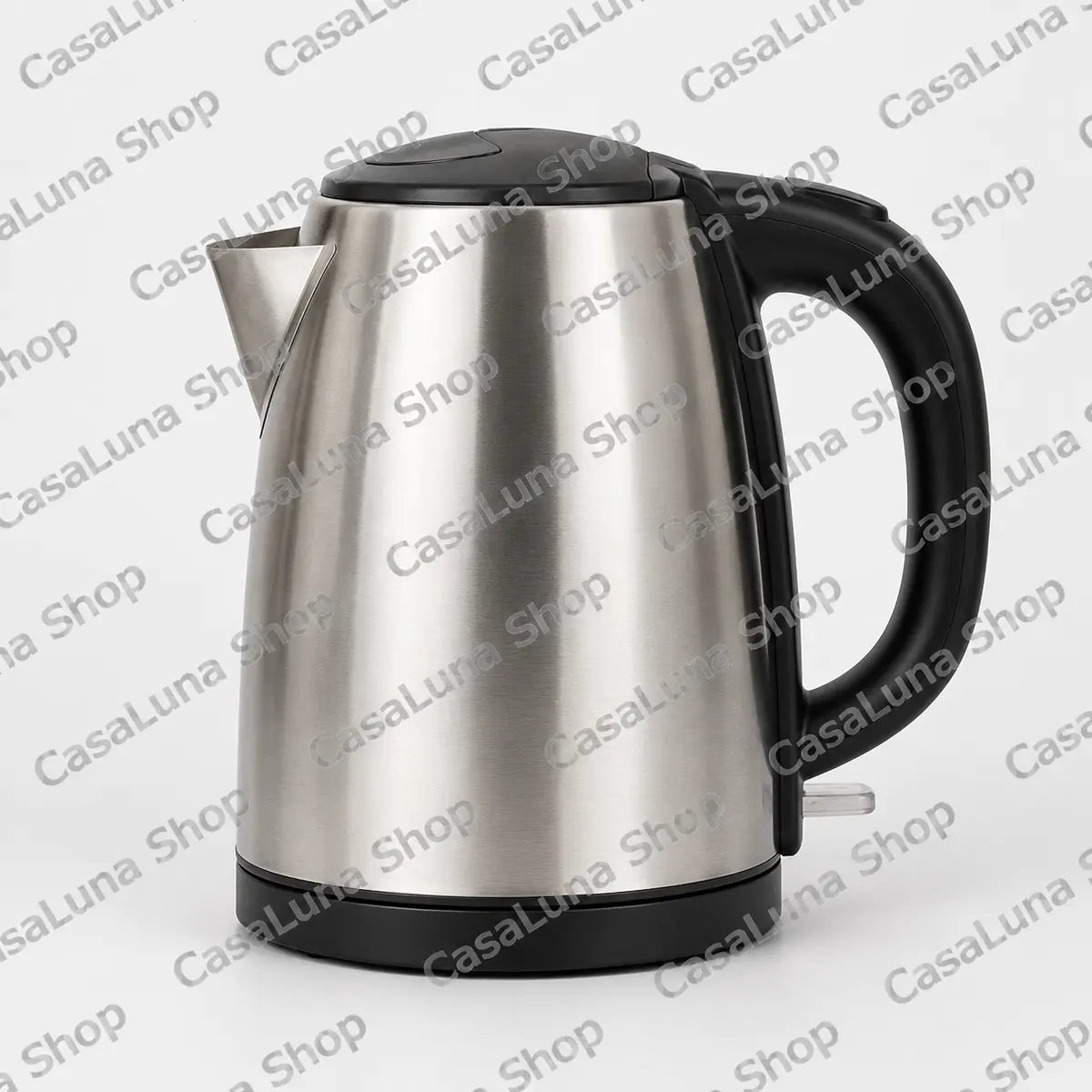 | 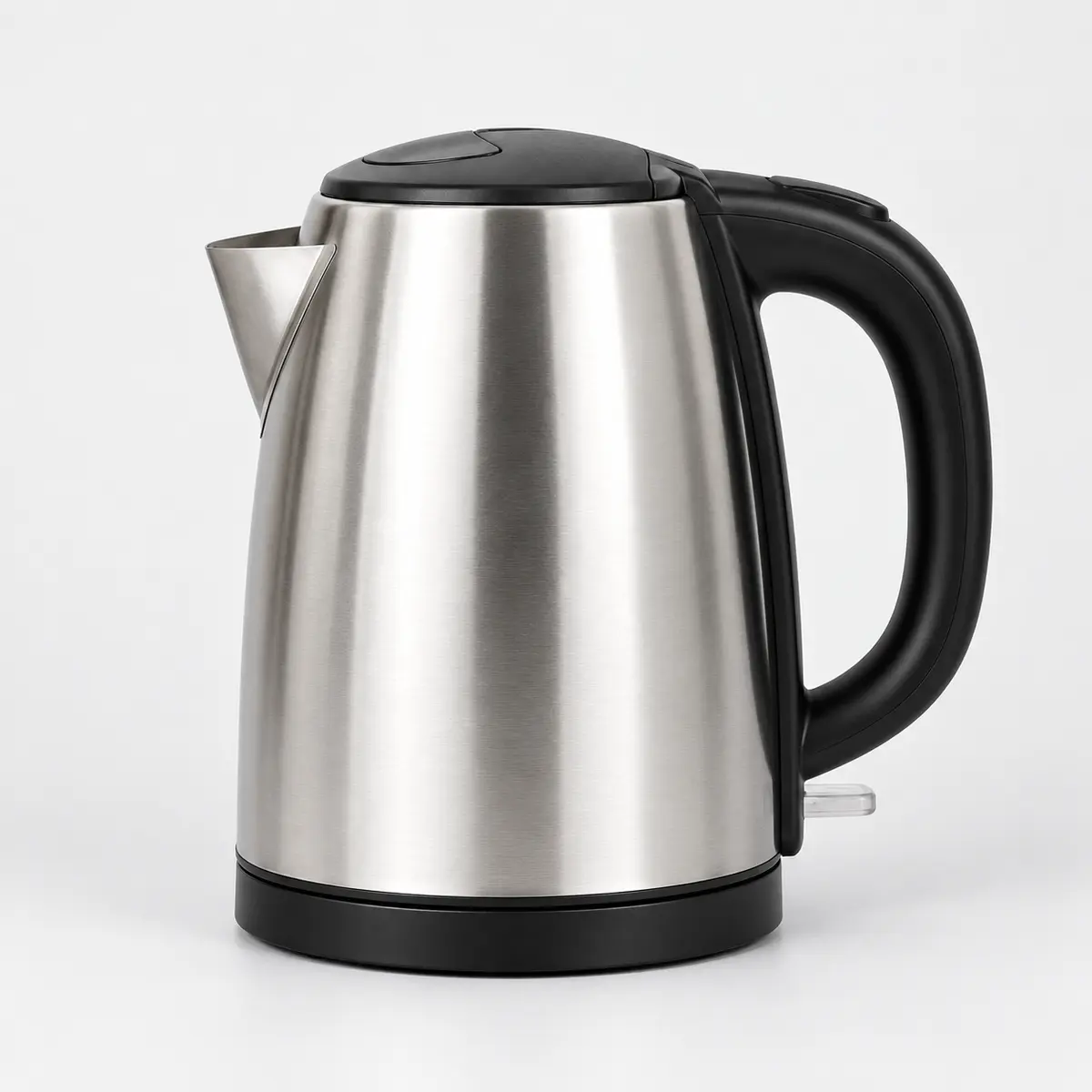 |
| Example: An electric kettle is clearly visible, but the shop name appears repeatedly across the entire image. | The product should remain the main focus of the image. |
2. Shop logo added to the image
Not acceptedThe product photo itself may be clean, but the merchant's logo or shop name has been added to one of the corners or another part of the image. | AcceptedThe same armchair is shown without the added logo. |
 |  |
Example: Even when the logo does not cover the product, the image is still considered branded and cannot be accepted. | The photo may include a normal, natural environment around the product, provided that no merchant branding or promotional content has been added. |
3. Branded backgrounds
Not acceptedA product is photographed in front of a wall, banner, display or backdrop that prominently shows the merchant's logo or shop name. | AcceptedThe same T-shirt is photographed against a clean or neutral background without visible shop branding. |
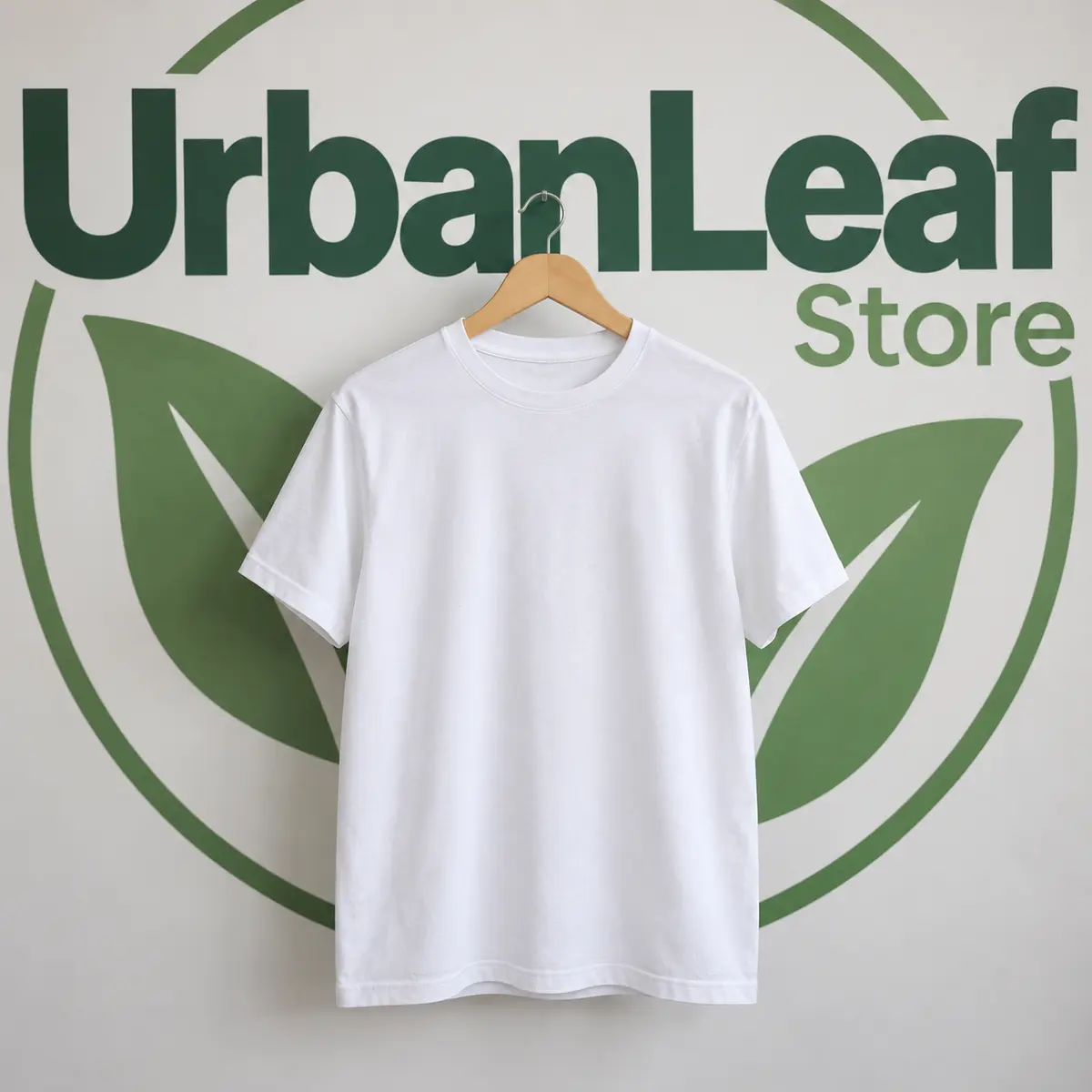 | 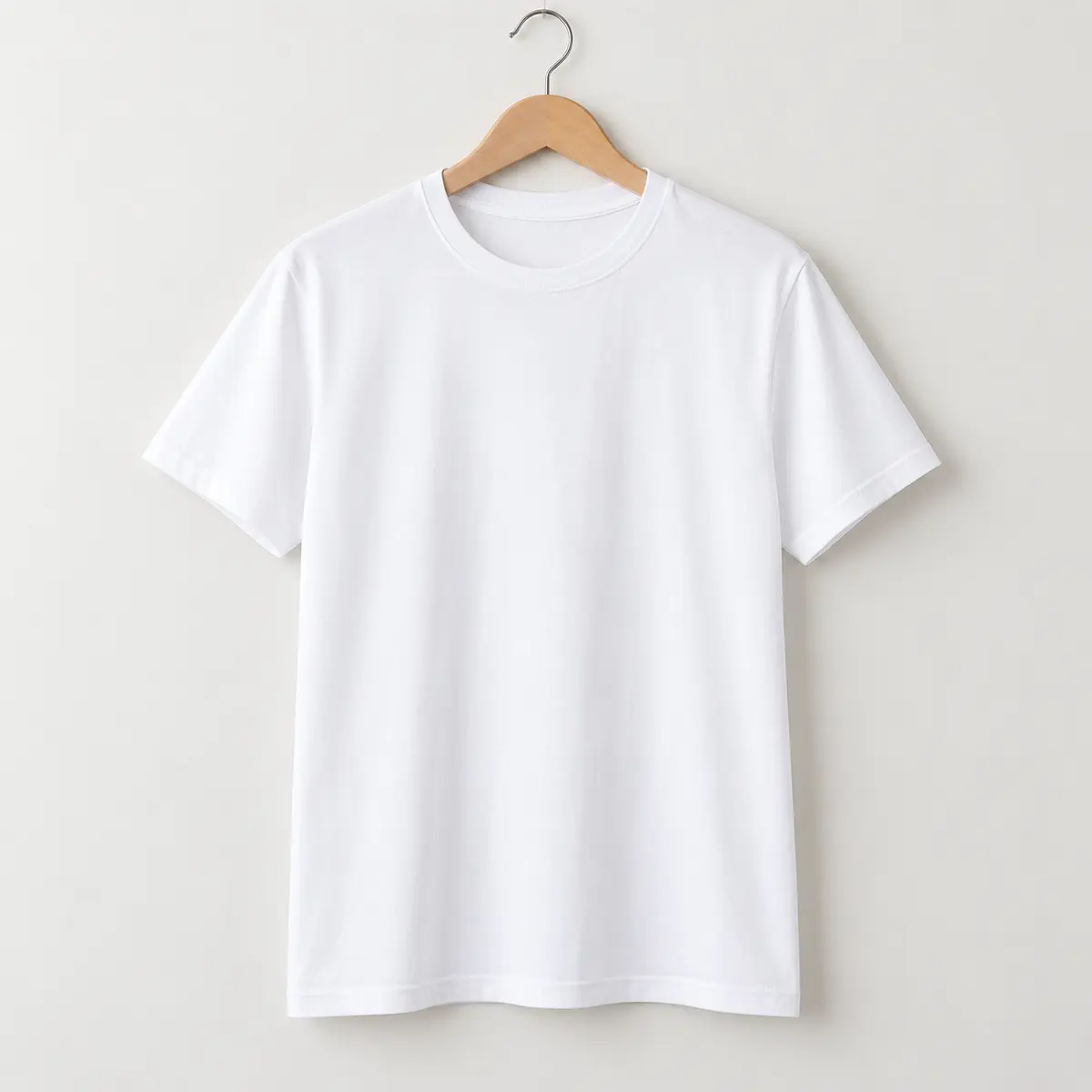 |
Example: This is considered a branded background or branded backdrop. | The background does not necessarily have to be completely white, but it should not contain logos, shop names or promotional elements. |
What happens if a product is refused because of its photos?
If one or more product photos do not meet these requirements, the product may be refused during moderation.
The product will be returned to Draft status.
To correct it:
- Open the product in the merchant dashboard.
- Remove the photos that contain watermarks, logos or branded backgrounds.
- Upload clean replacement photos.
- Check that all images meet the photo requirements.
- Submit the product again for approval.
The product will then be reviewed again by the IVO moderation team.
A simple rule to follow
Before uploading a product photo, ask:
Does this image show the product clearly without advertising the shop inside the image itself?
If the answer is yes, the photo is generally suitable.
Clean product images make the catalogue easier to browse, help customers compare products from different merchants and create a more consistent shopping experience across IVO.