

Lenovo ThinkPad T14 Gen 7 Business Laptop, Intel Core Ultra 7 355, 14.0-inch WUXGA IPS Anti-Glare, 16GB LPDDR5x RAM, 512GB SSD, No operating system, Wi-Fi 7, Copilot+ PC


Lenovo ThinkPad T14 Gen 7 Business Laptop, Intel Core Ultra 7 355, 14.0-inch WUXGA IPS Anti-Glare, 16GB LPDDR5x RAM, 512GB SSD, No operating system, Wi-Fi 7, Copilot+ PC
- 14 Days Return
- 100% Secure Payments
- Invoice Included
Description
The Lenovo ThinkPad T14 Gen 7 is a business-grade laptop designed for professional productivity, powered by the Intel Core Ultra 7 355 processor. As a Copilot+ PC, it features an integrated NPU that accelerates AI-driven workflows, making it a capable tool for users who rely on modern intelligent software. This variant is equipped with 16GB of LPDDR5X memory to handle your multitasking needs, paired with a 512GB SSD for fast data access and comes without an operating system for maximum flexibility. Its 14.0-inch WUXGA IPS display uses an anti-glare coating to reduce reflections, while the Eclipse Black chassis is built to withstand demanding conditions, having earned MIL-STD-810H certification through rigorous testing. The design includes a convenient one-finger lid opening and an advanced thermal system to keep the hardware cool during heavy workloads. For connectivity and security, the device supports Wi-Fi 7 and incorporates ThinkShield and a Trusted Platform Module, with options for a 5.0MP camera, IR face recognition, and a fingerprint reader to keep your data protected.
Features
Display & Graphics
General Specifications
Processor & Performance
Storage & Connectivity
Reviews
Guides and advice
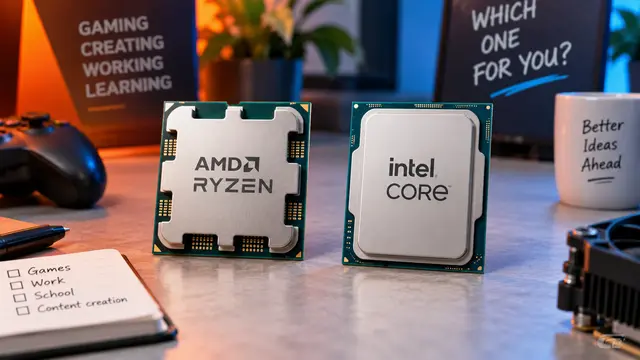
AMD or Intel? How to choose the right processor for your next computer
Your laptop’s fan becomes louder as you join a video call. A spreadsheet is open, several browser tabs are waiting, and switching between them no longer feels effortless. You start looking for a replacement and find two computers with similar screens, memory and prices. One has an AMD Ryzen processor. The other has an Intel Core.
Read article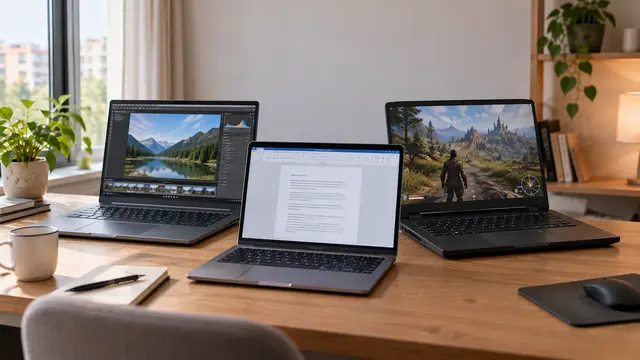
How to choose a laptop: a practical guide to screens, performance and everyday comfort
The browser is open beside a spreadsheet, a video call is about to start, and your laptop is already asking for its charger. Perhaps the computer still feels reasonably fast, but its screen is uncomfortable, the keyboard misses the occasional letter, or carrying it to work has become a daily nuisance.
Read article