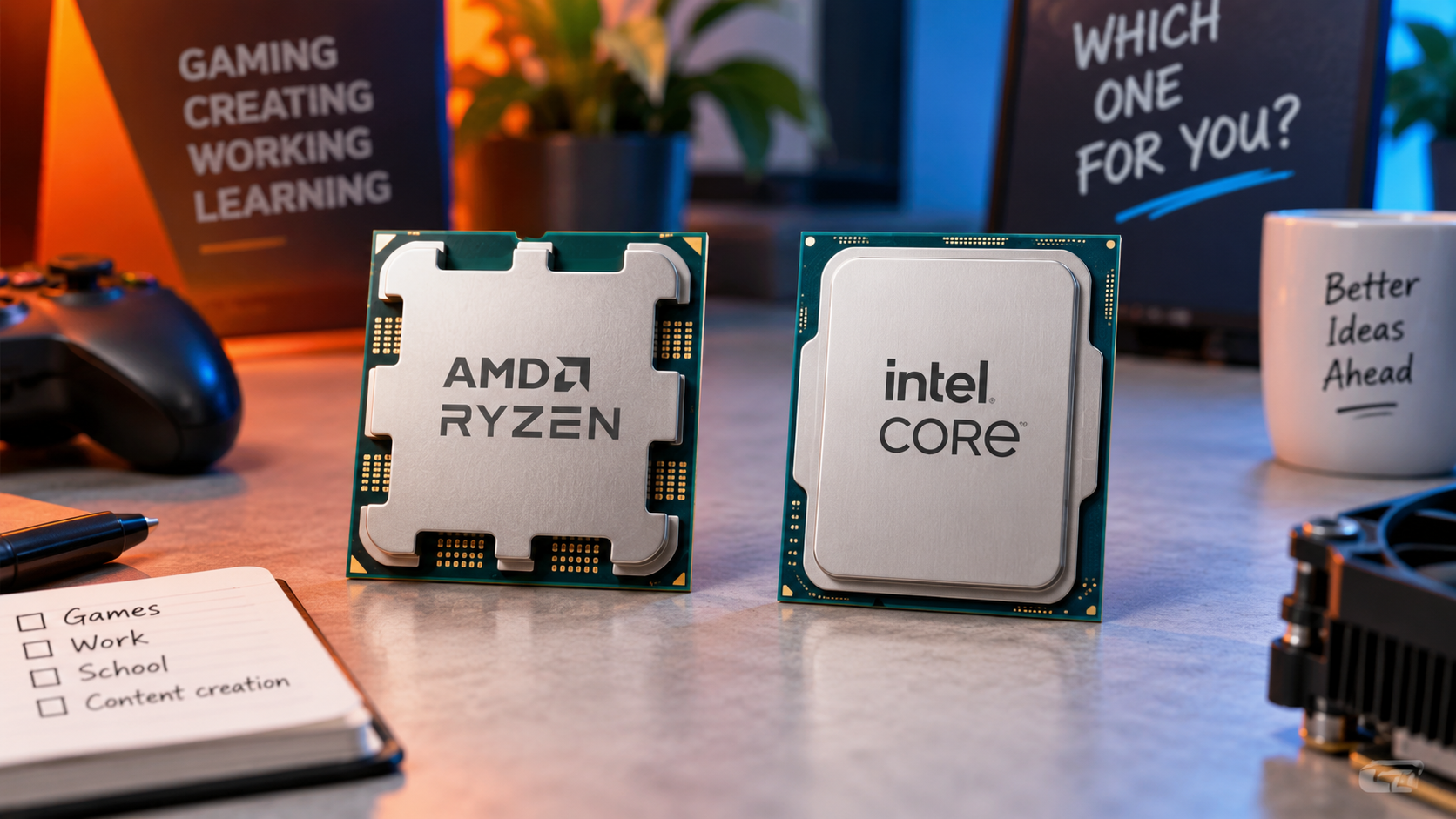
Then the names become more complicated: Ryzen 7, Core Ultra 5, X3D, H, HX. A higher number appears to promise a better computer, but it does not explain whether you will notice the difference while answering emails, editing photographs or playing a favourite game.
Choosing between AMD and Intel becomes easier when you stop treating the brand as the answer. The useful comparison is between specific processors, in complete computers, doing the work you actually need.
Start with what the computer needs to do
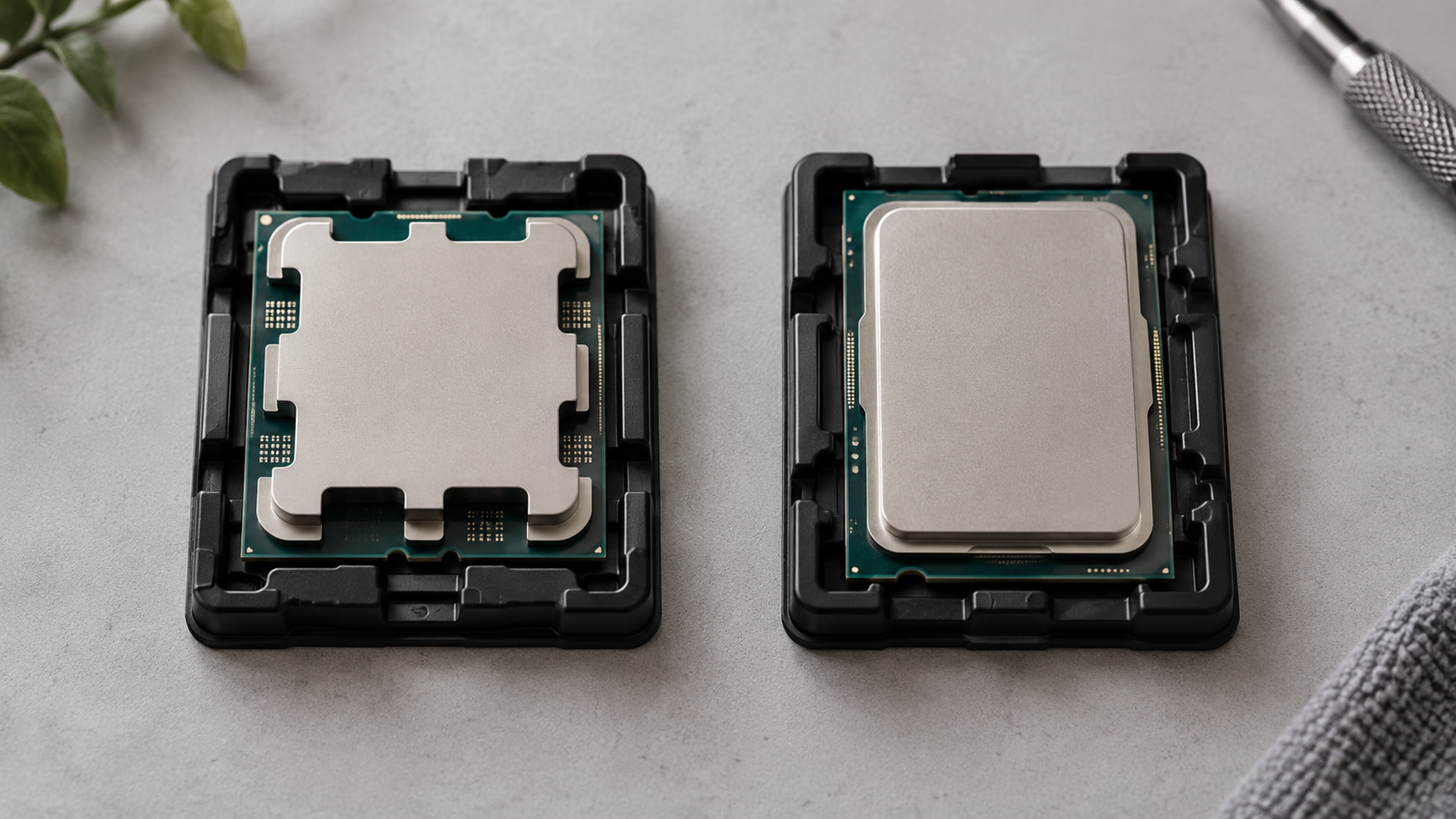
The processor, also called the CPU, carries out software instructions. It influences how quickly applications respond and how efficiently demanding work is completed. However, it works alongside other components rather than determining the entire experience by itself. Memory, storage and graphics can each become the limiting factor in a computer that looks powerful on paper.
RAM is the computer’s working memory, holding information that active applications need. An SSD stores your operating system, applications and files. A graphics processor, or GPU, handles graphics and can accelerate certain other tasks. These components have different jobs: buying a more expensive CPU does not automatically compensate for insufficient memory or make a slow storage drive behave like a fast SSD.
For a new general-purpose computer, 16 GB of RAM is a sensible shopping starting point; 32 GB deserves consideration for heavier multitasking and creative work. These are practical guidelines, not universal requirements. Someone writing documents and watching films has different needs from someone editing large video projects, so application requirements should take priority over a generic recommendation.
Consider a hypothetical choice between a computer with a premium processor and 8 GB of non-upgradeable memory, and another with a less expensive processor and 16 GB. For everyday work, I would investigate the second configuration first rather than automatically choosing the more prestigious CPU.
Also decide whether you need a desktop or a laptop. Desktop components are generally more accessible for replacement, while laptop processors are commonly soldered to the motherboard. That makes the complete laptop configuration especially important at purchase.

Understanding Ryzen and Core names
AMD and Intel both divide their products into families and performance tiers. AMD uses names such as Ryzen 5, Ryzen 7 and Ryzen 9, alongside laptop families including Ryzen AI. Intel’s range includes Core and Core Ultra, while older computers may carry the familiar Core i5, i7 or i9 names. These labels organise each manufacturer’s catalogue; they are not a shared scoring system.
Consequently, “Ryzen 7 versus Core 5” is not enough information for a useful comparison. You need the full model name, its generation and whether it is intended for a desktop or laptop. Treat a listing that only says “Intel i7” or “AMD Ryzen” as incomplete rather than reassuring.
Letters at the end of a processor name can reveal important features. The following examples are useful clues, although they do not replace the specification page.
Marking | What it tells you | Why it matters |
|---|---|---|
Intel K | An unlocked desktop processor | Relevant to overclocking; not a requirement for ordinary use. |
Intel F or KF | A desktop processor requiring separate graphics | Do not plan a system around motherboard display outputs alone. |
AMD X3D | Additional stacked cache using 3D V-Cache technology | Worth investigating for gaming, with benefits depending on the game. |
AMD G, as in Ryzen 7 8700G | A desktop model with integrated Radeon graphics | Check the exact graphics specification when building without a separate graphics card. |
Intel documents its suffix meanings, while AMD’s X3D technology and 8700G specifications illustrate why the letters can change a buying decision. Importantly, the absence of a G does not automatically mean an AMD processor lacks integrated graphics.
You do not need to memorise every naming convention. Copying the complete processor name into the manufacturer’s specification page is more reliable than trying to decode an unfamiliar listing from memory.
More cores and higher GHz do not automatically mean faster
A CPU core is a processing unit within the processor. Multiple cores allow suitable software to divide work between them. Thread counts describe another aspect of how work can be handled, but a processor with sixteen threads should not be treated as equivalent to sixteen independent physical cores.
The architecture matters too. AMD’s Ryzen 7 9700X has eight cores and sixteen threads. Intel’s Core Ultra 5 250K Plus has eighteen cores and eighteen threads, combining six performance cores with twelve efficiency cores. These are different designs, not interchangeable sets of identical units. The comparison illustrates the problem with counting cores; it is not a claim that these two processors are price-matched alternatives.
Clock speed, measured in gigahertz, is similarly easy to misread. It describes operating frequency, not the amount of useful work completed in every cycle. A processor’s design also affects performance, so a higher GHz figure does not establish a winner across different architectures. Advertised maximum boost speeds are also conditional rather than a promise that every core will continuously run at that frequency.
When reading comparisons, look for tests of the software you use. A result from one heavily parallel rendering task cannot answer every question about office work, gaming or photo editing. The most useful benchmark resembles your workload closely enough to tell you something about your own waiting time.
AMD or Intel for gaming? Consider the whole system
In a gaming computer, the CPU and GPU share responsibility for the experience. The processor handles work such as simulation and game logic, while the graphics processor renders the image. The balance changes with the game, graphics settings and resolution. Raising resolution usually increases the graphics workload, but it does not remove the CPU’s responsibilities.
This is why the advice for competitive gaming can differ from the advice for visually demanding games. Someone targeting very high frame rates should pay close attention to CPU tests at comparable settings. Someone prioritising detailed graphics at a higher resolution should investigate whether the graphics card becomes the more important limitation. Neither situation is settled by the processor’s badge.
AMD’s X3D processors deserve particular attention in a gaming shortlist. Their additional stacked cache provides more fast memory close to the processing cores, which can benefit games that make effective use of it. That does not make an X3D premium equally valuable in every game or every computer.
Imagine a hypothetical gaming budget that allows either a premium gaming processor with a modest graphics card, or a mainstream processor with a stronger graphics card. Before choosing, compare complete-system results for the games, resolution and settings you intend to use. The more expensive processor is only the better purchase when its advantage matters in that configuration.
Look beyond the average frame rate as well. Reviews that discuss frame consistency and noticeable stuttering are more useful than a single impressive number. Give preference to comparisons that clearly identify the graphics card, memory, settings and power configuration.

Integrated graphics can change what you need to buy
Integrated graphics are built into the processor and share system memory. A discrete graphics processor is separate and has its own graphics memory. Both arrangements exist in consumer computers, and the right choice depends on the graphics workload rather than whether the CPU comes from AMD or Intel.
For an everyday computer without a separate graphics card, inspect the exact integrated graphics specification. “Has graphics” is not a performance category. AMD’s Ryzen 7 9700X, for example, lists a Radeon graphics unit with two graphics cores, while the Ryzen 7 8700G lists Radeon 780M graphics with twelve. Those numbers are not a direct performance multiplier, but they demonstrate why two Ryzen 7 processors can offer very different graphics capabilities.
Intel’s desktop F models require particular attention because they need a separate graphics solution. A motherboard having an HDMI or DisplayPort connector does not, by itself, establish that a chosen processor can provide an image through it.
Before buying a system without a graphics card, check whether the precise configuration supports your monitor connections, applications and intended games. For gaming, look for results from that integrated graphics unit with a comparable memory configuration, rather than assuming every computer with the same CPU family name behaves alike.
An integrated-graphics system may be exactly what an office or household needs. A separate graphics card should solve a real requirement, not simply make the specification look more impressive.
Creative work depends on the application
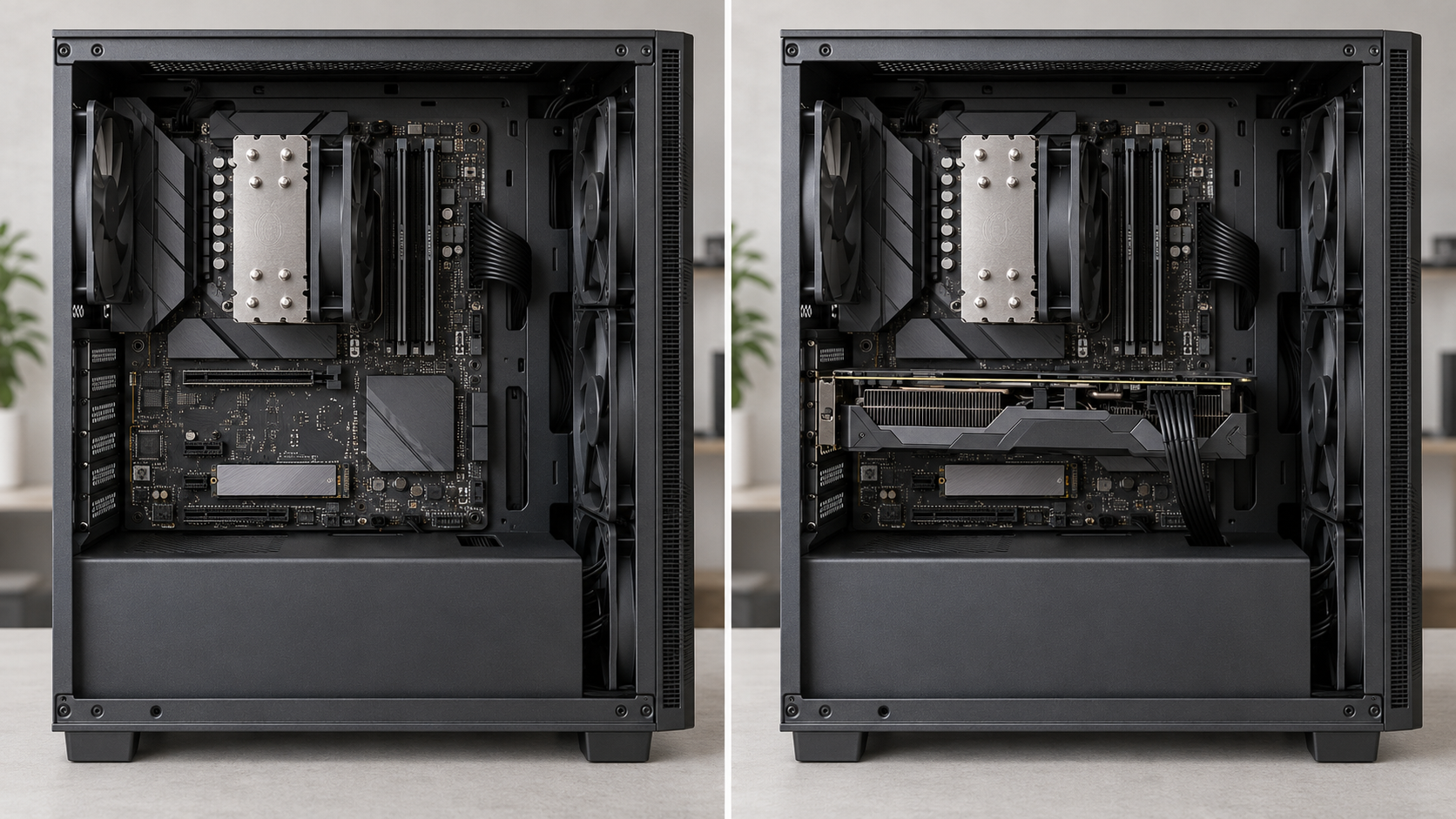
“Good for productivity” can describe anything from a spreadsheet to a long video export. These tasks do not necessarily reward the same processor characteristics. For creative work, start with the requirements of your actual application and the type of project you produce.
Video editing provides a useful example. Some work can use dedicated hardware for decoding footage or encoding an export, rather than relying entirely on general-purpose CPU processing. Adobe documents hardware acceleration for H.264 and H.265 video across supported hardware from several manufacturers, with compatibility depending on the configuration and media format.
Intel Quick Sync is worth checking when your editing workflow supports it. It provides hardware video acceleration, but its availability depends on the processor’s graphics capabilities and system configuration. It should not be assumed to work simply because a computer has an Intel badge, particularly where integrated graphics are unavailable or disabled.
Equally, AMD and separate graphics cards can participate in supported accelerated workflows. The useful question is whether your application can accelerate your particular footage and export format—not which manufacturer wins a general argument.
Memory also deserves room in the budget. Adobe’s Premiere guidance recommends at least 32 GB for Windows systems, illustrating how application-specific advice can differ from a general home-computing recommendation. A faster processor should not be purchased at the expense of the resources the application actually needs.
Compatibility determines the real upgrade cost
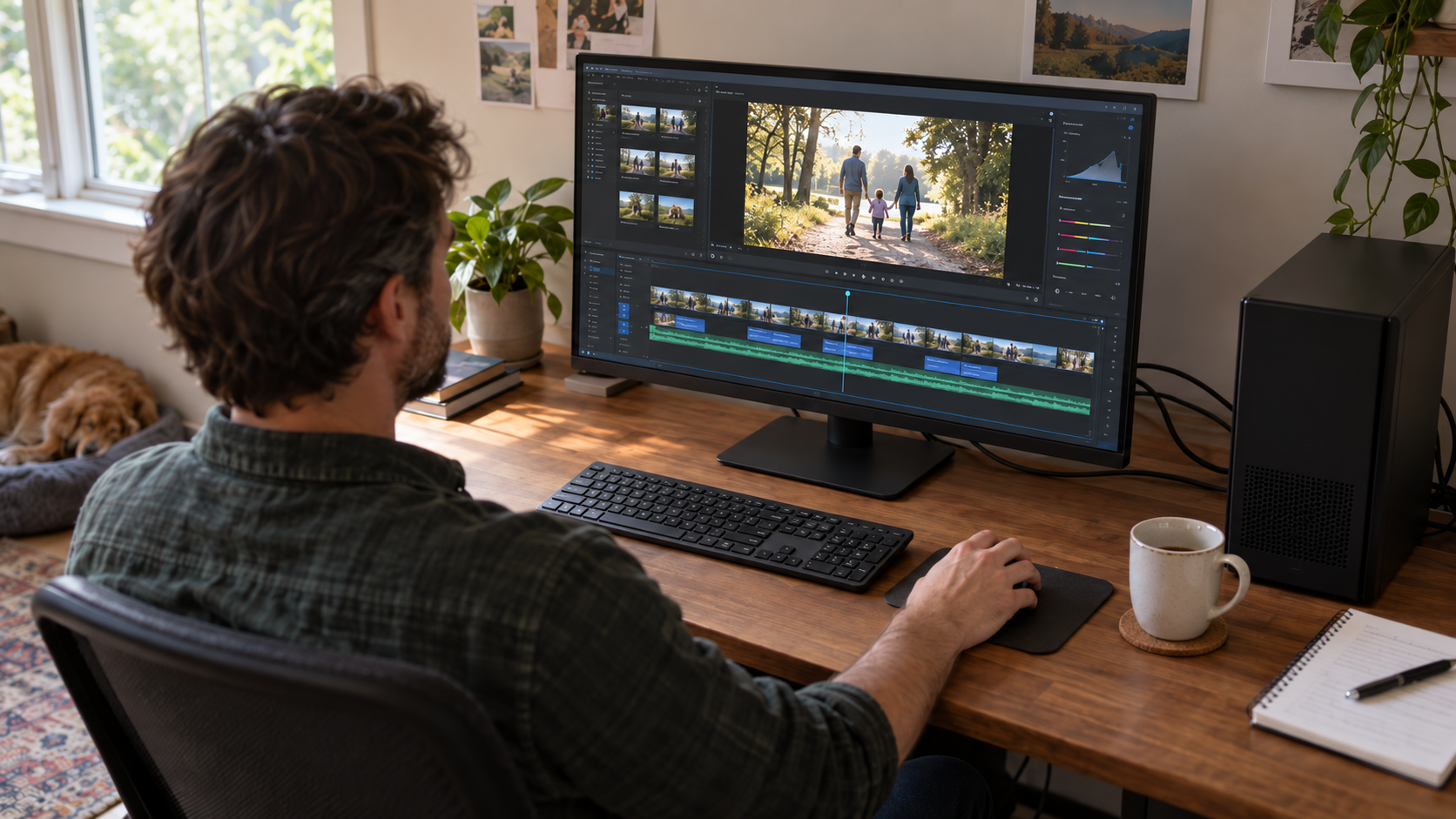
When buying a processor separately, the price of the chip is only part of the calculation. A change of processor may also require a compatible motherboard, memory and cooler.
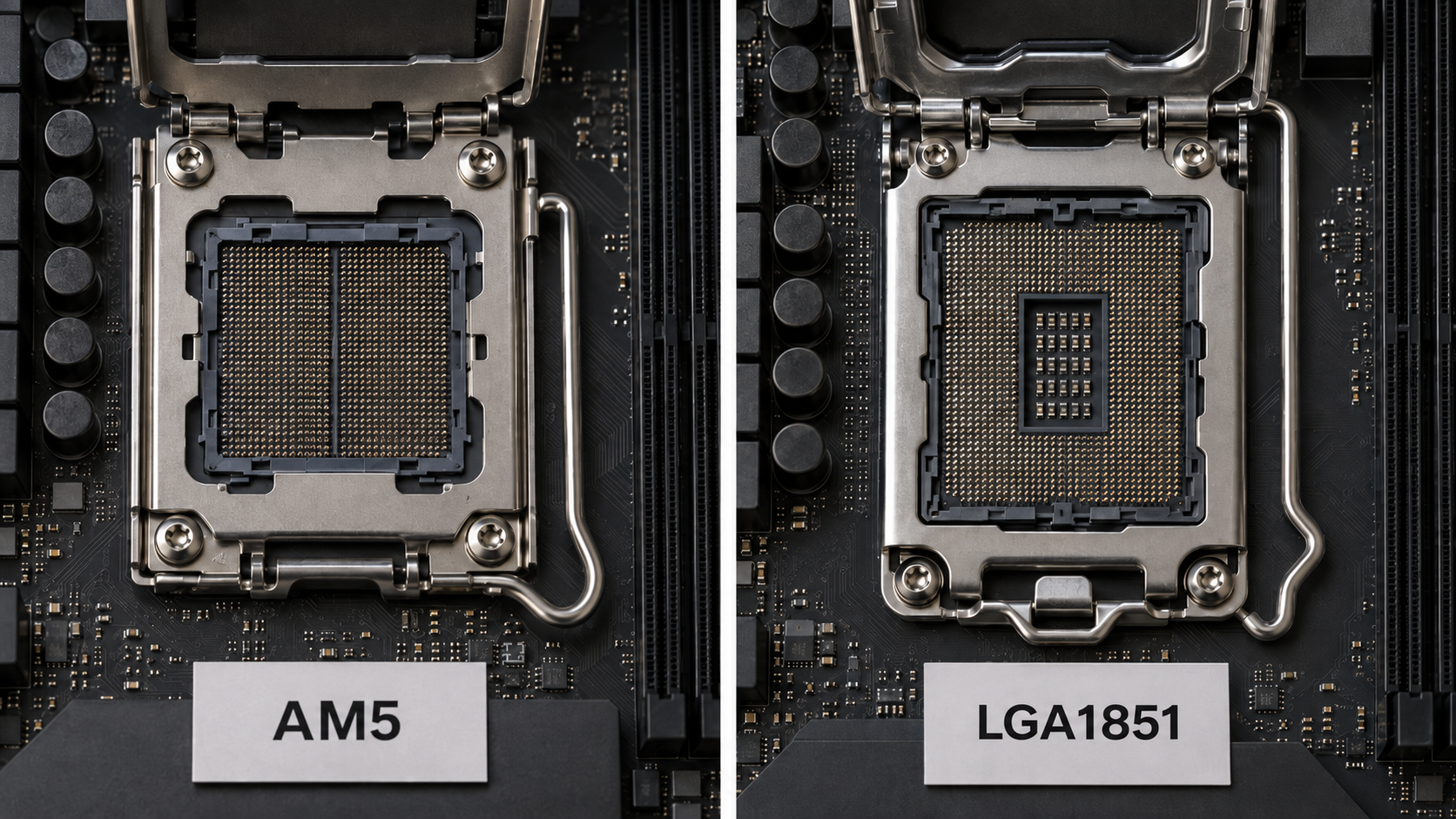
The socket is the motherboard connection that physically and electrically accommodates the processor. AMD’s Ryzen 7 9700X uses AM5, while Intel’s Core Ultra 5 250K Plus uses LGA1851. These particular processors also specify DDR5 memory. They are examples of why a CPU upgrade cannot be planned from brand and price alone.
Even within the correct socket family, check the motherboard manufacturer’s supported-processor list and required BIOS version. The BIOS is the motherboard’s low-level firmware. AMD notes, for example, that some AM5 600-series motherboards need an update to support Ryzen 8000 or 9000 series processors. A physically compatible socket is not a substitute for checking the exact board.
AMD’s AM5 platform supports multiple Ryzen generations, which makes it relevant when considering potential upgrades. However, treat future reuse as a possibility to investigate, not a guarantee that every later processor will be suitable for every board.
Compare the full upgrade cost in MDL. A cheaper CPU that requires replacing several other components may be less attractive than an appropriate upgrade for hardware you already own. Conversely, spending heavily to preserve an ageing platform may not be worthwhile.
For a prebuilt desktop, ask what motherboard and memory are installed and whether standard replacement parts can be used. The processor name alone does not tell you how convenient the next upgrade will be.
Cooling, noise and power belong in the comparison
Neither AMD nor Intel can be described as universally cooler, quieter or more economical. Those judgements need to be made for particular processors, settings and complete systems.
Power figures also need context. Intel specifies 125 W processor base power and 159 W maximum turbo power for the Core Ultra 5 250K Plus. These are different operating ratings, not a statement that the entire computer constantly consumes either amount. For electricity-cost comparisons, look for whole-system measurements under comparable workloads rather than treating one CPU specification as an electricity bill.
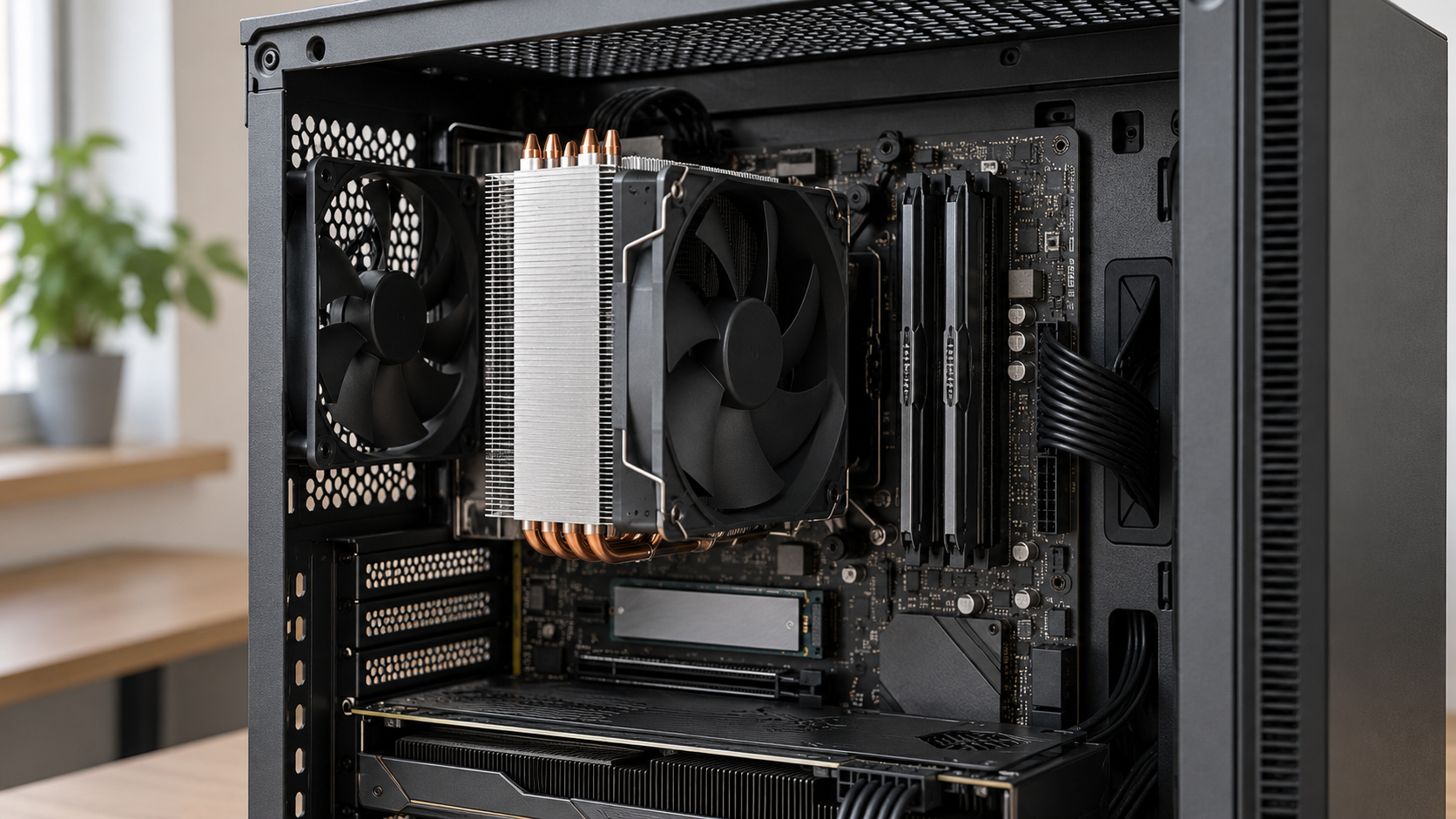
Cooling affects more than comfort. Processors can reduce frequency and power when thermal limits require it, potentially reducing performance. A powerful chip therefore needs an appropriate cooling system to deliver its intended performance consistently.
Check whether a cooler is included, whether it supports the socket and whether it fits the case without interfering with nearby components. A large air cooler needs physical clearance, while liquid cooling introduces its own installation requirements. Neither type should be selected merely for appearance.
For a computer used beside you all day, sustained-load noise deserves attention in reviews. A modest performance difference may be less valuable to you than a machine that remains unobtrusive during long working sessions.
With laptops, compare the complete machine
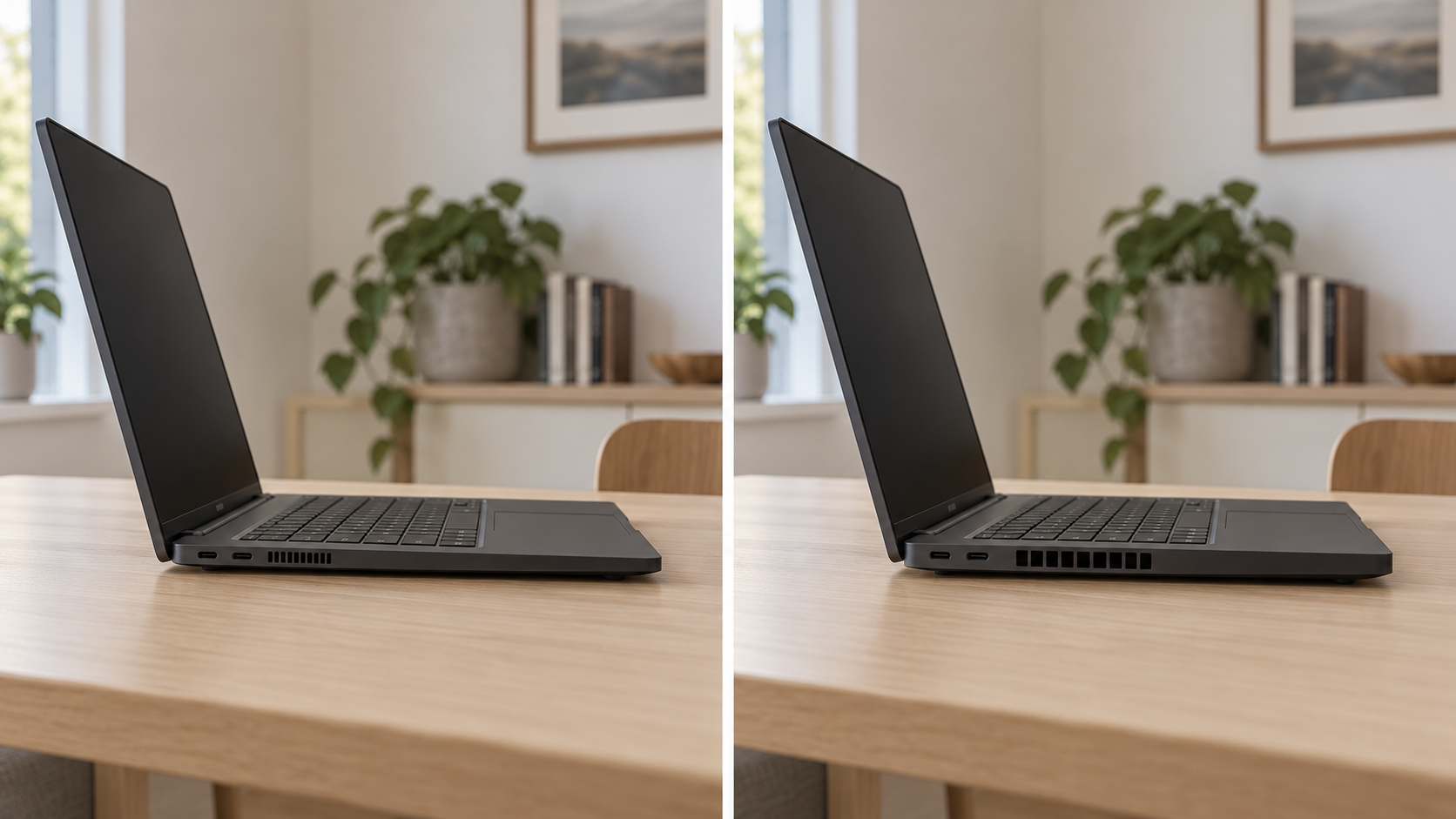
Laptop shopping requires an even wider view. The processor sits inside a device whose cooling capacity, power configuration, screen and battery all contribute to the result. A thin machine designed for portability makes different compromises from a larger laptop intended mainly for use at a desk.
Compare complete laptop models rather than assuming two machines with the same processor must perform identically. Pay particular attention to sustained-work tests, fan noise and performance when unplugged. A short burst of speed does not tell you everything about a long export or an afternoon away from a socket.
Battery capacity is normally expressed in watt-hours, or Wh. It is useful information, but it does not establish battery life on its own. Look for testing with similar workloads and screen brightness rather than comparing manufacturers’ maximum endurance claims as though they came from one shared test.
Memory and storage access also vary. Some laptops permit upgrades, while others leave important components fixed for the life of the machine. Confirm this before choosing a lower-memory configuration on the assumption that you can improve it later.
You will also encounter AI-labelled processors. An NPU, or neural processing unit, is a specialised processing block for supported AI tasks. AMD Ryzen AI processors and Intel Core Ultra models offer such capabilities, but the useful features depend on the hardware and software involved. An AI label is not a promise that every ordinary application will become faster.
For travel, study or office work, I would give substantial weight to the screen, keyboard, connections and demonstrated battery life. A processor advantage should be meaningful enough to justify any compromises elsewhere.
Older bargains need model-specific checks
An older processor can be worth considering, but establish its exact identity before judging the offer. Ask for the full model number, confirm compatibility with your intended operating system and examine the complete configuration. “High-end when new” is not enough information to establish value today.
There is also a specific issue to check when considering certain Intel 13th- and 14th-generation Core desktop systems. Intel’s guidance addresses a stability problem and recommends current motherboard BIOS updates incorporating microcode 0x12F or later, together with Intel Default Settings. Microcode is low-level processor control code supplied through these updates.
For an applicable system, ask the seller to confirm its update status and explain the relevant warranty arrangements. Persistent crashes deserve investigation rather than being dismissed as normal. This is a reason to examine particular models and their history, not to make a blanket judgement about every computer from either brand.
Making the AMD or Intel decision
For an everyday computer, begin with the complete configuration and the experience you expect from it. For gaming, examine how the processor performs alongside the graphics hardware you can afford. For creative work, investigate your application’s acceleration support and memory requirements. For a laptop, make the final comparison between complete machines.
AMD’s X3D models are worth investigating for a gaming-focused desktop, while Intel Quick Sync is a relevant consideration for supported video workflows. Neither feature turns its manufacturer into the automatic answer for everyone. The stronger choice is the one whose advantages you will actually use.
When exploring processors on IVO or comparing laptops, keep the full model name, configuration and compatibility requirements beside the price. A carefully matched computer is a more useful purchase than an impressive badge—and the right AMD or Intel processor is the one that helps that computer do its job.