

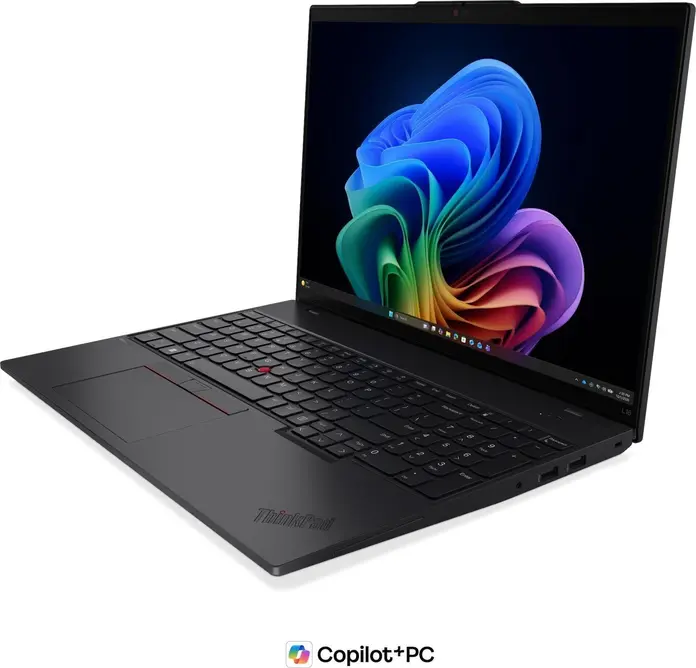
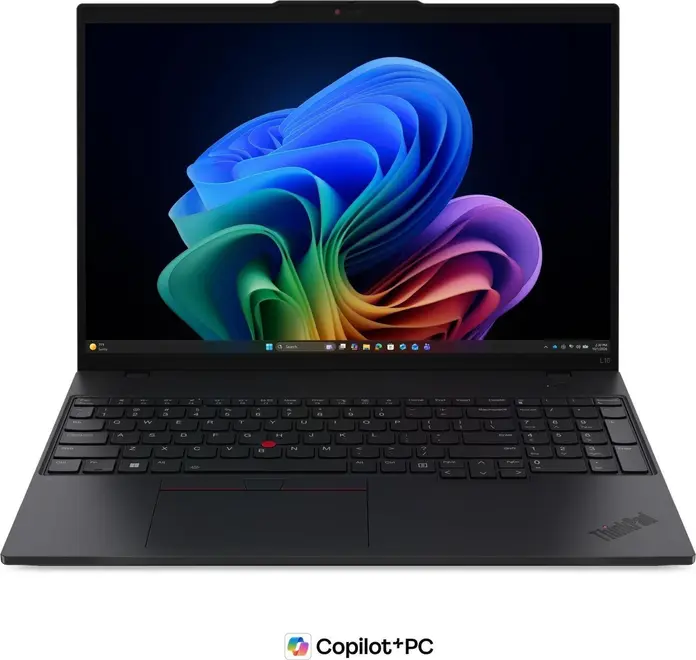
Lenovo ThinkPad L16 Gen 3 Laptop, AMD Ryzen AI 7 445, 16" WUXGA IPS Display, DDR5 RAM, SSD, WiFi 7, Bluetooth 5.4, Thunderbolt 4, MIL-STD-810H, Copilot+ PC, 1.39 kg
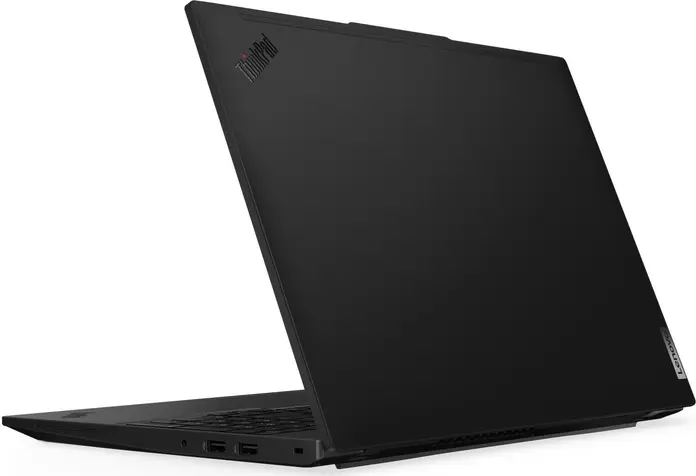
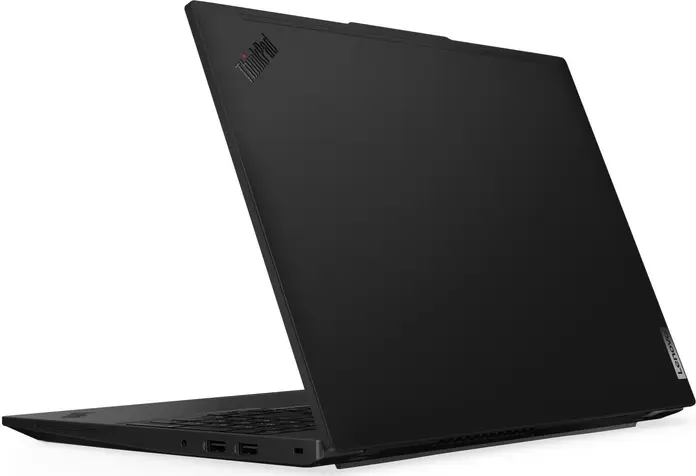
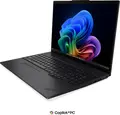
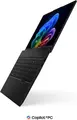
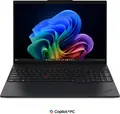
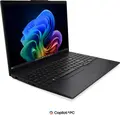
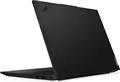
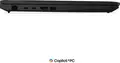
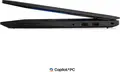
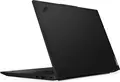

Lenovo ThinkPad L16 Gen 3 Laptop, AMD Ryzen AI 7 445, 16" WUXGA IPS Display, DDR5 RAM, SSD, WiFi 7, Bluetooth 5.4, Thunderbolt 4, MIL-STD-810H, Copilot+ PC, 1.39 kg
- 14 Days Return
- 100% Secure Payments
- Invoice Included
Description
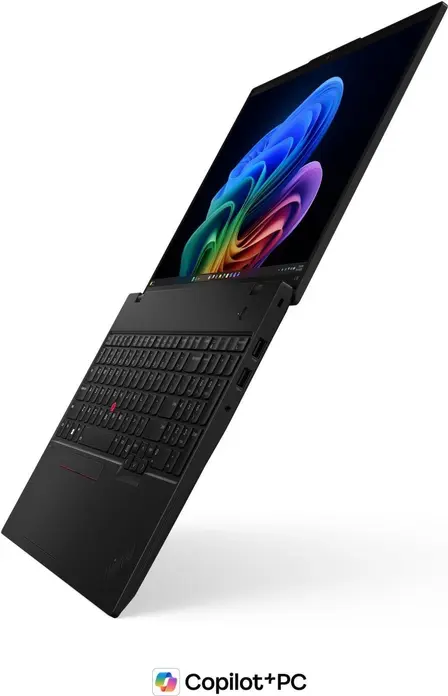
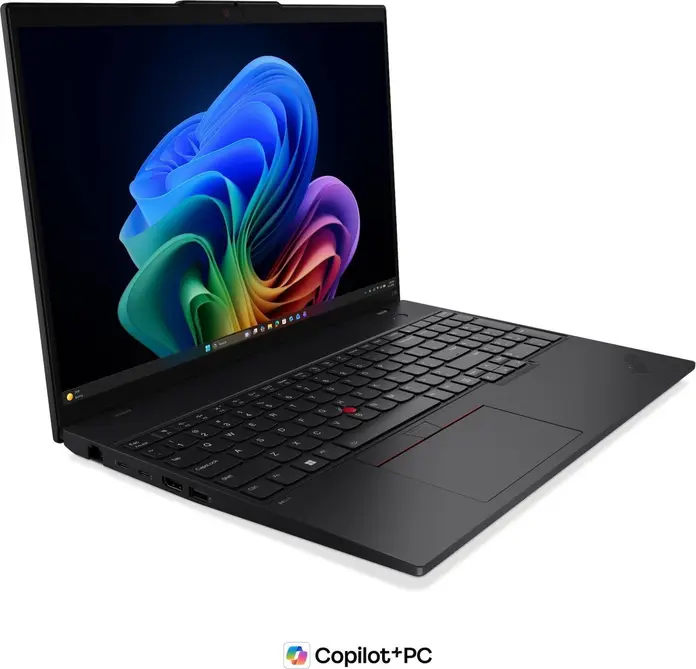
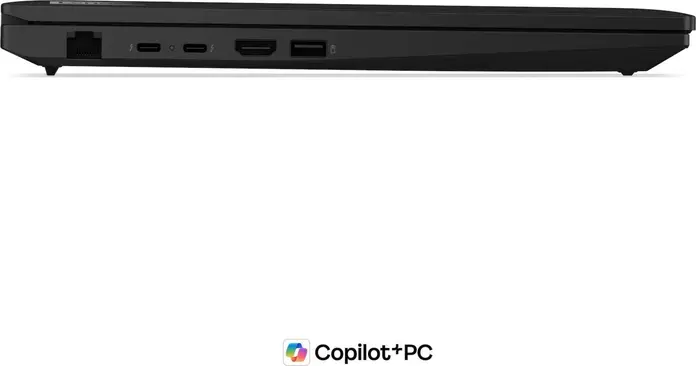
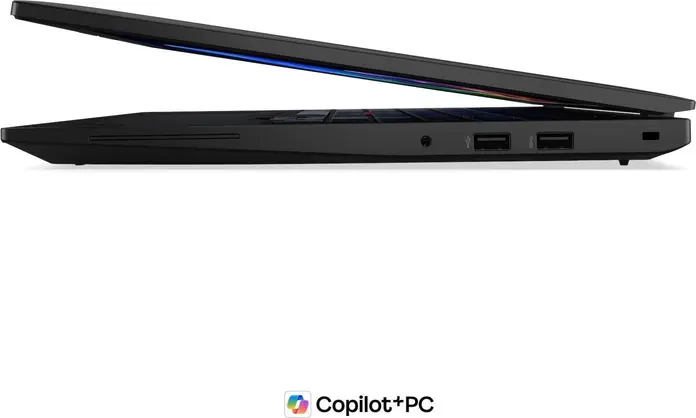
The Lenovo ThinkPad L16 Gen 3 is a professional laptop designed for productivity, featuring a 16-inch WUXGA IPS anti-glare display with 400 nits of brightness for clear visibility in various lighting conditions. Powered by an AMD Ryzen AI 7 445 processor, paired with 16GB of DDR5-5600 memory and a 512GB PCIe NVMe SSD. This model integrates Copilot+ PC capabilities and utilizes Intel Arc 140T graphics to handle demanding tasks. Connectivity is handled by WiFi 7 and Bluetooth 5.4, while the chassis includes two Thunderbolt 4 ports, an HDMI output, and an RJ-45 Ethernet port for stable wired networking. Built to withstand rigorous use, the black chassis is certified to MIL-STD-810H durability standards and features a lay-flat hinge that opens to 180 degrees. Security is managed through ThinkShield solutions with a discrete TPM and a fingerprint reader, while the 5MP IR camera includes a ThinkShutter cover for physical privacy. Audio is delivered via dual speakers and microphones tuned with Dolby Atmos and Elevoc Voice. The device is designed for longevity and ease of maintenance, allowing users to replace the keyboard and battery as Customer Replaceable Units. This configuration weighs 1.39kg and is powered by a 57Wh battery with a 65W USB-C adapter.
Features
Display & Graphics
Processor & Performance
Battery & Portability
Storage & Connectivity
General Specifications
Reviews
Guides and advice
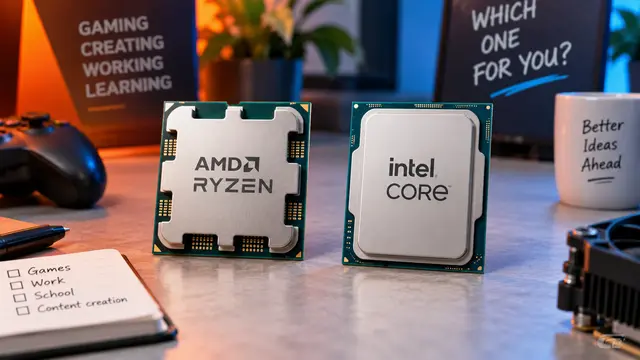
AMD or Intel? How to choose the right processor for your next computer
Your laptop’s fan becomes louder as you join a video call. A spreadsheet is open, several browser tabs are waiting, and switching between them no longer feels effortless. You start looking for a replacement and find two computers with similar screens, memory and prices. One has an AMD Ryzen processor. The other has an Intel Core.
Read article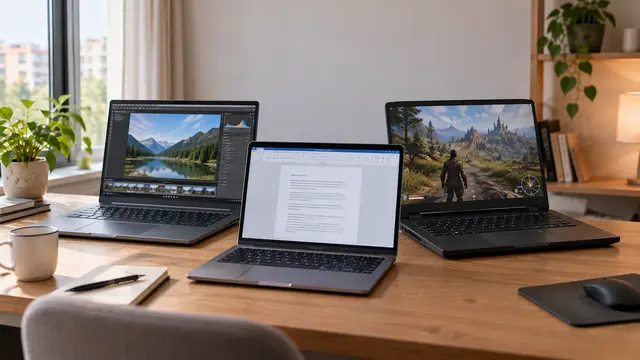
How to choose a laptop: a practical guide to screens, performance and everyday comfort
The browser is open beside a spreadsheet, a video call is about to start, and your laptop is already asking for its charger. Perhaps the computer still feels reasonably fast, but its screen is uncomfortable, the keyboard misses the occasional letter, or carrying it to work has become a daily nuisance.
Read article