

Lenovo ThinkPad E16 Gen 4 Business Laptop, Intel Core 7 350, 16.0-inch WUXGA IPS Display, 16GB DDR5 RAM, 512GB SSD, Intel Xe3 Graphics, Numeric Keypad, Black
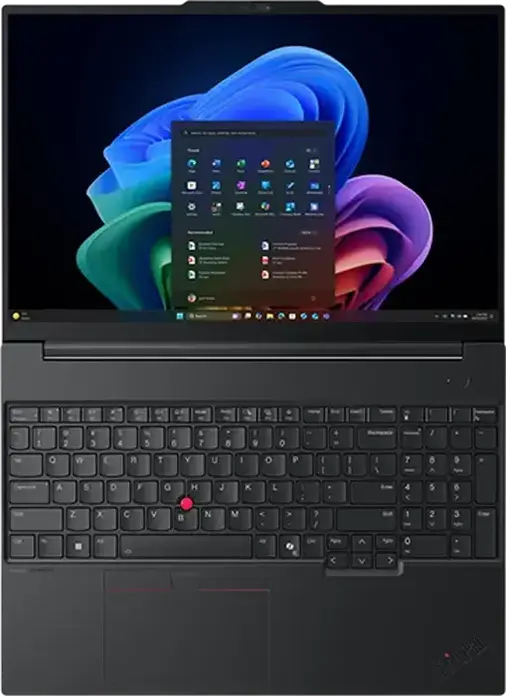
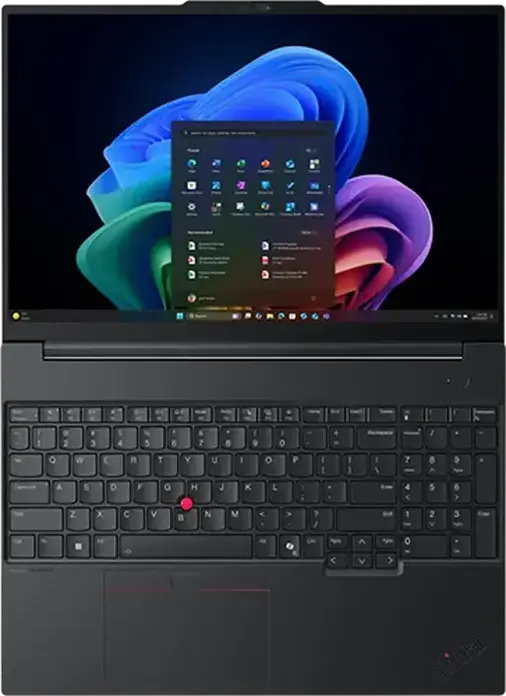
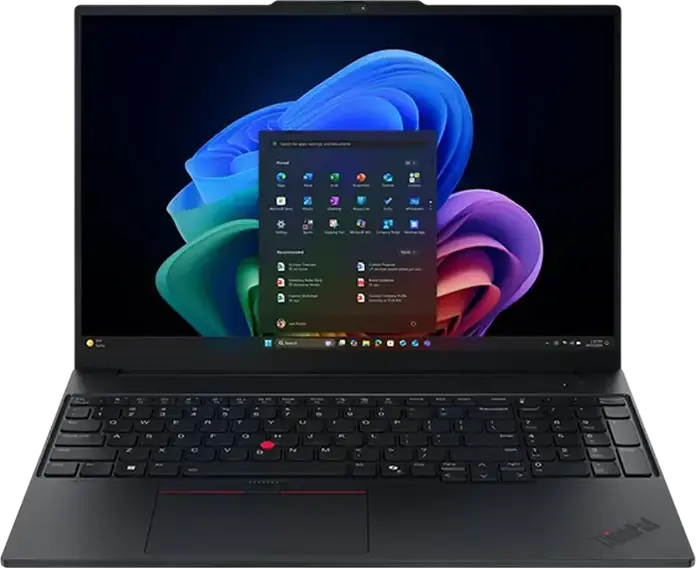
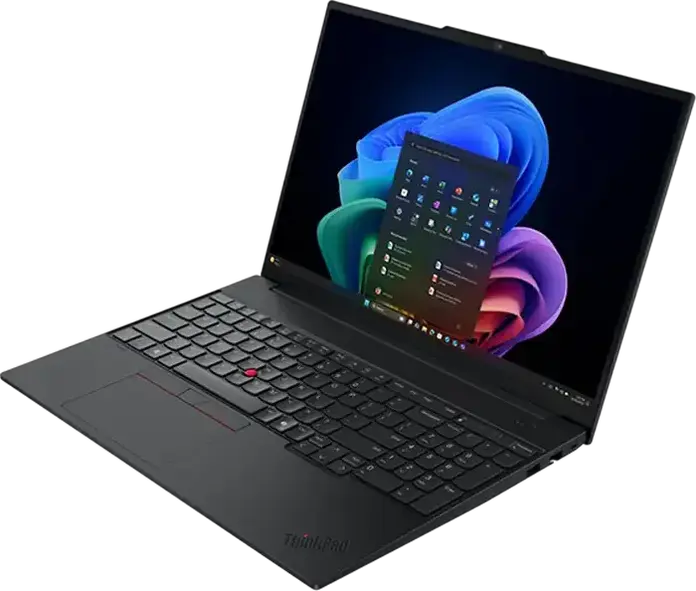
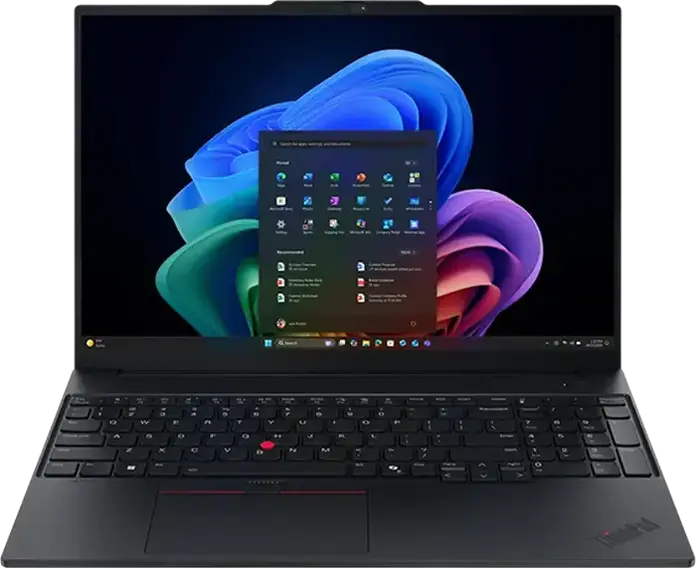
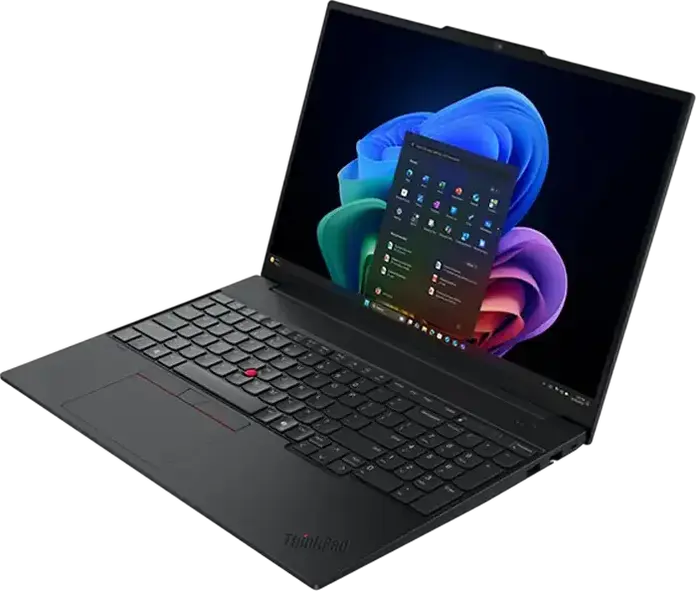
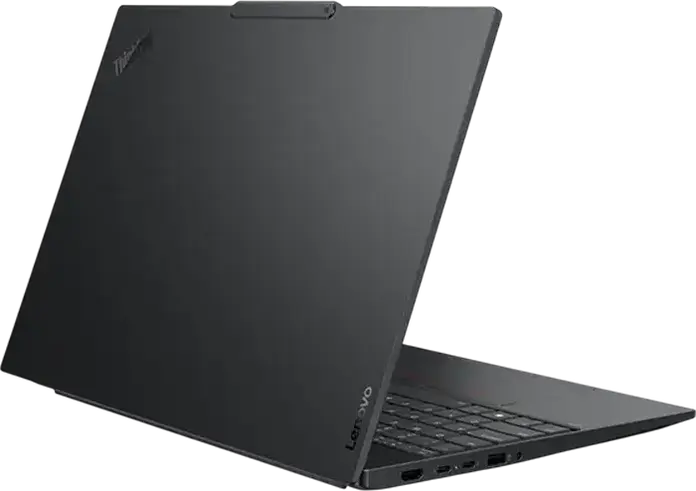
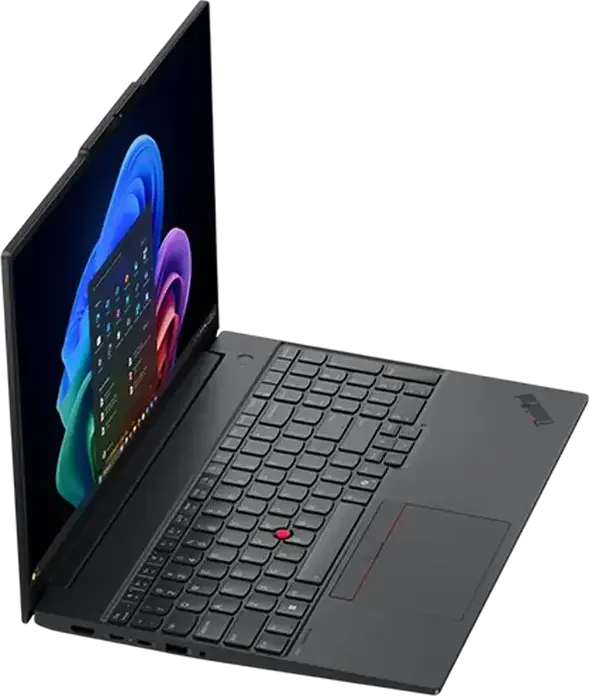
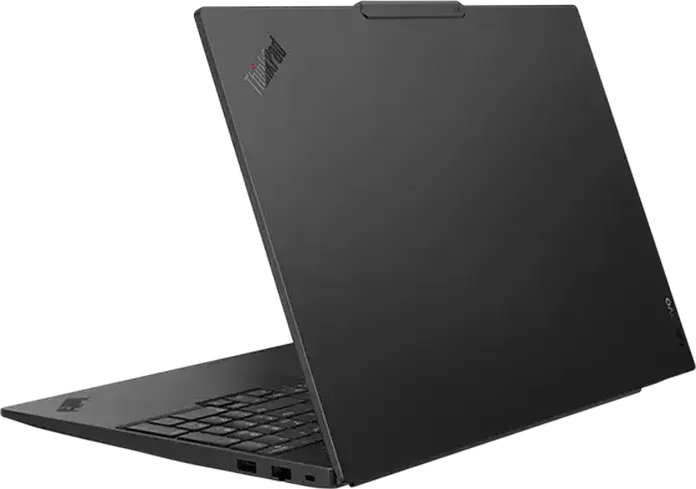
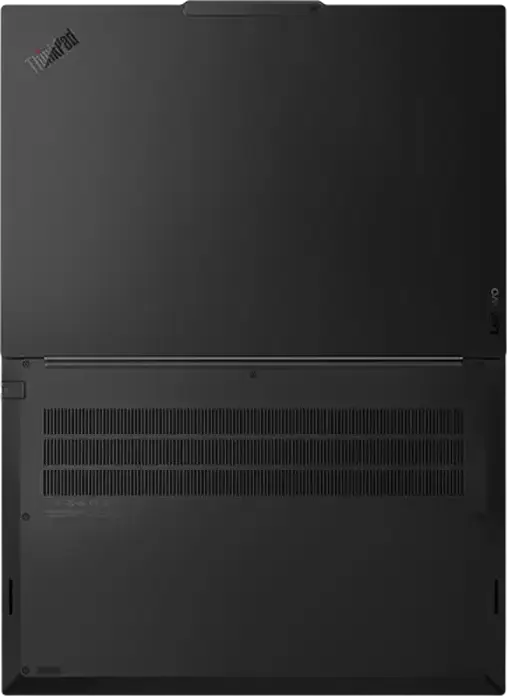
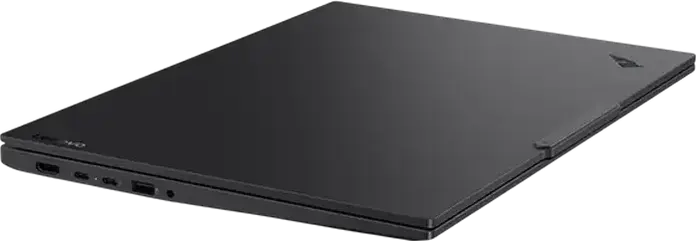
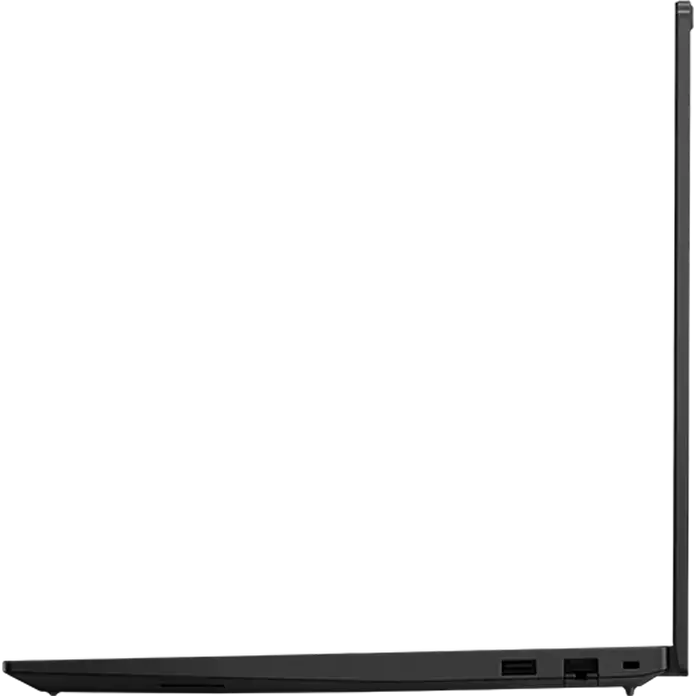
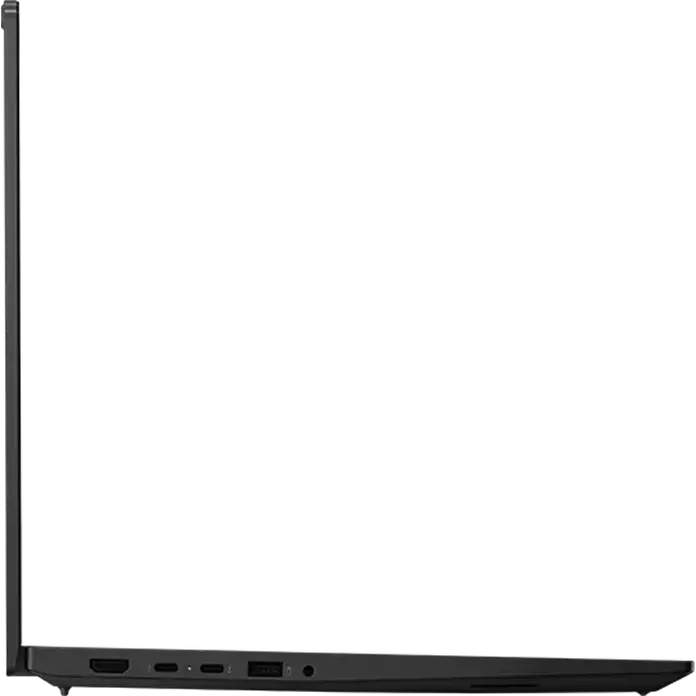
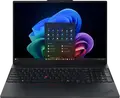
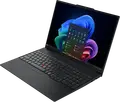
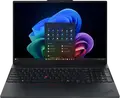
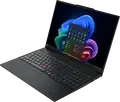
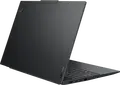
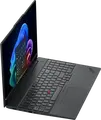
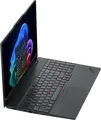
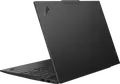
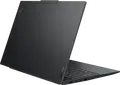
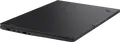
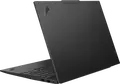
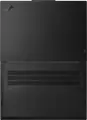
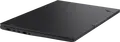
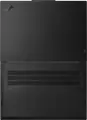
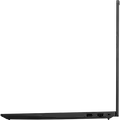
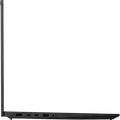

Lenovo ThinkPad E16 Gen 4 Business Laptop, Intel Core 7 350, 16.0-inch WUXGA IPS Display, 16GB DDR5 RAM, 512GB SSD, Intel Xe3 Graphics, Numeric Keypad, Black
- 14 Days Return
- 100% Secure Payments
- Invoice Included
Description
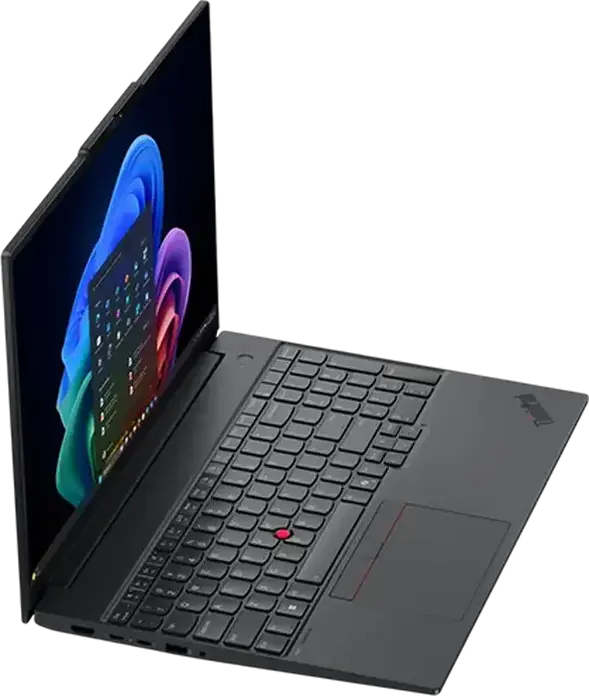
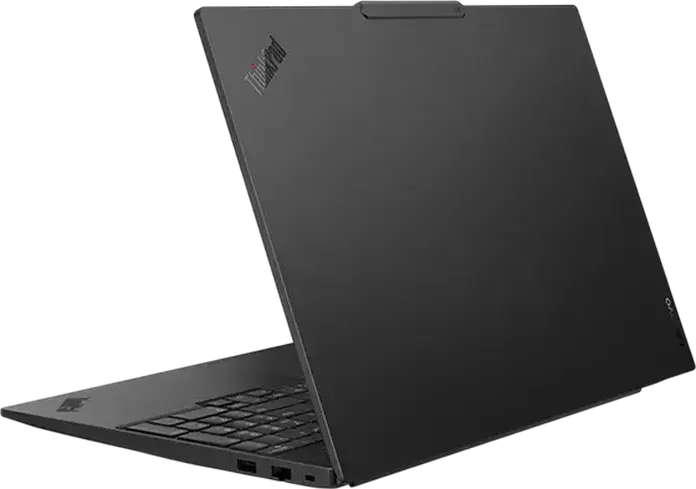
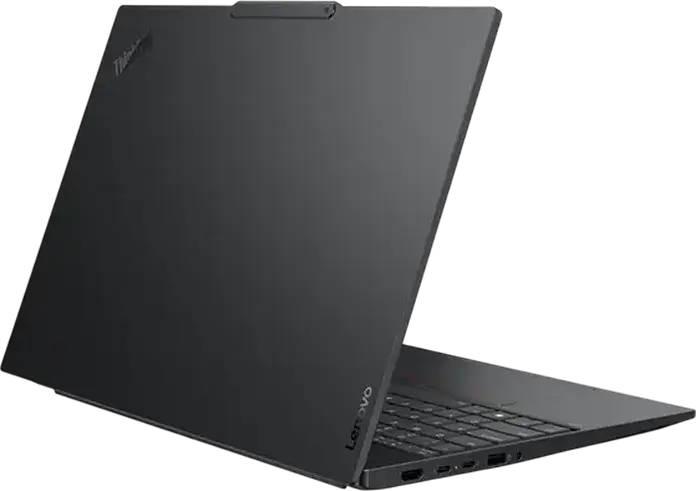
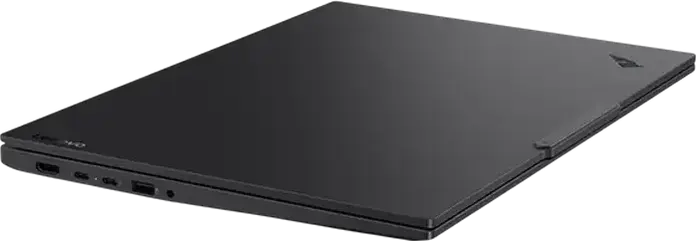
The Lenovo ThinkPad E16 Gen 4 is a business laptop designed to handle professional workloads with a balance of power and screen real estate. This configuration is powered by the Intel Core 7 350 processor from the Wildcat Lake series, paired with Intel Xe3 Graphics to manage your daily visual tasks. With 16GB of DDR5 RAM and a 512GB SSD, you have a responsive environment for multitasking and ample space for your essential documents. Its 16.0-inch WUXGA IPS display provides a clear 1920 x 1200 resolution, offering more vertical space than standard screens, which is helpful when reviewing long spreadsheets or documents. The chassis comes in a professional black finish and features the classic ThinkPad keyboard, complete with a numeric keypad for data entry and the signature red TrackPoint for precise navigation without leaving the home row. This combination of a large display and a full keyboard makes it a practical choice for accountants, analysts, or anyone who spends their workday managing complex data.
Features
Display & Graphics
Processor & Performance
Storage & Connectivity
General Specifications
Reviews
Guides and advice
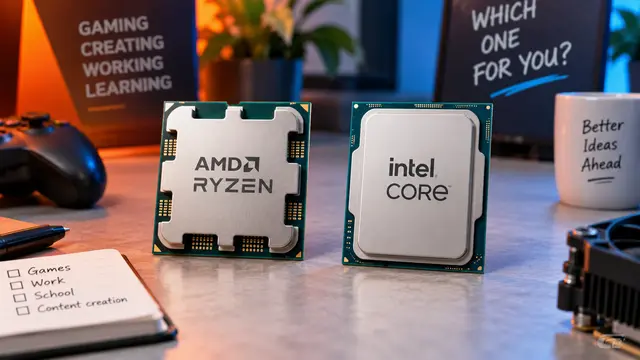
AMD or Intel? How to choose the right processor for your next computer
Your laptop’s fan becomes louder as you join a video call. A spreadsheet is open, several browser tabs are waiting, and switching between them no longer feels effortless. You start looking for a replacement and find two computers with similar screens, memory and prices. One has an AMD Ryzen processor. The other has an Intel Core.
Read article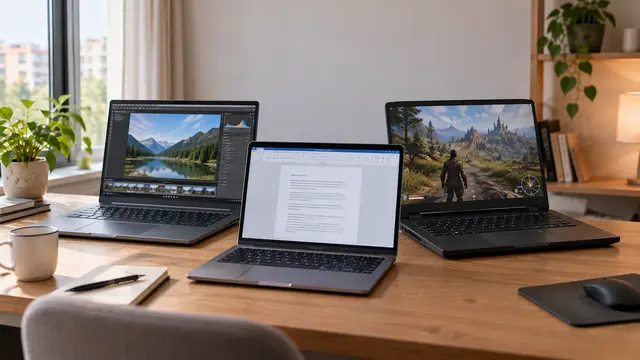
How to choose a laptop: a practical guide to screens, performance and everyday comfort
The browser is open beside a spreadsheet, a video call is about to start, and your laptop is already asking for its charger. Perhaps the computer still feels reasonably fast, but its screen is uncomfortable, the keyboard misses the occasional letter, or carrying it to work has become a daily nuisance.
Read article