

Lenovo ThinkPad E14 Gen 7 Laptop, Intel Core Ultra 7 258V, 32 GB RAM, 14" 2.8K IPS 120Hz Display, Intel Arc 140V Graphics, SSD, WiFi 6E, Bluetooth 5.3, DOS
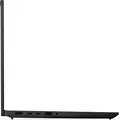
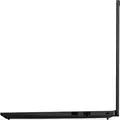

Lenovo ThinkPad E14 Gen 7 Laptop, Intel Core Ultra 7 258V, 32 GB RAM, 14" 2.8K IPS 120Hz Display, Intel Arc 140V Graphics, SSD, WiFi 6E, Bluetooth 5.3, DOS
Description
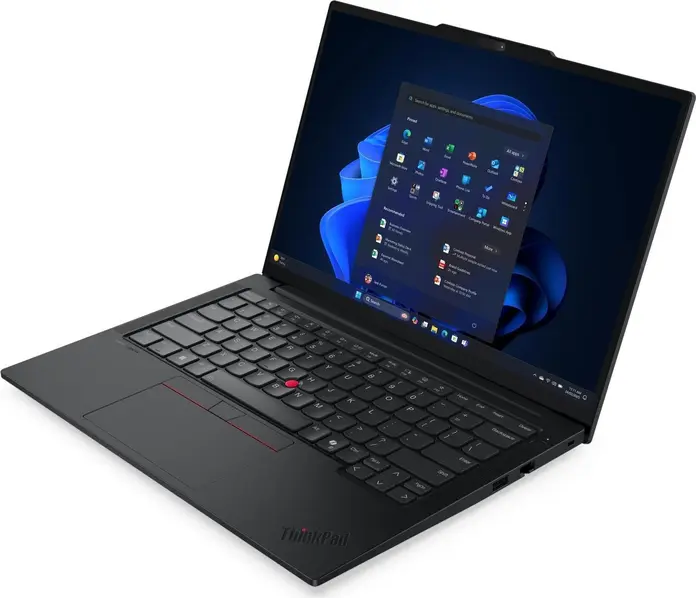
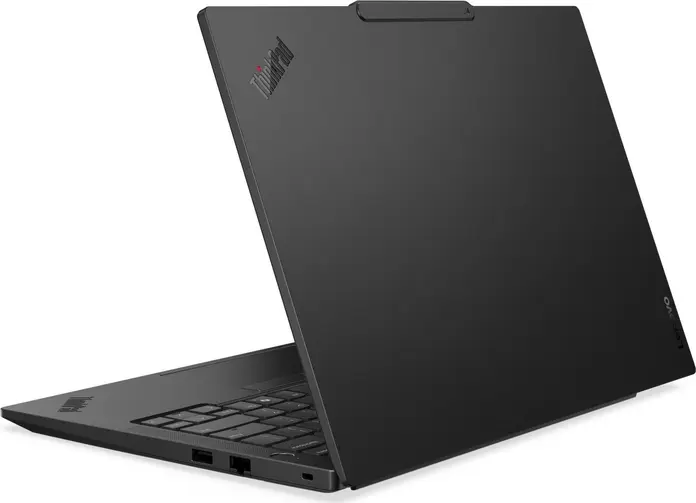
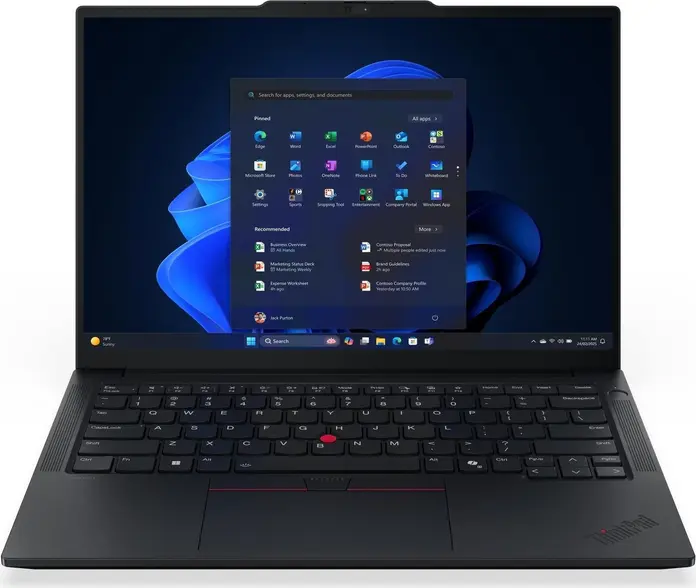
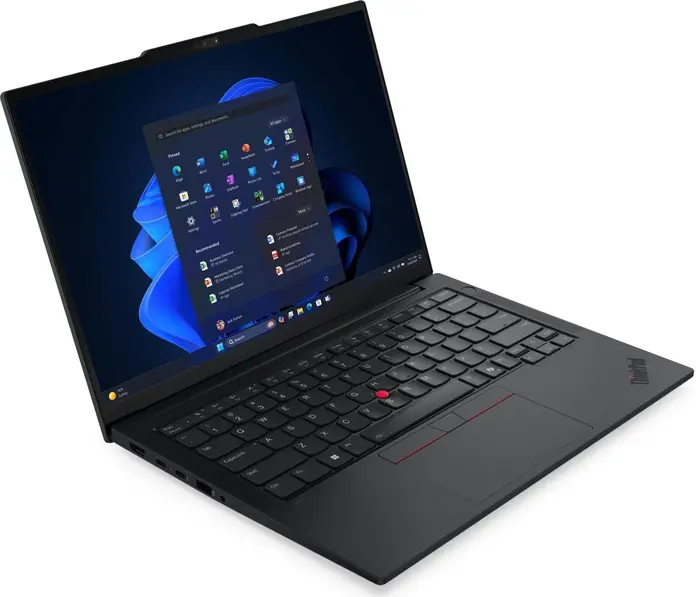
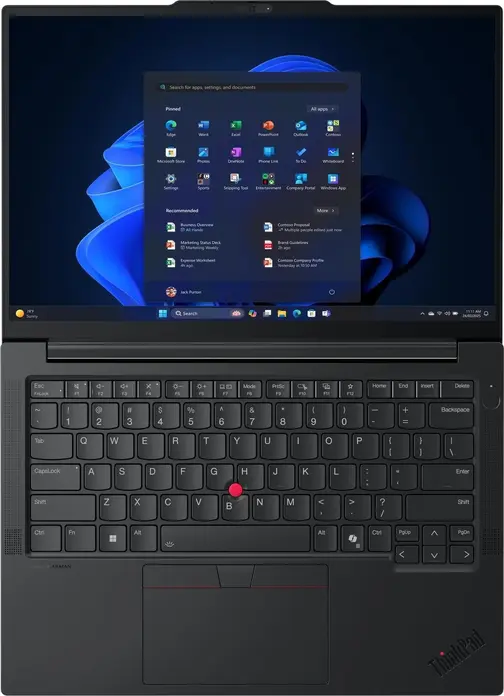
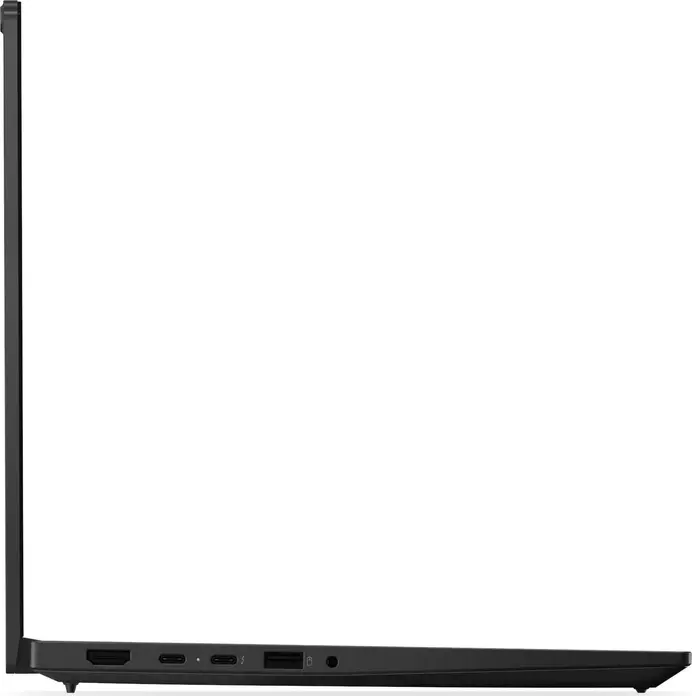
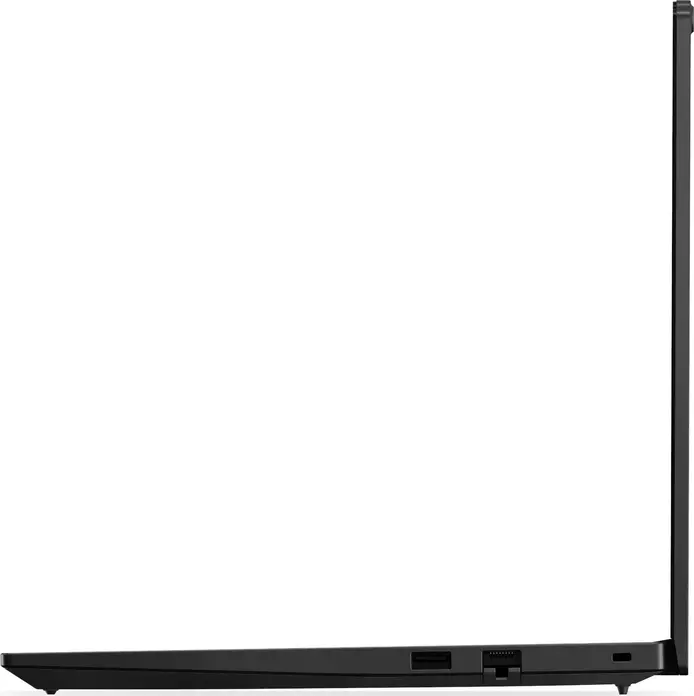
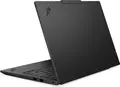
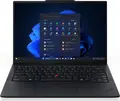
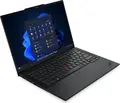
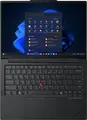
The Lenovo ThinkPad E14 Gen 7 is a professional laptop designed for those who need a balance of mobility and high performance. It is powered by the Intel Core Ultra 7 258V processor and 32GB of fast LPDDR5X-8533 memory, which allows you to handle demanding multitasking and complex workflows without slowdowns. A 1TB PCIe NVMe SSD provides ample space for your files while ensuring the system boots and loads applications quickly, supported by Intel Arc 140V Graphics for smooth visual rendering. Visuals are handled by a 14-inch IPS display with a 2.8K resolution and a 120Hz refresh rate, offering a sharp image and fluid motion that reduces eye strain during long work sessions. The screen features an anti-glare coating and 400 nits of brightness, making it easier to work in brightly lit environments. For communication, the laptop includes an FHD IR camera, while the backlit keyboard ensures you can keep typing comfortably even in dim lighting. Despite its power, the device remains portable at a weight of 1.32kg, making it a practical choice for commuting or traveling. Connectivity is comprehensive, featuring a Thunderbolt 4 port, HDMI, and an RJ-45 Ethernet jack for stable wired internet. Security is integrated through a fingerprint reader and TPM, while the 64Wh battery and 65W USB-C power supply keep you productive throughout the day.
Features
Display & Graphics
Processor & Performance
Storage & Connectivity
Battery & Portability
General Specifications
Reviews
Guides and advice
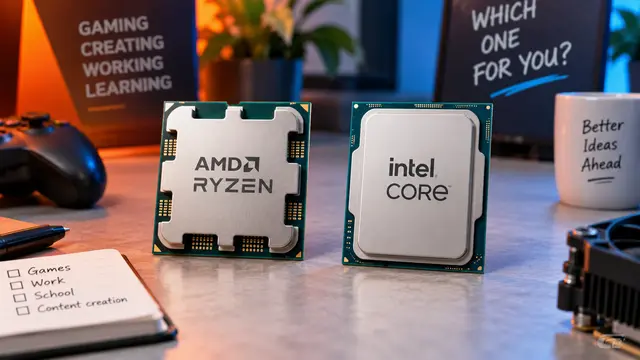
AMD or Intel? How to choose the right processor for your next computer
Your laptop’s fan becomes louder as you join a video call. A spreadsheet is open, several browser tabs are waiting, and switching between them no longer feels effortless. You start looking for a replacement and find two computers with similar screens, memory and prices. One has an AMD Ryzen processor. The other has an Intel Core.
Read article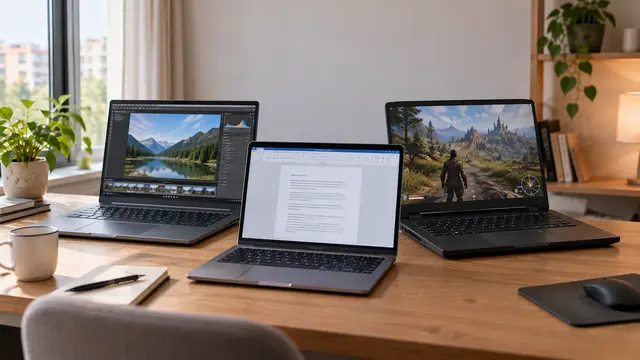
How to choose a laptop: a practical guide to screens, performance and everyday comfort
The browser is open beside a spreadsheet, a video call is about to start, and your laptop is already asking for its charger. Perhaps the computer still feels reasonably fast, but its screen is uncomfortable, the keyboard misses the occasional letter, or carrying it to work has become a daily nuisance.
Read article