

Acer Nitro V 16S AI ANV16S-41 Gaming Laptop, AMD Ryzen 7 260, NVIDIA GeForce RTX 5060 8GB, 32GB DDR5 RAM, 1TB SSD, 16" WUXGA 180Hz IPS Display, RGB Keyboard, Obsidian Black


Acer Nitro V 16S AI ANV16S-41 Gaming Laptop, AMD Ryzen 7 260, NVIDIA GeForce RTX 5060 8GB, 32GB DDR5 RAM, 1TB SSD, 16" WUXGA 180Hz IPS Display, RGB Keyboard, Obsidian Black
Description
The Acer Nitro V 16S AI ANV16S-41 is a powerful laptop designed for gaming and demanding tasks, featuring an Obsidian Black chassis crafted from a blend of aluminum and plastic. At its core is the AMD Ryzen 7 260 processor with 8 cores and 16 threads, reaching speeds up to 5.1GHz, paired with an NVIDIA GeForce RTX 5060 graphics card with 8GB of memory for smooth visual performance. You can enjoy a fluid experience on the 16-inch WUXGA IPS display, which offers a 16:10 aspect ratio and a fast 180Hz refresh rate to keep action crisp and clear without glare. For multitasking and storage, it comes equipped with 32GB of DDR5 RAM and a 1TB PCIe NVMe SSD, providing ample space and speed for your most demanding applications. The device is relatively portable for its class, weighing 2.1 kg with a slim profile of 2 cm in height, and it includes an illuminated RGB keyboard that adds a personalized touch to your setup. Connectivity is handled through a variety of ports including USB4 Type-C, HDMI 2.1, and Wi-Fi 6, while the 76Wh battery provides the energy needed for extended sessions away from a power outlet.
Features
Connectivity & Ports
Display
Graphics Card
Memory & Storage
Multimedia & Features
Processor
Physical Characteristics
Reviews
Guides and advice
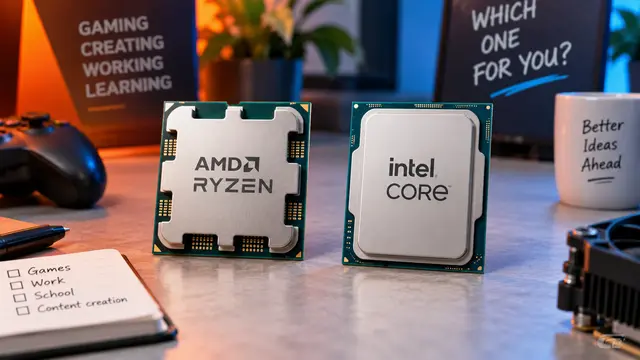
AMD or Intel? How to choose the right processor for your next computer
Your laptop’s fan becomes louder as you join a video call. A spreadsheet is open, several browser tabs are waiting, and switching between them no longer feels effortless. You start looking for a replacement and find two computers with similar screens, memory and prices. One has an AMD Ryzen processor. The other has an Intel Core.
Read article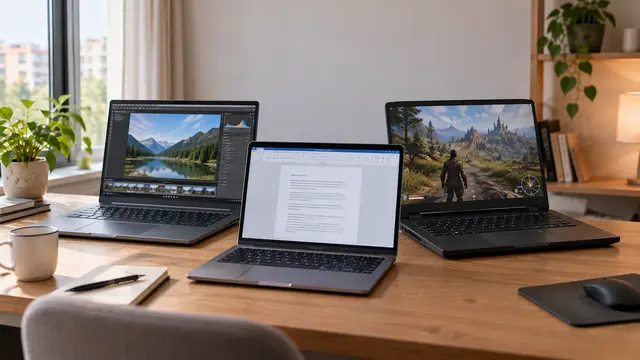
How to choose a laptop: a practical guide to screens, performance and everyday comfort
The browser is open beside a spreadsheet, a video call is about to start, and your laptop is already asking for its charger. Perhaps the computer still feels reasonably fast, but its screen is uncomfortable, the keyboard misses the occasional letter, or carrying it to work has become a daily nuisance.
Read article