

Lenovo ThinkPad T16 Gen 5 Business Laptop, Intel Core Ultra 7 355U, 32GB DDR5 RAM, 1TB SSD, 16" WUXGA IPS Anti-Glare, Wi-Fi 7, Carbon Fiber, Black


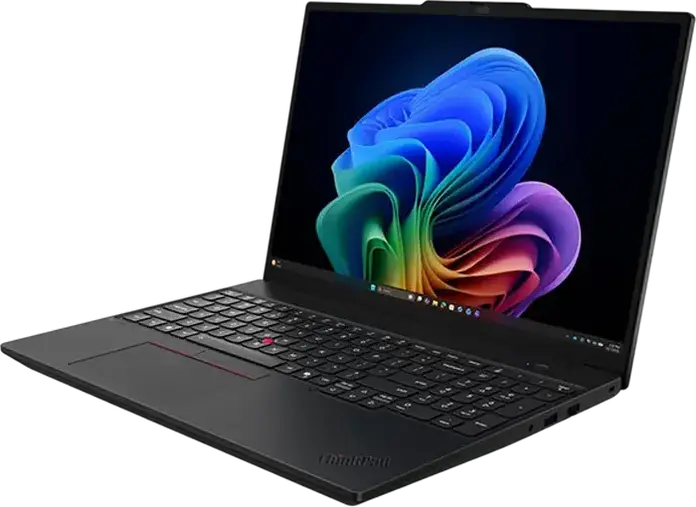
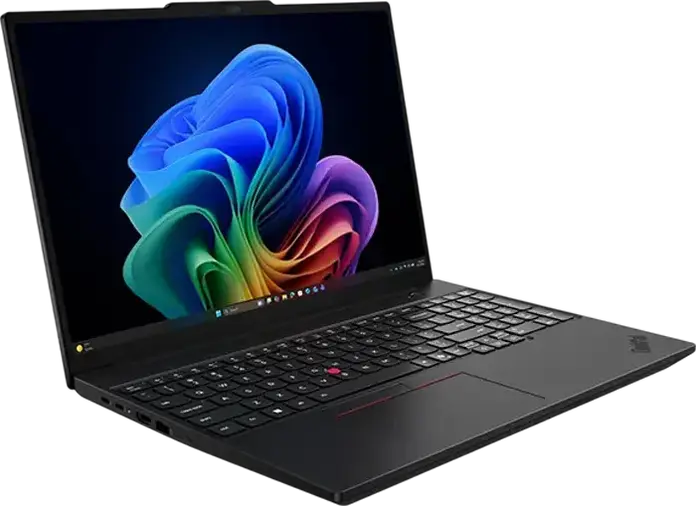


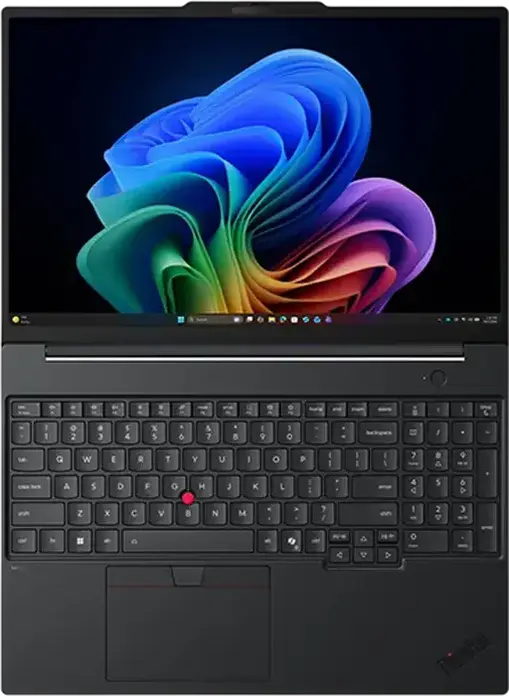




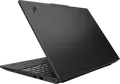
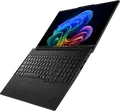







Lenovo ThinkPad T16 Gen 5 Business Laptop, Intel Core Ultra 7 355U, 32GB DDR5 RAM, 1TB SSD, 16" WUXGA IPS Anti-Glare, Wi-Fi 7, Carbon Fiber, Black
Description
The Lenovo ThinkPad T16 Gen 5 is a professional laptop designed for business and office environments, blending a large screen with a portable frame. It is powered by the Intel Core Ultra 7 355U processor based on the Panther Lake architecture, which utilizes 8 cores and 8 threads with a turbo frequency of 4.7 GHz to handle demanding multitasking. This performance is supported by 32GB of high-speed DDR5 RAM running at 6800 MHz via a single LPCAMM2 module, which can be expanded up to 64GB if your workload grows. A 1TB PCIe NVMe SSD provides ample space for large project files and ensures the system boots and loads applications quickly. Visuals are handled by a 16-inch IPS-level display with a 1920x1200 resolution and a 16:10 aspect ratio, offering more vertical workspace for documents and spreadsheets. The anti-glare surface and 400 cd/m2 brightness make it comfortable to use in brightly lit offices. To keep the device lightweight at 1.63 kg, the chassis is constructed from carbon fiber reinforced plastic, maintaining a slim profile of 1.8 cm in height. Connectivity is comprehensive, featuring Wi-Fi 7 and Bluetooth 5.4 for modern wireless standards, alongside a physical RJ45 Gigabit Ethernet port for stable wired connections. You can connect various peripherals through two Thunderbolt 4 ports, two USB 3.2 Type-A ports, and an HDMI 2.1 output. A 60 Wh lithium-ion battery powers the system, making it a reliable tool for professionals who need a balance of screen real estate and mobility.
Features
Display & Graphics
Processor & Performance
Storage & Connectivity
General Specifications
Battery & Portability
Reviews
Guides and advice
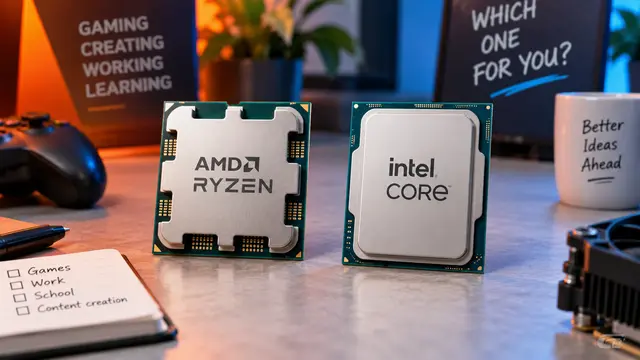
AMD or Intel? How to choose the right processor for your next computer
Your laptop’s fan becomes louder as you join a video call. A spreadsheet is open, several browser tabs are waiting, and switching between them no longer feels effortless. You start looking for a replacement and find two computers with similar screens, memory and prices. One has an AMD Ryzen processor. The other has an Intel Core.
Read article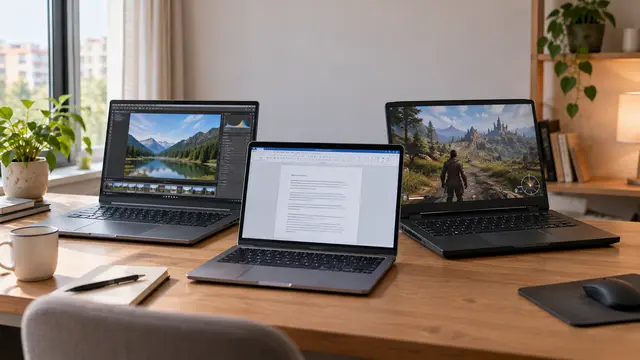
How to choose a laptop: a practical guide to screens, performance and everyday comfort
The browser is open beside a spreadsheet, a video call is about to start, and your laptop is already asking for its charger. Perhaps the computer still feels reasonably fast, but its screen is uncomfortable, the keyboard misses the occasional letter, or carrying it to work has become a daily nuisance.
Read article