

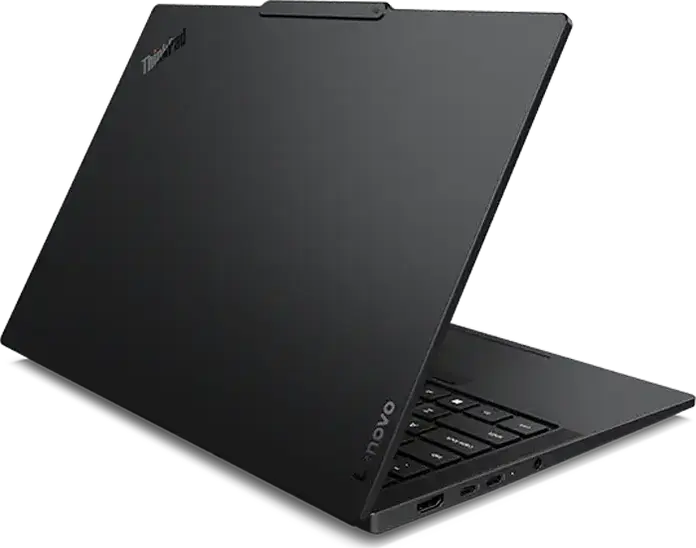
Lenovo ThinkPad T14s Gen 7 Laptop, AMD Ryzen AI 7 445, 32GB LPDDR5X 8000MHz, 512GB SSD NVMe Gen 5, 14" WUXGA IPS Touch 500nits, Wi-Fi 7, Carbon Fiber & Aluminum, Black







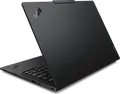

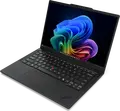

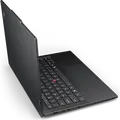

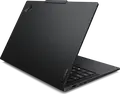

Lenovo ThinkPad T14s Gen 7 Laptop, AMD Ryzen AI 7 445, 32GB LPDDR5X 8000MHz, 512GB SSD NVMe Gen 5, 14" WUXGA IPS Touch 500nits, Wi-Fi 7, Carbon Fiber & Aluminum, Black
Description
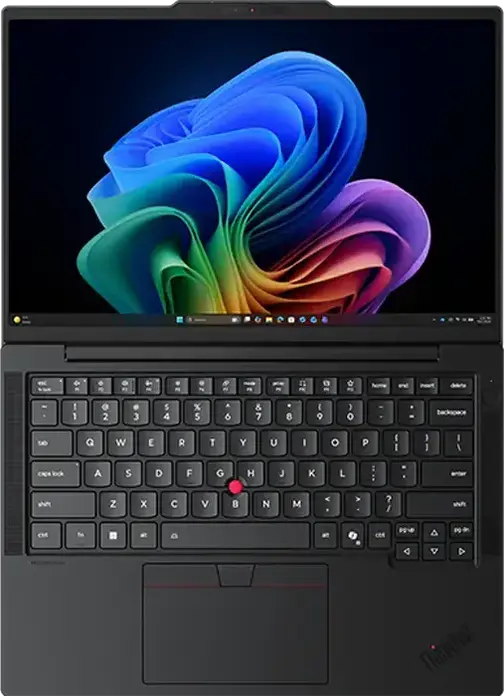
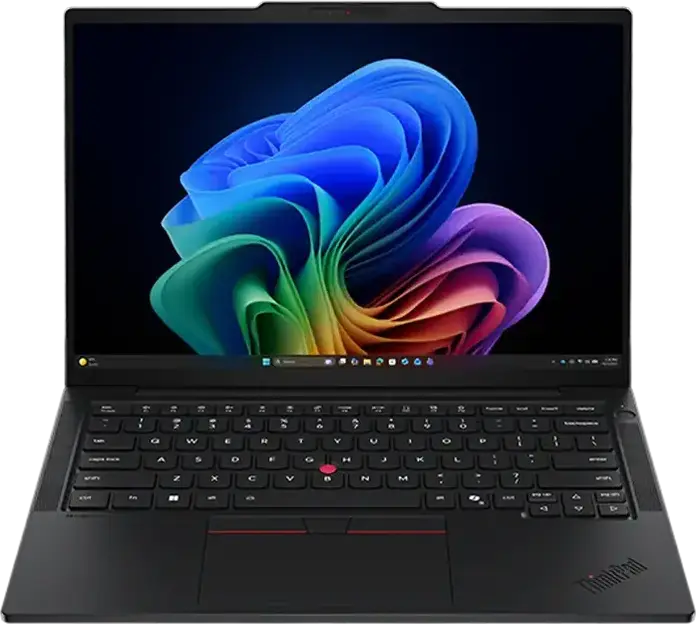
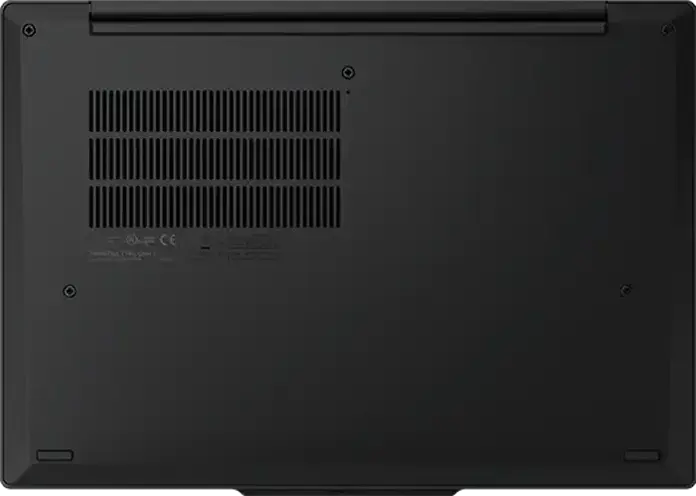
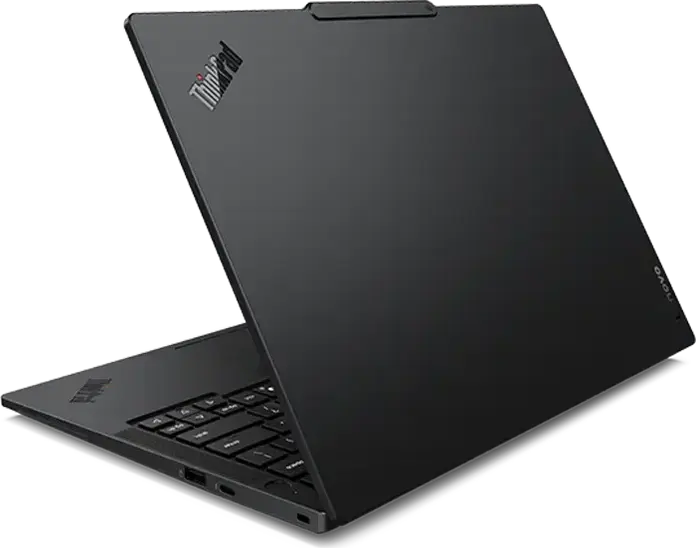
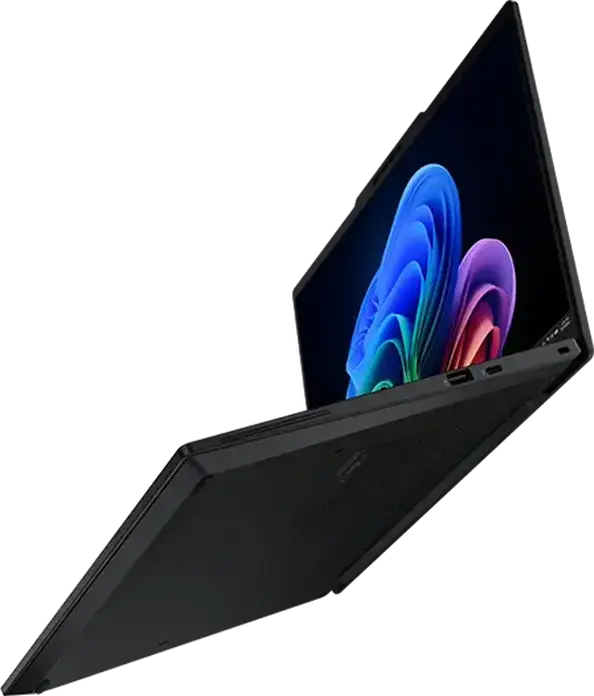
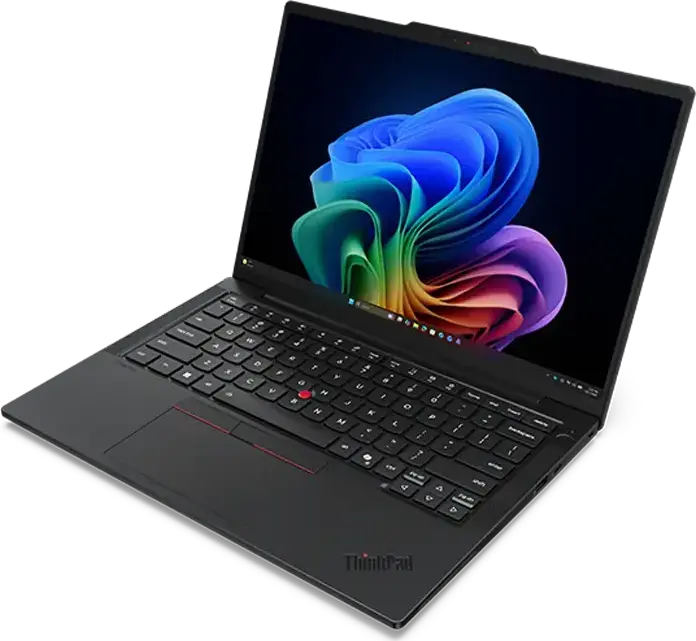
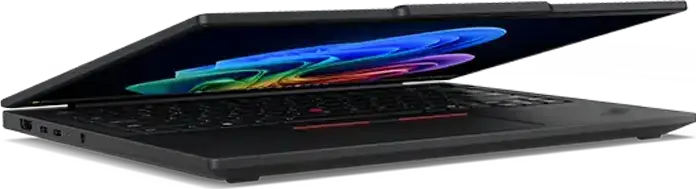
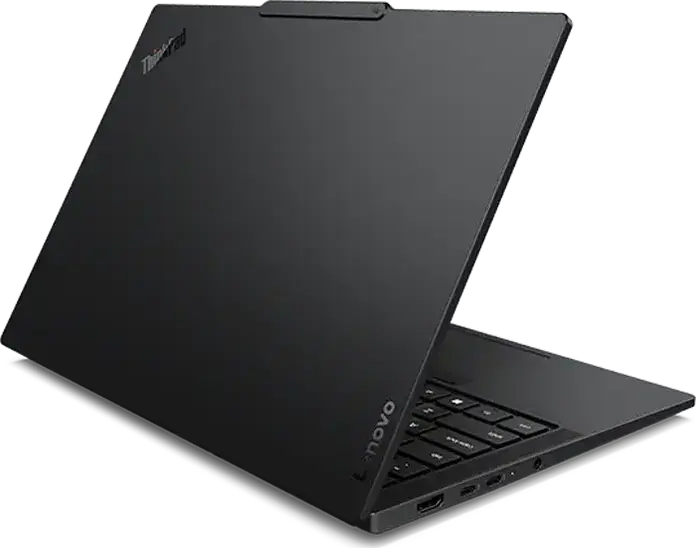
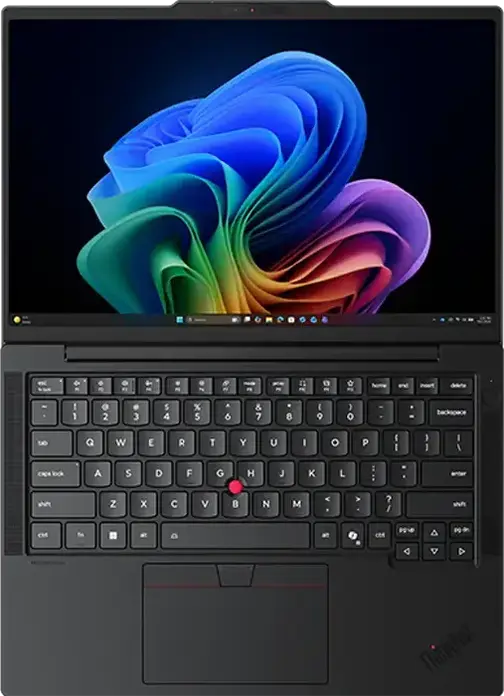
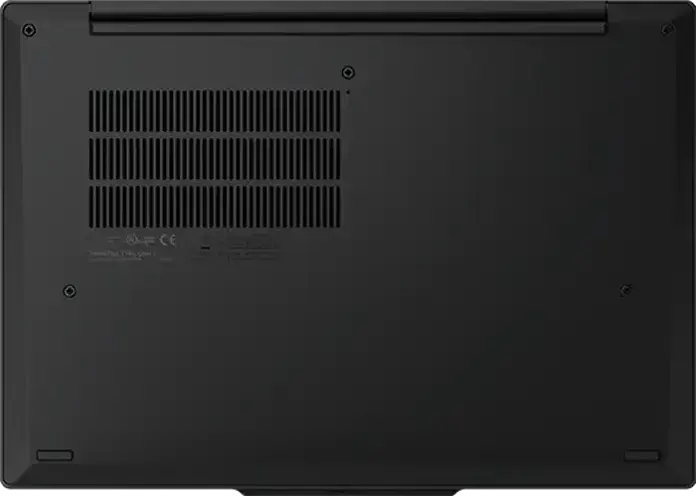
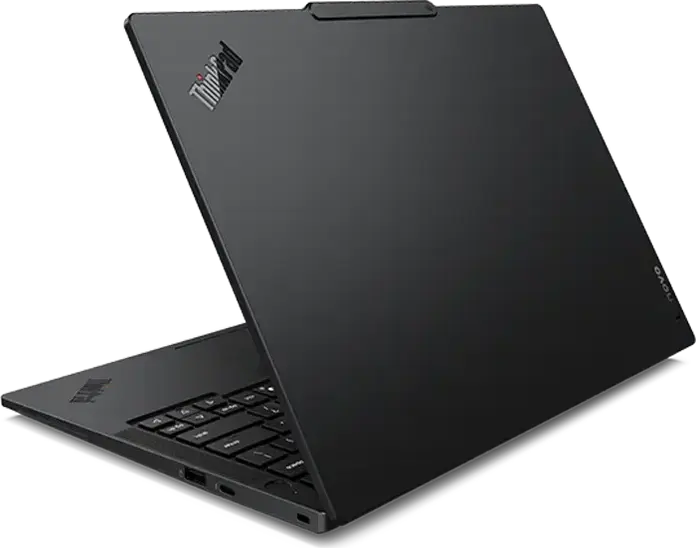
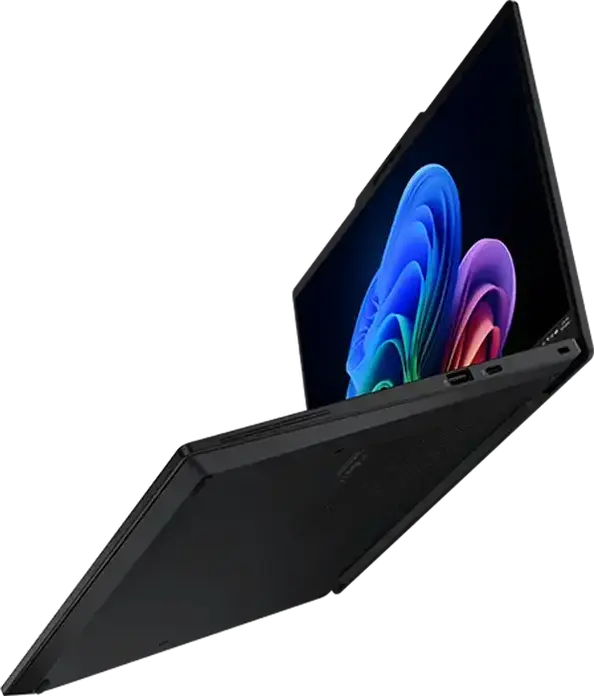
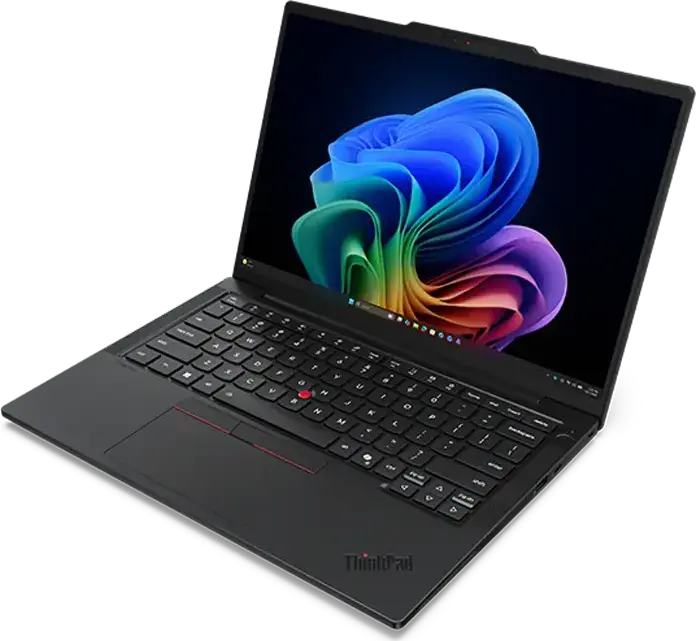
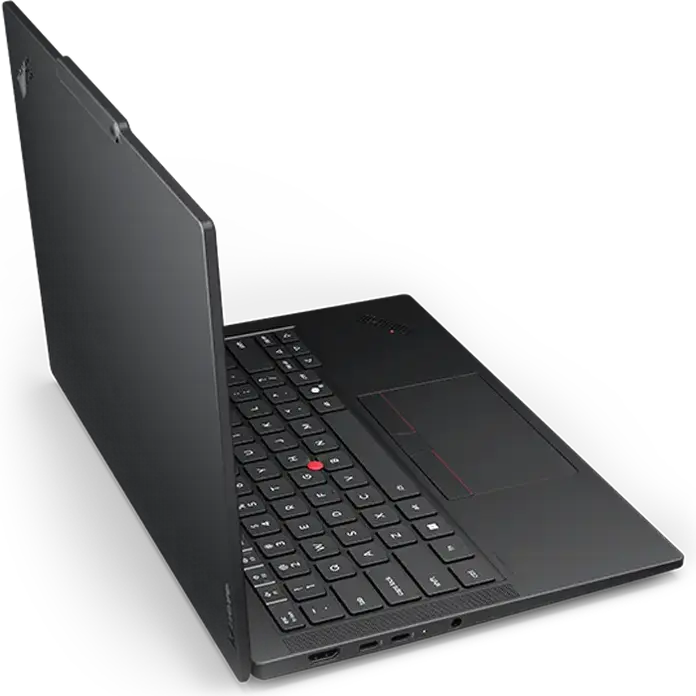
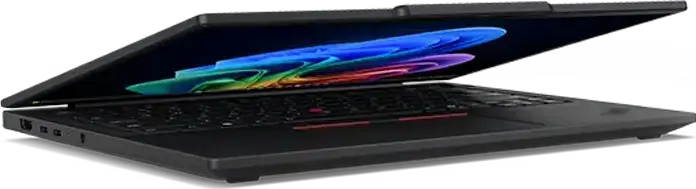
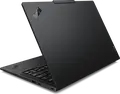
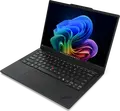
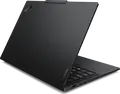
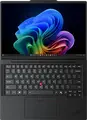
The Lenovo ThinkPad T14s Gen 7 is a professional laptop designed for mobility and efficiency. It is powered by an AMD Ryzen AI 7 445 processor with 6 cores and 12 threads, reaching a turbo frequency of 4.6 GHz, which allows you to handle demanding multitasking with ease. This performance is supported by 32GB of fast LPDDR5X RAM running at 8000 MHz and a 512GB PCIe NVMe Gen 5.0 SSD, ensuring that your applications launch quickly and data transfers are rapid. Its 14-inch WUXGA IPS touchscreen features a 16:10 aspect ratio and a matte, anti-glare finish, making it comfortable for long working hours even in bright environments. The display reaches a brightness of 500 cd/m2, providing clear visuals for your projects. For connectivity, the device includes two Thunderbolt 4 ports, a USB 3.2 Gen 2 Type-C port, a USB 3.2 Type-A port, and an HDMI 2.1 output, while Wi-Fi 7 and Bluetooth 5.4 keep your wireless connections stable and fast. Constructed with a carbon fiber top and an aluminum base, the chassis is both durable and remarkably light, weighing only 1.09 kg. The backlit island-style keyboard offers a 1.5 mm key travel for a tactile typing experience, and the screen can open up to 180 degrees to facilitate collaboration. A 58 Wh battery provides the energy needed for a day of work, with the convenience of charging via USB Power Delivery on either side of the laptop.
Features
Display & Graphics
Processor & Performance
General Specifications
Storage & Connectivity
Battery & Portability
Reviews
Guides and advice
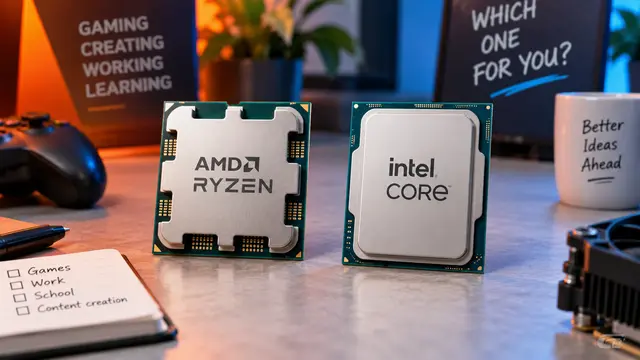
AMD or Intel? How to choose the right processor for your next computer
Your laptop’s fan becomes louder as you join a video call. A spreadsheet is open, several browser tabs are waiting, and switching between them no longer feels effortless. You start looking for a replacement and find two computers with similar screens, memory and prices. One has an AMD Ryzen processor. The other has an Intel Core.
Read article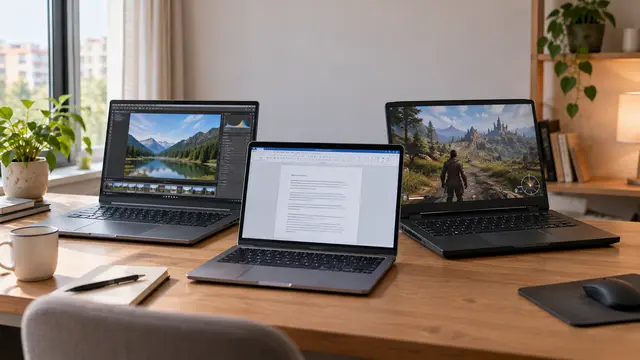
How to choose a laptop: a practical guide to screens, performance and everyday comfort
The browser is open beside a spreadsheet, a video call is about to start, and your laptop is already asking for its charger. Perhaps the computer still feels reasonably fast, but its screen is uncomfortable, the keyboard misses the occasional letter, or carrying it to work has become a daily nuisance.
Read article