

Lenovo Legion 7 15ASH11 Laptop, 15.3" WQXGA OLED 165Hz, AMD Ryzen AI Max+ 388, 32GB LPDDR5X, 1TB SSD, Radeon 8060S, Aluminum Chassis, Wi-Fi 7, No OS


Lenovo Legion 7 15ASH11 Laptop, 15.3" WQXGA OLED 165Hz, AMD Ryzen AI Max+ 388, 32GB LPDDR5X, 1TB SSD, Radeon 8060S, Aluminum Chassis, Wi-Fi 7, No OS
- 14 Days Return
- 100% Secure Payments
- Invoice Included
Description
The Lenovo Legion 7 15ASH11 is a high-performance laptop designed for users who need significant computing power in a portable form. It features an AMD Ryzen AI Max+ 388 processor with 8 cores and 16 threads, reaching speeds up to 5.0GHz, complemented by integrated AMD Ryzen AI capabilities providing up to 50 TOPS for AI-driven tasks. This processing power is supported by 32GB of fast LPDDR5X-8000 memory and a 1TB PCIe NVMe SSD, while the AMD Radeon 8060S graphics handle visual workloads. Visuals are presented on a 15.3-inch OLED screen with a 16:10 aspect ratio and WQXGA resolution of 2560x1600. The display offers a smooth 165Hz refresh rate and covers 100% of the DCI-P3 color gamut, reaching brightness levels up to 1100 nits for clarity in various lighting conditions. These internals are housed in a Nebula violet aluminum chassis that weighs 1.55kg, making it easy to carry between locations without sacrificing structural rigidity. For connectivity and interaction, the device includes an RGB backlit keyboard without a numberpad and a 5MP IR camera for secure logins. You can connect peripherals via two USB4 ports supporting up to 180W power delivery, two USB-A ports, one USB-C port, and an HDMI output, alongside Wi-Fi 7 and Bluetooth 5.4. A four-speaker audio system provides sound, while the 84Wh battery supports mobile use for those who move between a desk and other environments.
Features
Memory & Storage
Multimedia & Features
Display
Processor
Connectivity & Ports
Graphics Card
Physical Characteristics
Reviews
Guides and advice
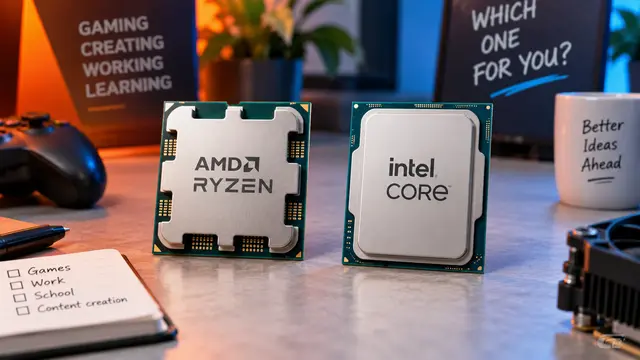
AMD or Intel? How to choose the right processor for your next computer
Your laptop’s fan becomes louder as you join a video call. A spreadsheet is open, several browser tabs are waiting, and switching between them no longer feels effortless. You start looking for a replacement and find two computers with similar screens, memory and prices. One has an AMD Ryzen processor. The other has an Intel Core.
Read article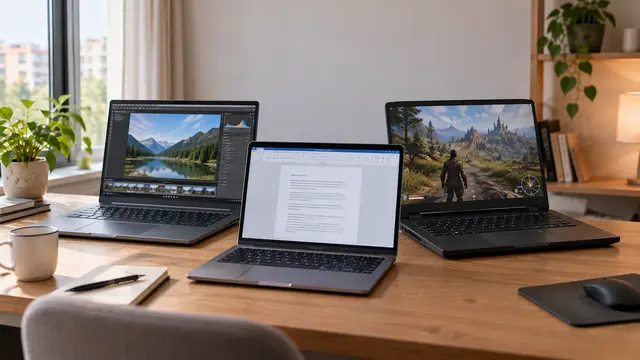
How to choose a laptop: a practical guide to screens, performance and everyday comfort
The browser is open beside a spreadsheet, a video call is about to start, and your laptop is already asking for its charger. Perhaps the computer still feels reasonably fast, but its screen is uncomfortable, the keyboard misses the occasional letter, or carrying it to work has become a daily nuisance.
Read article