

Lenovo IdeaPad Slim 3 16IRH10 Laptop, 16" WUXGA IPS Display, Intel Core i5-13420H, 16GB DDR5 RAM, 512GB NVMe SSD, Aluminium Top, Luna Grey, No OS
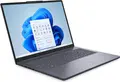

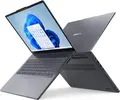


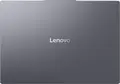

Lenovo IdeaPad Slim 3 16IRH10 Laptop, 16" WUXGA IPS Display, Intel Core i5-13420H, 16GB DDR5 RAM, 512GB NVMe SSD, Aluminium Top, Luna Grey, No OS
- 14 Days Return
- 100% Secure Payments
- Invoice Included
Description
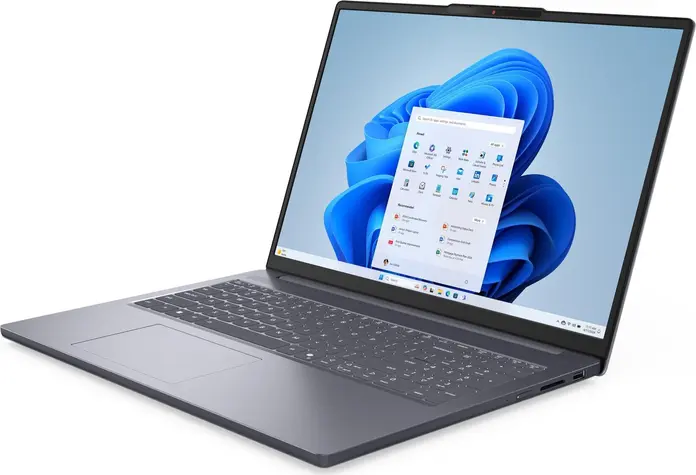
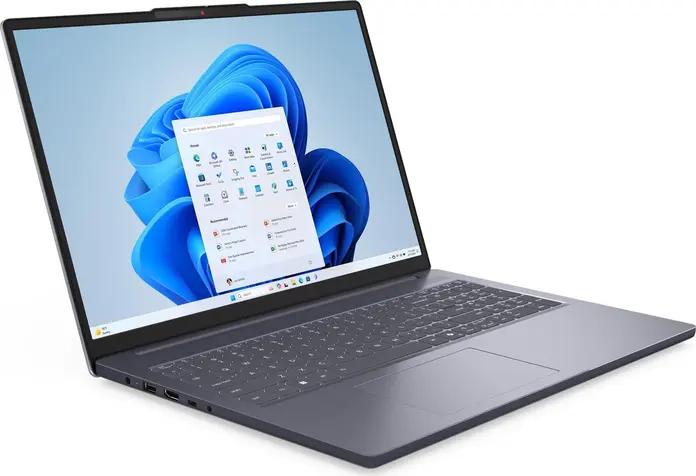
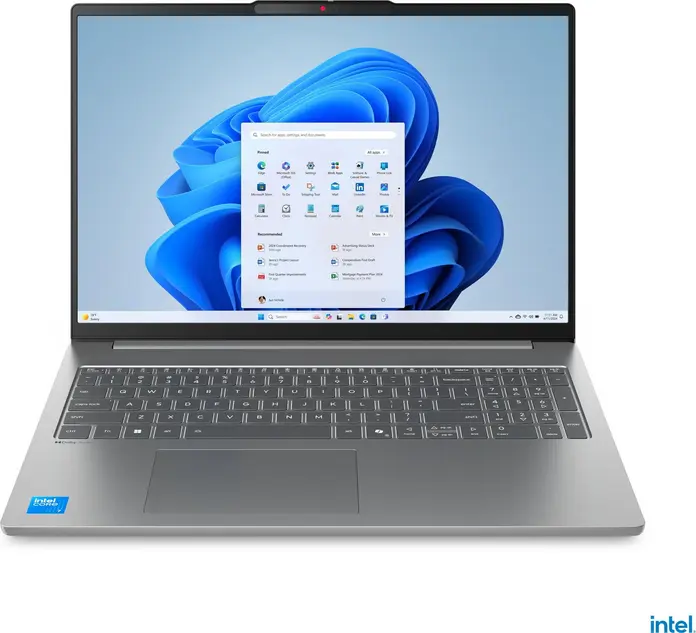
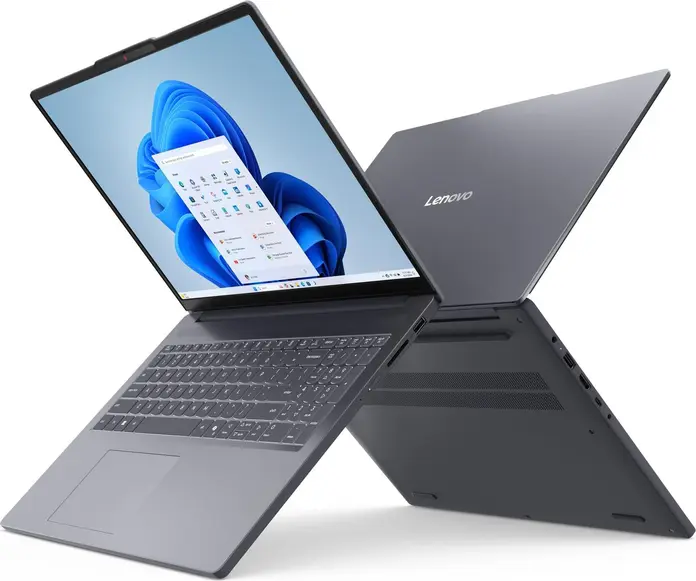
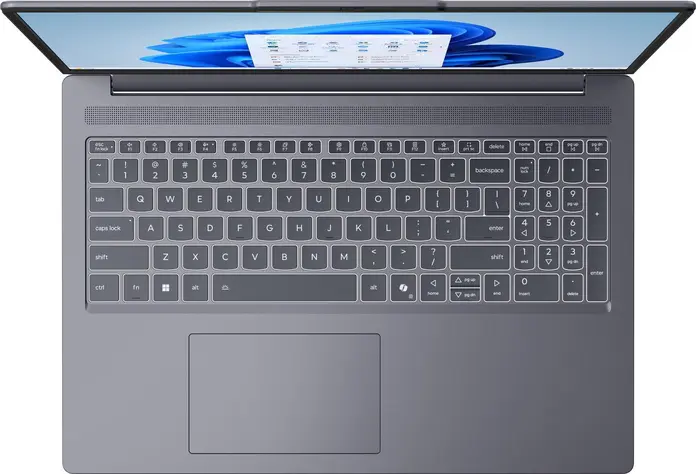
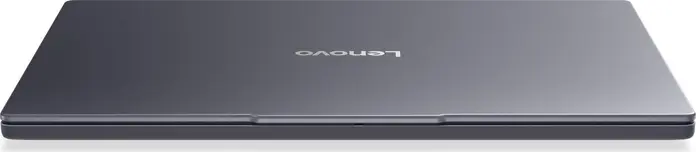
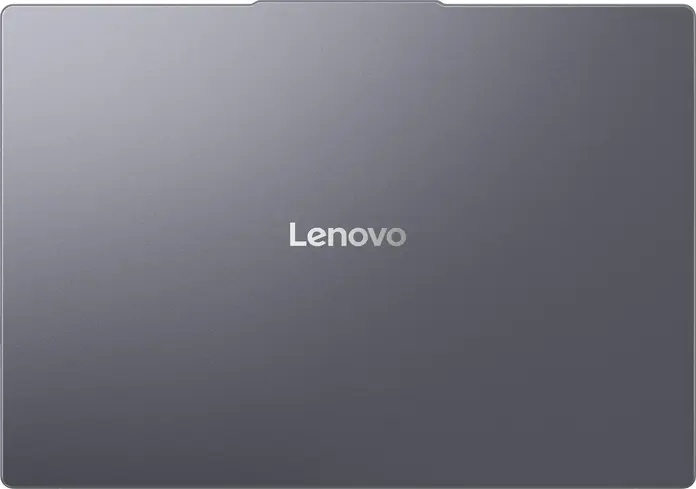
The Lenovo IdeaPad Slim 3 16IRH10 is a versatile laptop designed for those who need a spacious screen and reliable performance for daily tasks. It is powered by an Intel Core i5-13420H processor with eight cores reaching speeds up to 4.6GHz, paired with 16GB of DDR5 memory to keep your multitasking smooth. You have 512GB of fast NVMe storage for your files, and there is an additional free slot available if you ever need to expand your capacity in the future. Its 16-inch WUXGA IPS display offers a resolution of 1920x1200 and an anti-glare coating, which helps reduce reflections when you are working in bright environments. The chassis features a Luna Grey finish with an aluminium top, balancing a professional look with a weight of 1.73kg that makes it manageable to carry between rooms or to a cafe. For connectivity, it includes Wi-Fi 6 and a variety of ports, such as a USB-C port that supports both power delivery and DisplayPort 1.2, alongside HDMI and an SD card reader for easy data transfers. This model comes without a pre-installed operating system, allowing you to choose the software that fits your needs. The 60Wh battery provides the energy needed for your sessions, while the HD 720p webcam and a standard non-backlit keyboard with an English and Russian layout make it a practical choice for students or office workers who spend a lot of time typing and attending online meetings.
Features
Display
General Information
Multimedia & Features
Processor & Memory
Storage & Graphics
Connectivity & Ports
Battery & Dimensions
Reviews
Guides and advice
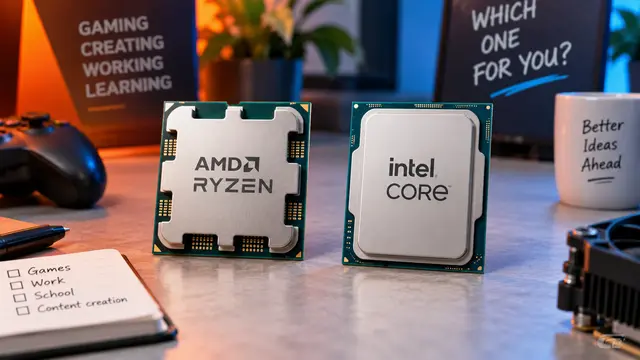
AMD or Intel? How to choose the right processor for your next computer
Your laptop’s fan becomes louder as you join a video call. A spreadsheet is open, several browser tabs are waiting, and switching between them no longer feels effortless. You start looking for a replacement and find two computers with similar screens, memory and prices. One has an AMD Ryzen processor. The other has an Intel Core.
Read article
How to choose a laptop: a practical guide to screens, performance and everyday comfort
The browser is open beside a spreadsheet, a video call is about to start, and your laptop is already asking for its charger. Perhaps the computer still feels reasonably fast, but its screen is uncomfortable, the keyboard misses the occasional letter, or carrying it to work has become a daily nuisance.
Read article