

HP ZBook Fury G1i 18" Workstation Laptop - Intel Core Ultra 9 285HX, 64GB DDR5, 2TB SSD, NVIDIA RTX Pro 2000 8GB, WQXGA IPS 165Hz, Windows 11 Pro, Grey


HP ZBook Fury G1i 18" Workstation Laptop - Intel Core Ultra 9 285HX, 64GB DDR5, 2TB SSD, NVIDIA RTX Pro 2000 8GB, WQXGA IPS 165Hz, Windows 11 Pro, Grey
- 14 Days Return
- 100% Secure Payments
- Invoice Included
Description
The HP ZBook Fury G1i 18 is a high-performance mobile workstation designed for demanding professional workloads. At its heart is the Intel Core Ultra 9 285HX processor with 24 cores and a turbo clock speed of up to 5.5 GHz, paired with 64GB of fast 5600 MHz DDR5 RAM that can be expanded up to 192GB across four slots. This power is complemented by an NVIDIA RTX Pro 2000 GPU with 8GB of dedicated memory and a spacious 2TB SSD for storing large project files. Visuals are handled by a large 18-inch WQXGA IPS display featuring a 16:10 aspect ratio and a 165 Hz refresh rate, which ensures smooth motion and ample workspace. The anti-glare surface and 500 cd/m2 brightness make it easier to work in various lighting conditions. Its grey chassis combines aluminum and plastic for a sturdy build, housing a backlit keyboard with a numeric keypad and a 5MP IR camera for secure logins via the integrated fingerprint scanner. Connectivity is extensive, featuring two Thunderbolt 5 ports and one Thunderbolt 4 port alongside HDMI 2.1 and 2.5 Gigabit Ethernet for high-speed networking. With Wi-Fi 7 and Bluetooth 5.4, this machine suits engineers, data scientists, or architects who need a desktop-class experience in a portable format to handle complex simulations and rendering tasks.
Features
Display & Graphics
General Specifications
Processor & Performance
Storage & Connectivity
Reviews
Guides and advice
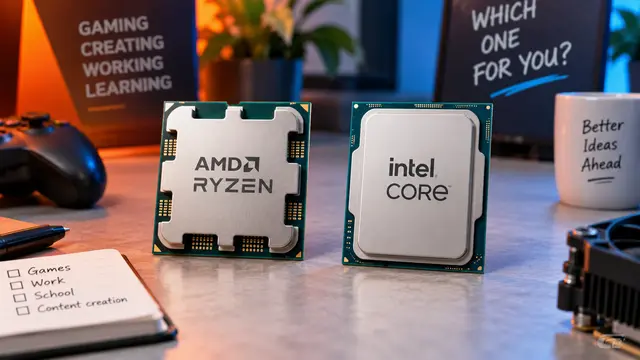
AMD or Intel? How to choose the right processor for your next computer
Your laptop’s fan becomes louder as you join a video call. A spreadsheet is open, several browser tabs are waiting, and switching between them no longer feels effortless. You start looking for a replacement and find two computers with similar screens, memory and prices. One has an AMD Ryzen processor. The other has an Intel Core.
Read article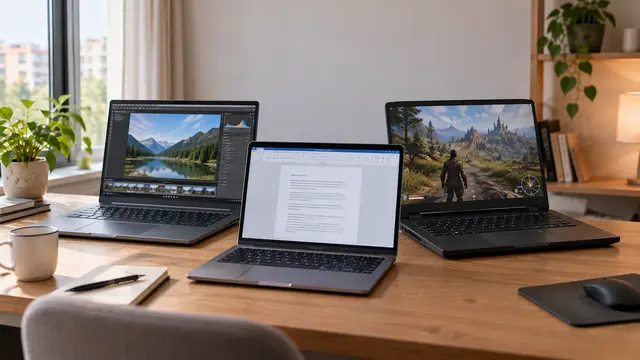
How to choose a laptop: a practical guide to screens, performance and everyday comfort
The browser is open beside a spreadsheet, a video call is about to start, and your laptop is already asking for its charger. Perhaps the computer still feels reasonably fast, but its screen is uncomfortable, the keyboard misses the occasional letter, or carrying it to work has become a daily nuisance.
Read article