

HP ZBook 8 G2i Laptop 14" WQXGA IPS 120Hz 500nits Intel Core Ultra 9 386H 32GB DDR5 1TB PCIe SSD Windows 11 Pro Grey Aluminum Wi-Fi 7 Thunderbolt 4


HP ZBook 8 G2i Laptop 14" WQXGA IPS 120Hz 500nits Intel Core Ultra 9 386H 32GB DDR5 1TB PCIe SSD Windows 11 Pro Grey Aluminum Wi-Fi 7 Thunderbolt 4
- 14 Days Return
- 100% Secure Payments
- Invoice Included
Description
The HP ZBook 8 G2i is a professional laptop designed for demanding workloads, combining a lightweight aluminum and plastic chassis that weighs just 1.43 kg with high-end internals. At its heart is the Intel Core Ultra 9 386H processor featuring 16 cores and a turbo boost up to 4.9 GHz, paired with 32GB of DDR5-5600 RAM that can be expanded to 64GB via two SO-DIMM slots. A 1TB PCIe SSD provides fast storage for large files, while Windows 11 Pro manages the system for a business-ready experience. Visuals are handled by a 14-inch IPS display with a 2.5K WQXGA resolution and a 16:10 aspect ratio, offering more vertical workspace for productivity. The 120 Hz refresh rate and 500 cd/m2 brightness ensure smooth motion and clarity even in bright environments, aided by a matte anti-glare surface. For connectivity, you have access to two Thunderbolt 4 ports, a USB-C port, HDMI 2.1, and a Gigabit Ethernet jack, alongside modern Wi-Fi 7 and Bluetooth 6.0 standards. Daily use is supported by an illuminated island keyboard and an IR 5MP webcam for secure, high-quality video calls. The 77Wh battery keeps you mobile, while the grey finish and compact dimensions of 315.6 x 222 x 18.9 mm make it easy to carry between meetings or on a commute. This setup suits engineers or data analysts who need the power of a workstation in a portable form factor.
Features
Battery & Portability
Display & Graphics
General Specifications
Processor & Performance
Storage & Connectivity
Reviews
Guides and advice
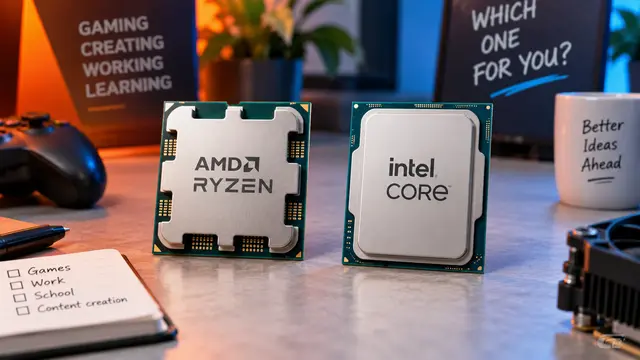
AMD or Intel? How to choose the right processor for your next computer
Your laptop’s fan becomes louder as you join a video call. A spreadsheet is open, several browser tabs are waiting, and switching between them no longer feels effortless. You start looking for a replacement and find two computers with similar screens, memory and prices. One has an AMD Ryzen processor. The other has an Intel Core.
Read article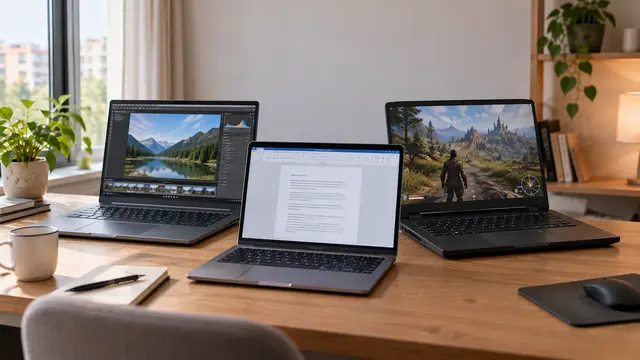
How to choose a laptop: a practical guide to screens, performance and everyday comfort
The browser is open beside a spreadsheet, a video call is about to start, and your laptop is already asking for its charger. Perhaps the computer still feels reasonably fast, but its screen is uncomfortable, the keyboard misses the occasional letter, or carrying it to work has become a daily nuisance.
Read article