

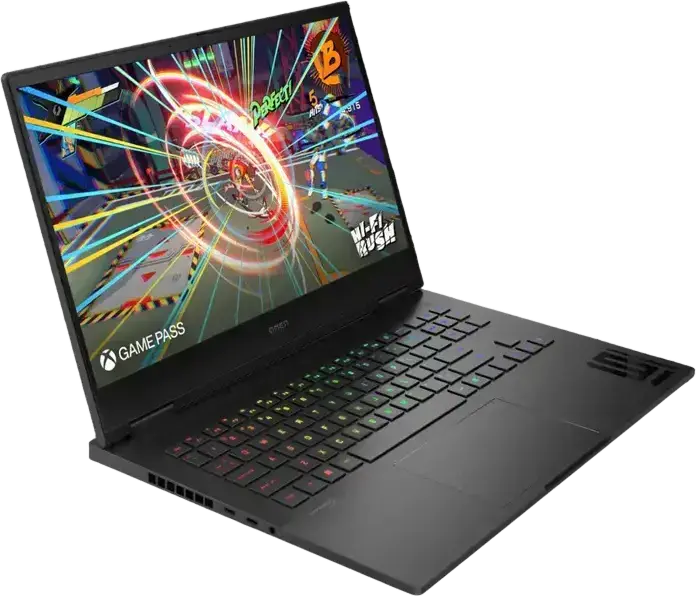
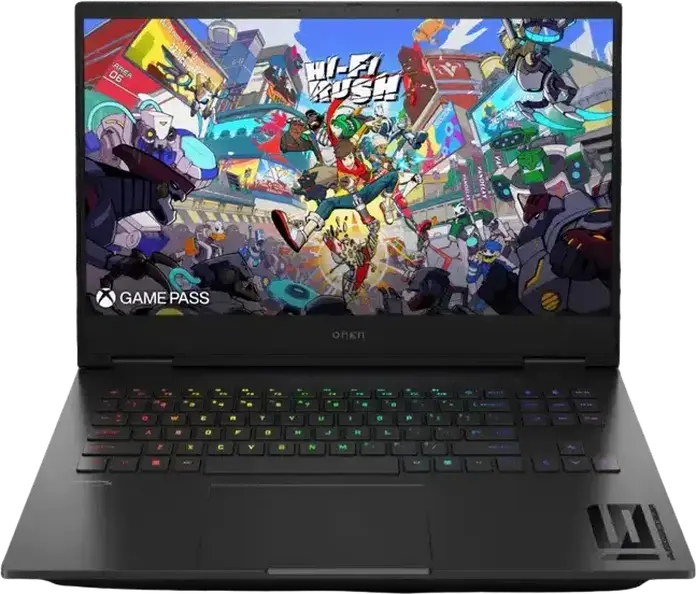
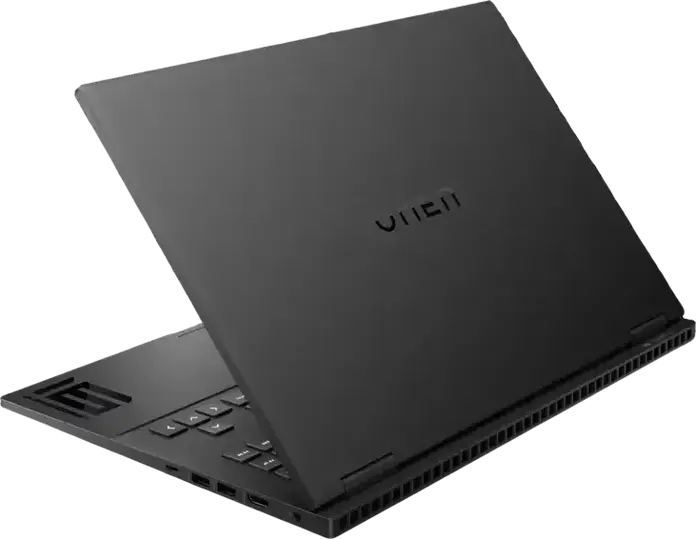
HP OMEN 16 Gaming Laptop, Intel Core 7 240H, 16GB DDR5 RAM, 1TB SSD, NVIDIA GeForce RTX 5060 8GB, 16" WUXGA 144Hz IPS Display, FreeDOS, Shadow Black


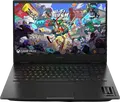

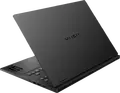


HP OMEN 16 Gaming Laptop, Intel Core 7 240H, 16GB DDR5 RAM, 1TB SSD, NVIDIA GeForce RTX 5060 8GB, 16" WUXGA 144Hz IPS Display, FreeDOS, Shadow Black
- 14 Days Return
- 100% Secure Payments
- Invoice Included
Description
The HP OMEN 16 is a gaming laptop designed for both home and office use, finished in Shadow Black. It is powered by an Intel Core 7 240H processor from the Raptor Lake family, featuring 10 cores and 16 threads that reach a turbo frequency of 5.2 GHz to handle demanding tasks. This performance is paired with 16GB of DDR5 RAM running at 5600 MHz, which can be expanded up to 32GB via two SO-DIMM slots, and a 1024GB PCIe NVMe SSD for fast storage, with an additional M.2 slot available for future expansion. Visuals are handled by an NVIDIA GeForce RTX 5060 GPU with 8GB of GDDR7 memory, complementing the 16-inch IPS display. The screen offers a 1920x1200 WUXGA resolution with a 16:10 aspect ratio and a 144 Hz refresh rate, while the non-glare surface and 300 cd/m2 brightness help reduce reflections. The chassis combines aluminum and plastic, weighing 2.43 kg and measuring 35.8 cm in width and 2.5 cm in height. For connectivity, you have a USB-C port supporting power delivery and display, two USB 3.2 Type-A ports, and an HDMI 2.1 output. The laptop includes a gaming numeric keyboard with RGB lighting, a 1080p FHD webcam, and dual microphones for clear communication. An 83Wh battery and a 230W AC adapter provide the necessary power, while Wi-Fi 6 and Bluetooth 5.4 ensure stable wireless connections. This system comes with FreeDOS, allowing you to install your preferred operating system.
Features
Connectivity & Ports
Display
Graphics Card
Memory & Storage
Multimedia & Features
Processor
Physical Characteristics
Reviews
Guides and advice
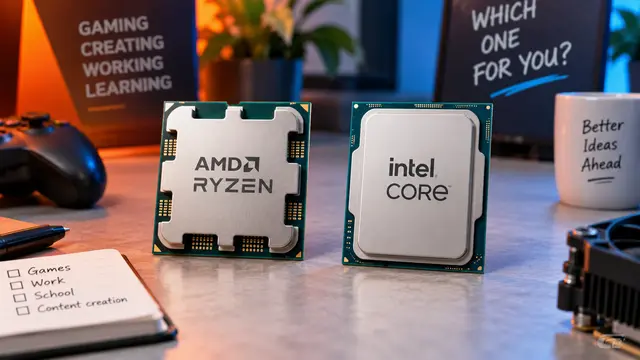
AMD or Intel? How to choose the right processor for your next computer
Your laptop’s fan becomes louder as you join a video call. A spreadsheet is open, several browser tabs are waiting, and switching between them no longer feels effortless. You start looking for a replacement and find two computers with similar screens, memory and prices. One has an AMD Ryzen processor. The other has an Intel Core.
Read article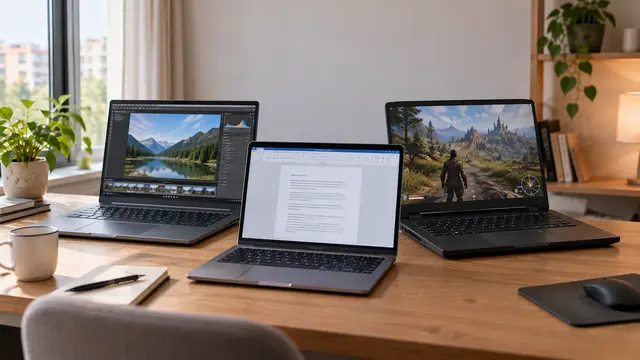
How to choose a laptop: a practical guide to screens, performance and everyday comfort
The browser is open beside a spreadsheet, a video call is about to start, and your laptop is already asking for its charger. Perhaps the computer still feels reasonably fast, but its screen is uncomfortable, the keyboard misses the occasional letter, or carrying it to work has become a daily nuisance.
Read article