The difficulty is that these labels describe different things. Some concern the screen itself, others describe the video it can display, and others explain how it communicates with a console or soundbar.
Choosing a TV becomes easier once those categories are separated. The aim is not to collect the most impressive abbreviations, but to understand which differences you will actually notice from your sofa.
Start with the room and the people watching
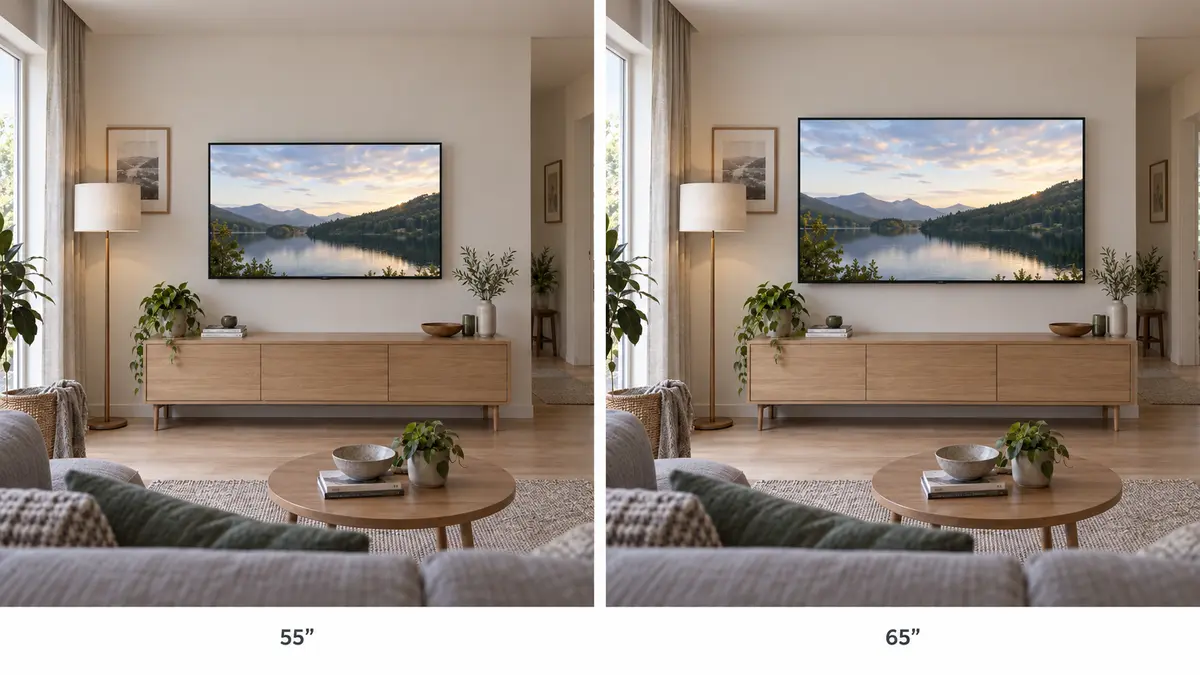
Screen size is measured diagonally, usually in inches. A 55-inch screen has a diagonal of approximately 140 cm and, with the usual 16:9 proportions, is about 122 cm wide. A 65-inch screen measures approximately 165 cm diagonally and 144 cm across. The television’s frame and stand add to its overall dimensions.
That is a substantial difference on a cabinet. Check the complete width, the distance between the feet and the stand’s depth—not simply whether the screen appears to fit.
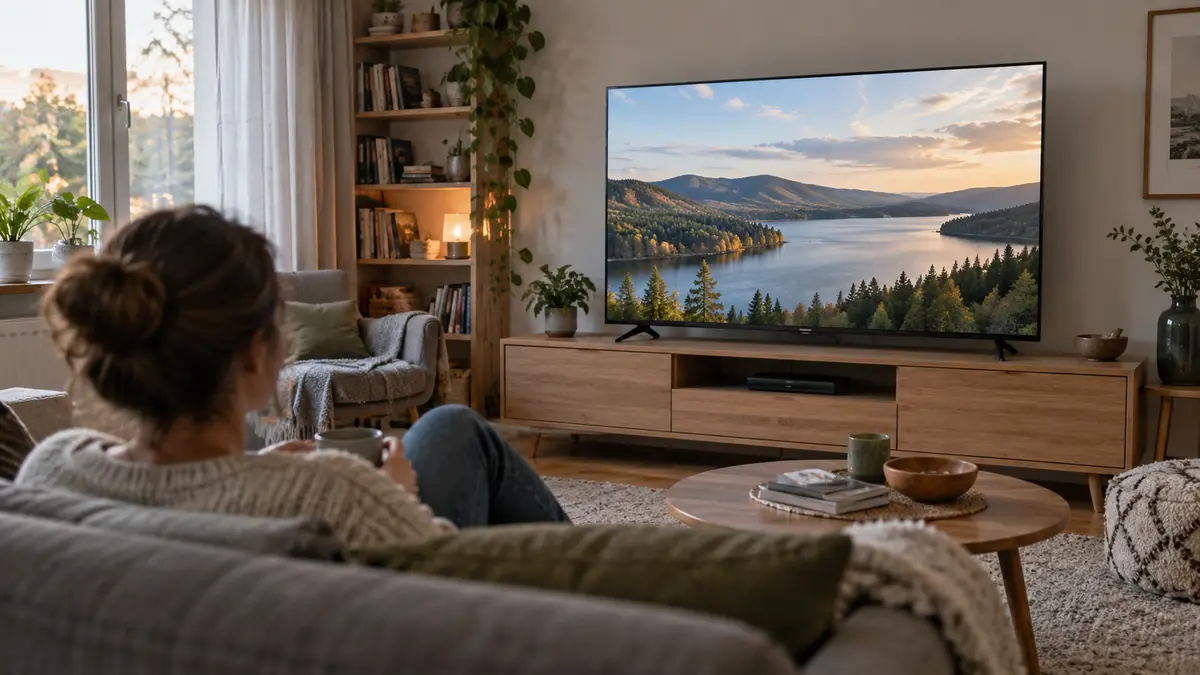
Viewing distance matters too, although there is no universally correct size for every person. At around 2.5 metres, comparing 55-inch and 65-inch models is a sensible starting point, rather than a rule. The larger screen feels more immersive; the smaller one may suit someone who mostly watches news or prefers a less dominant television. Marking the proposed dimensions on the wall can make the decision more tangible.
Also consider daylight and seating positions. A window reflected in the screen can be more distracting than a modest difference in resolution. A family spread across a wide sofa needs a picture that remains convincing from the sides, not only from the central seat.
Full HD, 4K and 8K: more pixels, not automatically a better picture
A television picture is made from pixels: tiny picture elements arranged in a grid. Resolution tells you how many there are, horizontally and vertically.
The main formats are straightforward when placed side by side:
Resolution label | Pixel dimensions | What it means when choosing |
|---|---|---|
Full HD / 1080p | 1,920 × 1,080 | Can be sufficient for a smaller secondary TV or less demanding viewing. |
4K UHD / 2160p | 3,840 × 2,160 | A sensible starting point for a main living-room television. |
8K UHD / 4320p | 7,680 × 4,320 | Offers additional fine detail when the source, screen size and viewing distance allow it to be seen. |
A 4K television has four times as many pixels as Full HD, while 8K has four times as many as 4K. That does not mean four times the overall picture quality. Resolution says nothing about black levels, reflections, motion or how naturally faces are reproduced.
The benefit becomes easier to see on a larger screen, at a closer distance and with genuinely detailed source material. Before paying extra for 8K, identify what you will actually watch in that format. A 4K stream remains a 4K source even when displayed on an 8K panel.
Lower-resolution programmes are enlarged through upscaling. Good processing can make edges and textures look cleaner, but it cannot reliably recover detail that was never recorded or was lost through compression. “AI upscaling” is therefore a processing feature, not a promise that an old broadcast will become equivalent to native 4K footage.
You may also encounter “HD Ready”, which is not the same as Full HD. Check the pixel dimensions. Likewise, 1080i describes an interlaced signal, with alternating sets of image lines, rather than the complete progressive frames indicated by 1080p. Handling those broadcasts well depends partly on the television’s processing.
OLED, QLED and Mini LED describe different parts of the screen
The most useful distinction is between televisions that use a backlight and those whose pixels produce their own light.
An ordinary “LED TV” is normally an LCD television illuminated by LEDs behind or around the screen. The liquid-crystal layer controls how that light passes through. OLED works differently: its picture elements emit light themselves and can switch off individually.
QLED and Mini LED belong on different lines of this explanation. QLED refers to quantum-dot technology used to help produce colour in a backlit LCD television. Mini LED describes a backlight using very small LEDs. A TV can be both QLED and Mini LED.
Label | What it describes | The practical distinction |
|---|---|---|
LED / LCD | An LCD panel with LED illumination | Performance depends heavily on the panel and backlight design. |
QLED | A backlit LCD television using quantum dots | Colour capability, not a guarantee of premium contrast. |
Mini LED | A backlight using smaller LEDs | Can enable finer control of bright and dark areas. |
OLED | A self-emissive display without an LCD backlight | Pixel-level light control, particularly valuable in dark scenes. |
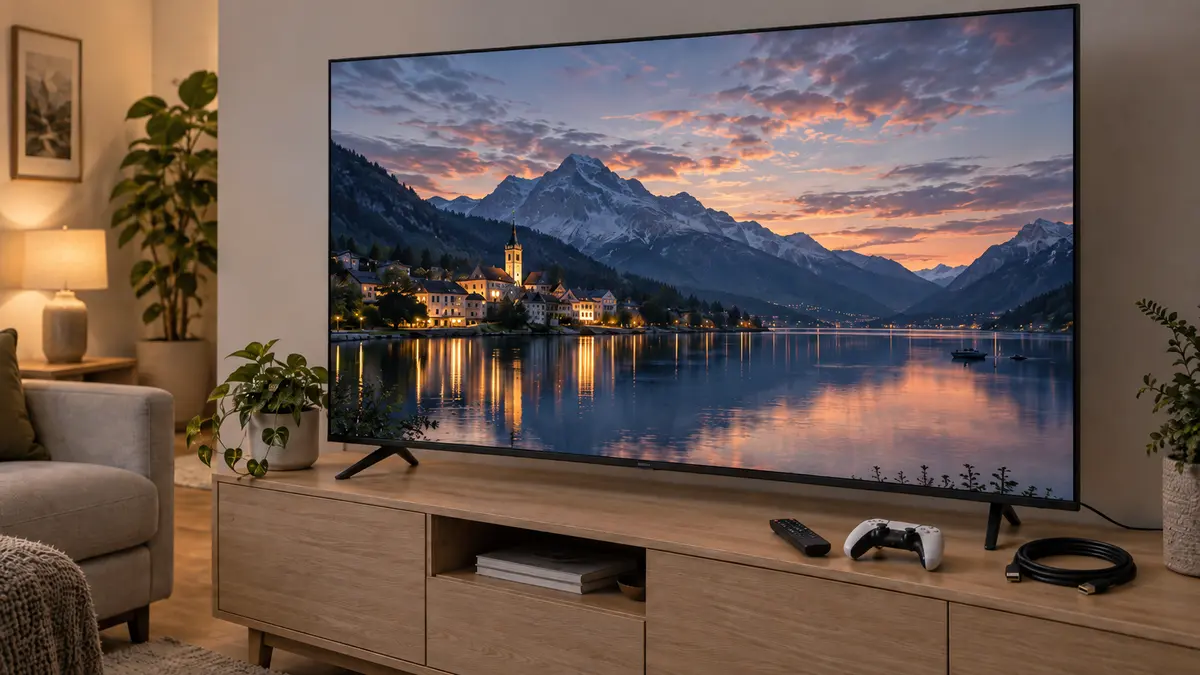
On an OLED, a bright moon can sit against a genuinely dark sky without a backlight illuminating the surrounding area. This is particularly appealing for evening films. OLED televisions also generally maintain their picture well across wider seating positions.
Their particular durability consideration is permanent image retention, often called burn-in. Repeated, prolonged exposure to the same bright static elements—such as a news ticker or desktop interface—can cause uneven ageing. Varied entertainment is a different usage pattern from displaying the same channel all day. Keep the manufacturer’s protective features enabled, follow its maintenance guidance and check the warranty’s actual coverage.
Backlit televisions manage dark scenes through their panel characteristics and, on equipped models, local dimming. This divides the backlight into independently controlled areas. Full-array local dimming, sometimes abbreviated FALD, places those controlled areas behind the picture.
Mini LED can allow more precise control, but the number of LEDs is not necessarily the number of dimming zones. Nor does a higher zone count automatically mean better results: the control software and panel also matter. Light spreading around a bright object or subtitle is called blooming, or haloing.
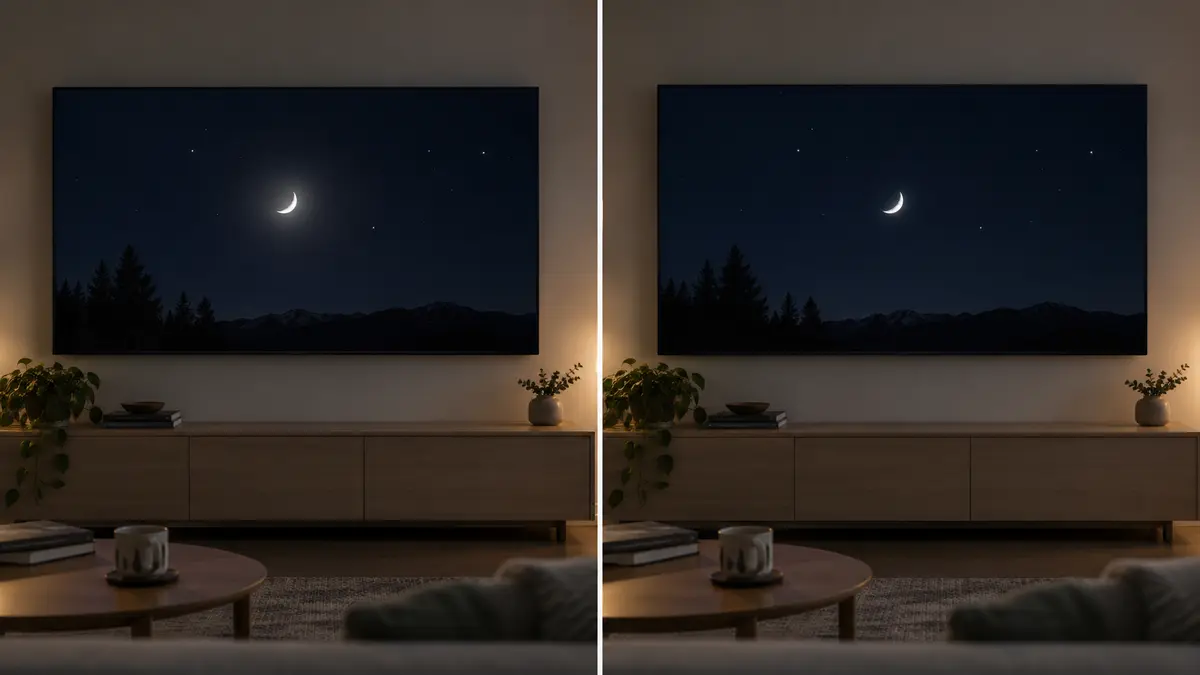
A capable Mini LED model can be attractive for a bright living room, especially when much of the picture is bright. However, neither “OLED” nor “Mini LED” tells you everything about reflections or brightness. Compare the exact models.
WOLED and QD-OLED are different implementations of OLED, not alternative names for backlit QLED. Meanwhile, names such as QNED, ULED and Crystal UHD identify manufacturers’ technologies or product families rather than a universal performance ranking. Always return to the underlying specifications.
HDR: why bright highlights and dark details matter
High dynamic range, or HDR, concerns the range of brightness represented in the picture. Compared with standard dynamic range, or SDR, it can give sunlight, reflections and lamps more intensity while retaining detail elsewhere in the scene. HDR content is also commonly associated with a wider range of colours.
It is not simply a setting that makes the entire screen brighter. A convincing night scene should still look like night.
The crucial distinction is between accepting an HDR signal and displaying it convincingly. A television may recognise the format but lack the brightness, black-level control or colour capability needed for a substantial improvement.
Brightness is often quoted in nits, a measure of screen luminance. Read peak-brightness claims carefully: a brief result from a small bright area does not describe the brightness of an entire screen maintained over time. More nits can help, but they do not compensate for weak contrast.
Colour gamut describes the range of colours a display can reproduce; P3 or DCI-P3 coverage is one common reference. Bit depth describes the available gradations between shades. Ten-bit video allows finer steps than eight-bit video, helping smooth skies and other gradients, but a large “number of colours” claim does not establish colour accuracy.
The HDR format names concern how the programme communicates its picture information.
HDR10 is a widely supported baseline format using static metadata: information about the content that does not change from scene to scene. The television uses this, together with its own processing, to fit the picture within its capabilities—a process called tone mapping.
HDR10+ and Dolby Vision add dynamic metadata that can vary by scene or frame. This can guide a more appropriate adjustment as the programme moves between bright and dark material. They are separate formats: support for one does not imply support for the other.
HLG, meaning Hybrid Log-Gamma, is another HDR system, especially relevant to broadcast production and some live video. Further names, including Dolby Vision 2 and HDR10+ Advanced, identify additional capabilities; check their explicit support rather than assuming an older format logo includes them.
For any format, the content and playback route must be compatible. A streaming service, subscription, app, external player and television can each affect what reaches the screen. A stronger television using HDR10 can still produce a more convincing picture than a weaker television displaying Dolby Vision.
What 60 Hz and 120 Hz actually change
Refresh rate, measured in hertz, describes how frequently a screen can update its image. A 60 Hz screen updates up to 60 times per second; a 120 Hz screen can update up to 120 times.
This is different from the content’s frame rate, measured in frames per second. Showing a 30-frame-per-second programme on a 120 Hz television does not magically create 120 distinct recorded moments.
Higher refresh rates are particularly useful for compatible games and can provide more flexibility for motion processing. They also allow 24-frame-per-second films to be displayed with an even five refreshes per frame. Whether a particular TV handles film motion well still depends on its processing and settings.
European specifications may use 50/60 Hz or 100/120 Hz terminology. Look for the native panel refresh rate and supported input signals, rather than assuming a regional listing tells the whole story.
Be especially careful with branded motion scores. A description such as “Motion 800” does not mean the panel accepts 800 separate frames each second. Such figures may combine processing and backlight techniques.
Motion interpolation creates intermediate frames. It can make sport look smoother, but can also produce artefacts or give films an unnaturally fluid “soap-opera” appearance. Filmmaker Mode disables motion smoothing and other processing intended to alter the original presentation.
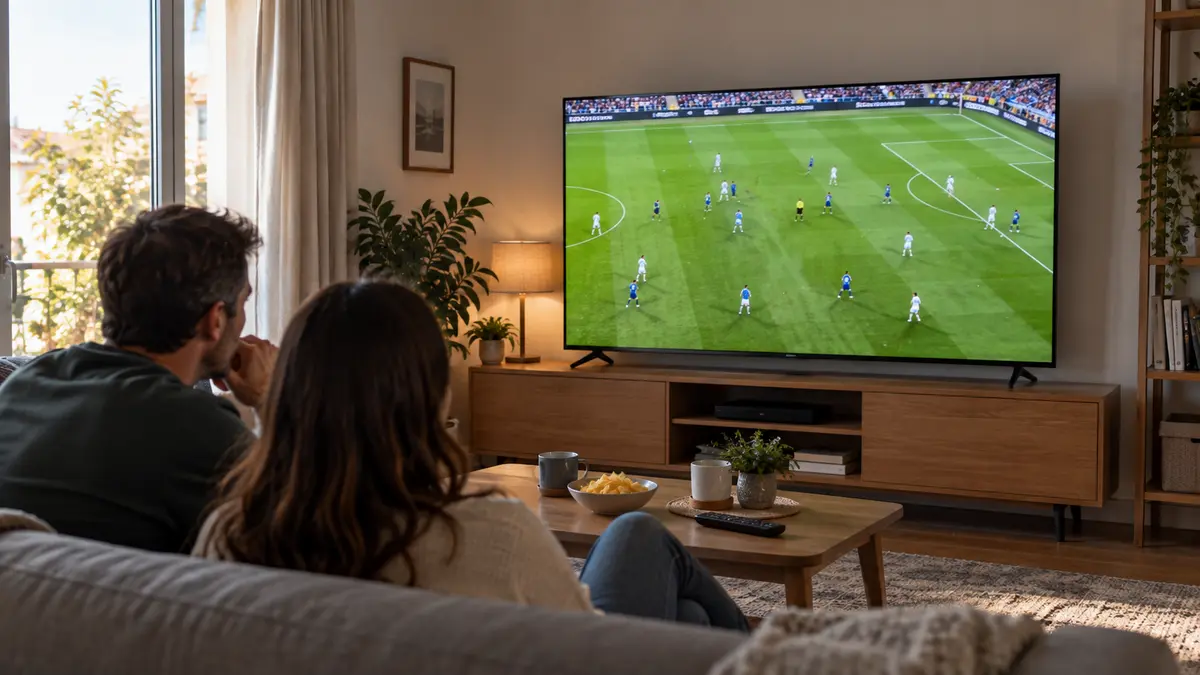
For football, inspect camera pans across the pitch as well as fast-moving players. Uneven patches on the screen and poor source quality can be more distracting than the difference between two refresh-rate labels.
Gaming: VRR, ALLM and the difference between speed claims
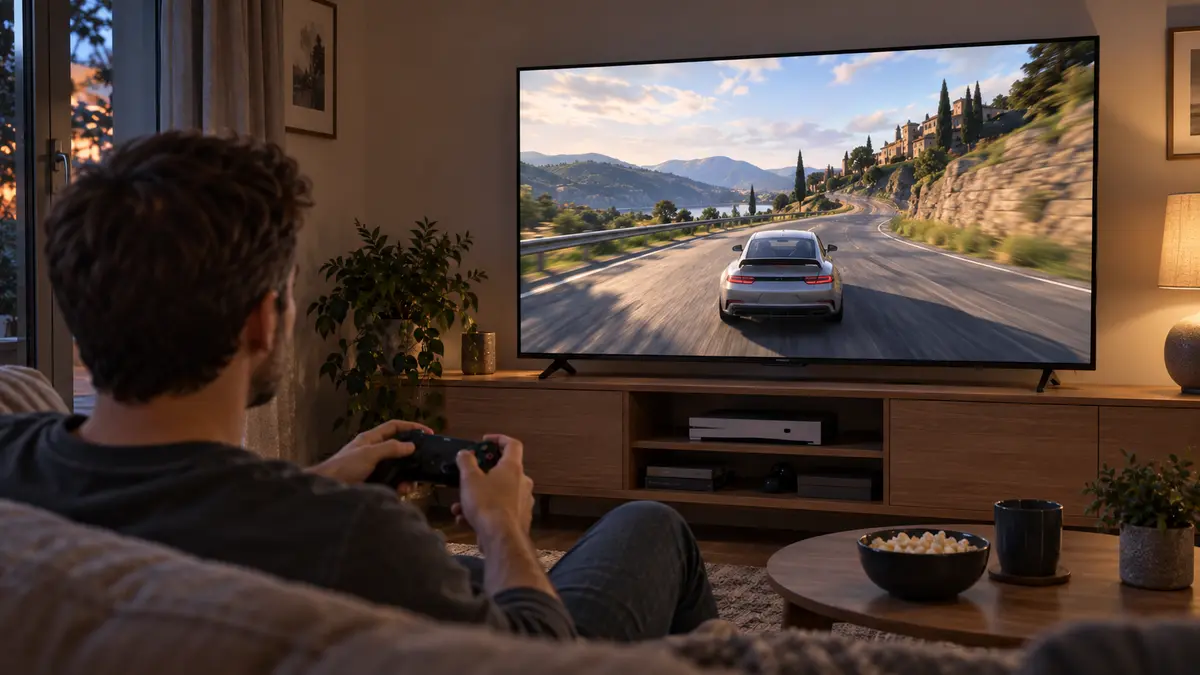
For casual gaming, a good 60 Hz television can be entirely satisfying. A genuine 120 Hz panel becomes more valuable when the console or PC and the game can deliver higher frame rates. A 4K output does not necessarily mean a game is internally rendered at native 4K, and higher-performance modes may trade image detail for smoother movement.
Variable refresh rate, or VRR, lets the display adjust its refresh timing to the game’s output within a supported range. This can reduce tearing and uneven presentation when frame rates fluctuate. It does not make the game’s graphics processor faster.
Auto low latency mode, or ALLM, lets a compatible source automatically request the TV’s low-lag mode. It is a convenience feature, not a measurement of how responsive the television actually is.
Input lag is the display delay that contributes to the wait between pressing a button and seeing a response. Pixel response time concerns how quickly pixels change appearance. A rapid pixel-response claim is not the same as low total gaming latency.
Check whether the model supports the combination you intend to use: 4K, 120 Hz, HDR and VRR together. Reviews that examine the actual gaming mode are more useful than a collection of badges, because brightness and picture processing can behave differently in that mode.
HDMI 2.1: check the ports, not just the version
HDMI carries digital video and audio between devices. Features associated with HDMI 2.1 include high-bandwidth video modes such as 4K at 120 Hz and gaming functions such as VRR and ALLM.
However, an HDMI version number is not a complete specification. Check which features each port supports. A television with four HDMI sockets may provide its highest-bandwidth functions on only some of them.
Count your devices before buying. Two consoles, a receiver and a streaming box can consume the available connections quickly. Also check whether the port needed for a soundbar is one of those you planned to use for high-refresh-rate gaming.
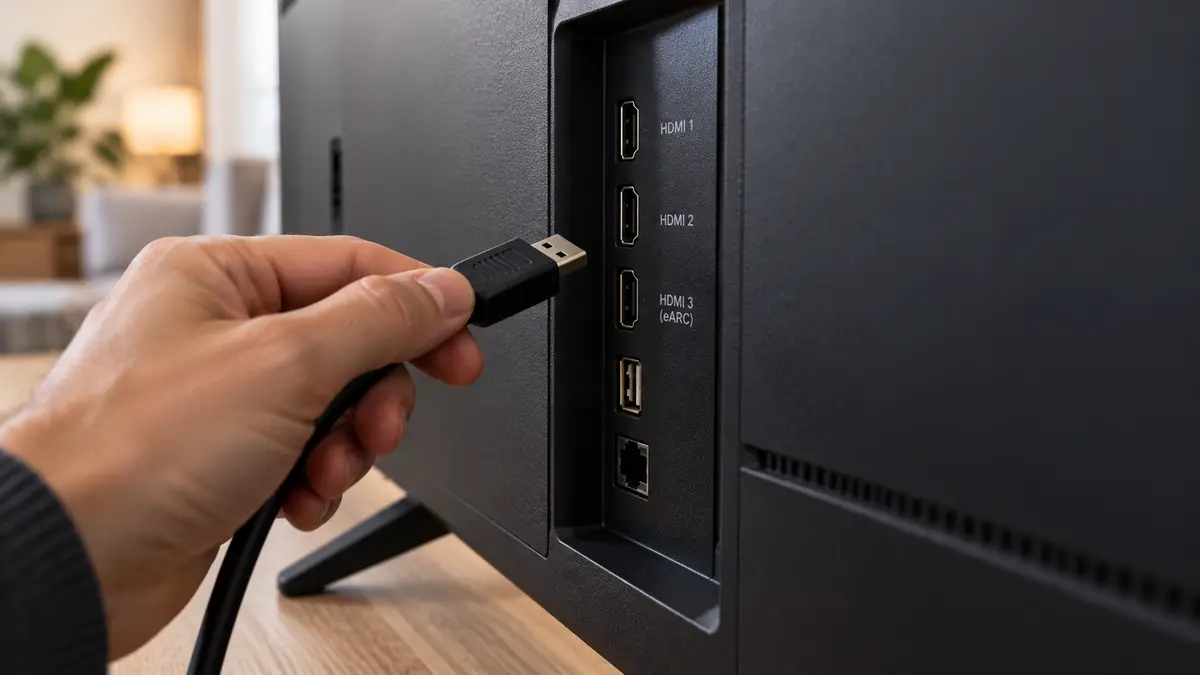
For a suitable 4K/120 Hz connection, a certified Ultra High Speed HDMI cable is the straightforward choice. The source, television and anything placed between them must also support the required signal. The television may require an enhanced HDMI input setting to be enabled.
HDMI 2.2 is a newer specification, but its additional bandwidth is not a prerequisite for ordinary 4K viewing or a suitable 4K/120 Hz gaming setup. Buy for the signal you need, rather than the largest version number.
Sound: Dolby Atmos is not Dolby Vision
Dolby Vision concerns the picture; Dolby Atmos concerns sound. Their names may appear together, but they describe entirely different capabilities.
An Atmos logo does not turn a thin television’s built-in speakers into a full surround system. Listen to dialogue at a normal evening volume, not only to a loud demonstration. Speaker placement and the room matter more than an impressive-looking wattage figure.
ARC, or Audio Return Channel, sends sound from the television back to a compatible soundbar or receiver over HDMI. eARC is the enhanced version, supporting higher-bandwidth audio formats, including lossless options. The TV and audio equipment must support the format and connection being used.
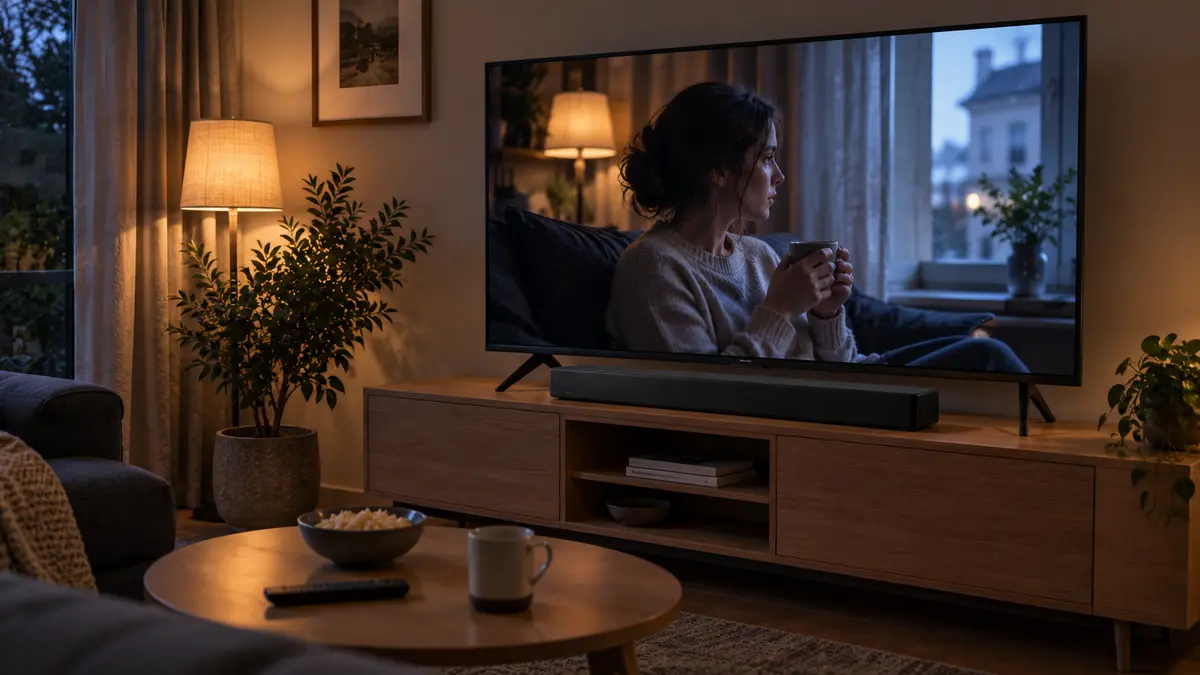
A soundbar is optional, but leave space for one that does not obscure the screen or remote-control sensor. Upward-firing speakers, where fitted, should not be trapped beneath a shelf.
Smart TV features and ordinary television in Moldova
Google TV, webOS and Tizen are software platforms, not picture-quality grades. Before choosing between them, check whether your preferred services and your television provider’s app are supported on the exact model in Moldova.
An app’s presence does not guarantee every resolution or HDR format. Account requirements, subscription level, network quality and device support can all matter. Software-update policies and a remote that the household finds easy to use also deserve attention.
For television received through an aerial in Moldova, look for DVB-T2 reception with HEVC/H.265 decoding, not merely a generic “digital tuner” description. DVB-T2 describes the broadcast system; HEVC, also called H.265, is the video-compression format. Radiocomunicații specifies this combination for compatible reception equipment.
DVB-C concerns digital cable reception, while DVB-S2 concerns satellite reception. A cable or internet-TV provider may instead require its own receiver or supported app. Confirm the arrangement with the provider before buying, particularly when considering an imported model.
Read the full model code—and the less glamorous details
A television’s complete model code matters. Similar names can cover different sizes, years or regional versions. Use the full identifier when checking the manufacturer’s specifications and make sure a review actually applies to the version being sold.
For wall mounting, match the VESA mounting-hole pattern, the television’s weight and the specified screws. The bracket and wall fixings must suit the wall itself. Leave the required ventilation space and use a competent installer when the mounting arrangement is uncertain.
On an EU-style energy label, compare the separate SDR and HDR consumption figures rather than only the efficiency letter. These are standardised comparison figures, not a prediction of your exact electricity bill; brightness settings and viewing habits affect actual consumption.
Bring the specifications back to your viewing habits
Consider a hypothetical description: “65-inch 4K QLED Mini LED, 120 Hz, Dolby Vision, VRR and eARC”. You now know it describes a quantum-dot LCD television with a Mini LED backlight, a high-refresh-rate panel and several useful compatibility features. What it does not establish is how well it controls blooming, handles reflections, reproduces faces or processes ordinary broadcasts.
For evening films, prioritise contrast, natural colour and convincing HDR. For daytime television and sport, consider reflections, brightness, viewing angles and motion handling. For gaming, add low input lag and confirmed support for the signals your equipment produces.
A well-chosen television is one whose strengths match the programmes, room and devices you already use. When exploring IVO, start with those priorities and compare complete model specifications—not simply the longest description.