

ASUS Vivobook Go 15 E1504FA Laptop, 15.6" FHD IPS Anti-Glare, AMD Ryzen 3, 8GB LPDDR5, 512GB PCIe NVMe SSD, Windows 11 Home, MIL-STD-810H, Cool Silver
































ASUS Vivobook Go 15 E1504FA Laptop, 15.6" FHD IPS Anti-Glare, AMD Ryzen 3, 8GB LPDDR5, 512GB PCIe NVMe SSD, Windows 11 Home, MIL-STD-810H, Cool Silver
Description
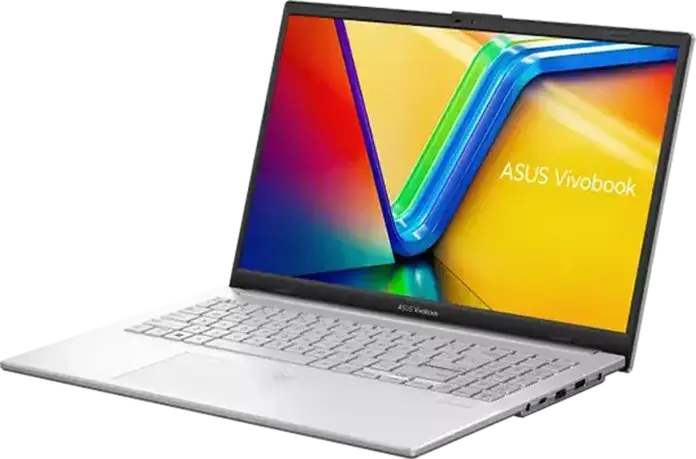
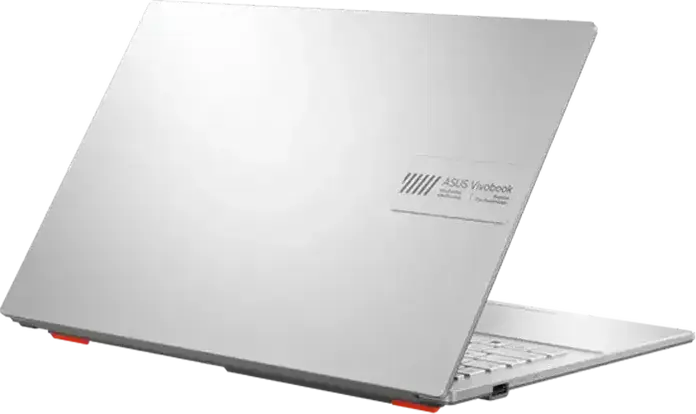
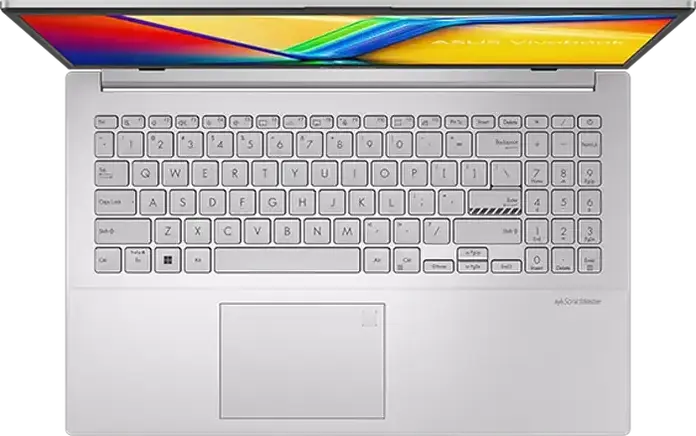
The ASUS Vivobook Go 15 E1504FA is a portable laptop designed for everyday tasks and light productivity. It features a 15.6-inch Full HD IPS-level display with an anti-glare coating and a brightness of 250 cd/m2, which helps reduce reflections when you are working in brightly lit rooms. Under the hood, it is powered by an AMD Ryzen 3 processor with four cores and eight threads, reaching speeds up to 4.1 GHz, paired with 8GB of LPDDR5 memory and a 512GB PCIe NVMe SSD for quick boot times and efficient file access. Its Cool Silver plastic chassis is built to be durable, having undergone MIL-STD-810H military-grade testing to better withstand the bumps of daily travel. Weighing only 1.47 kg and measuring just 1.8 cm in height, it fits easily into a backpack for students or commuters. The keyboard uses the ASUS ErgoSense design with a 1.4mm travel distance for comfortable typing, while the 180-degree hinge allows you to lay the screen flat on a table to share content with others. For connectivity and communication, it includes Wi-Fi 6 and Bluetooth 5.3, alongside a variety of ports such as USB-C, HDMI 1.4, and two USB Type-A ports. The 720p HD webcam comes with a physical privacy shutter for peace of mind and uses AI noise cancellation to keep your video calls clear. Audio is handled by dual speakers with DTS technology, making it a reliable companion for those who need a dependable machine for web browsing, document editing, and online meetings.
Features
Battery & Dimensions
Display
General Information
Multimedia & Features
Storage & Graphics
Connectivity & Ports
Processor & Memory
Reviews
Guides and advice
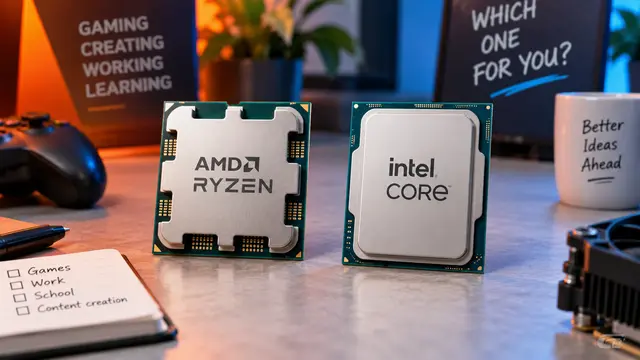
AMD or Intel? How to choose the right processor for your next computer
Your laptop’s fan becomes louder as you join a video call. A spreadsheet is open, several browser tabs are waiting, and switching between them no longer feels effortless. You start looking for a replacement and find two computers with similar screens, memory and prices. One has an AMD Ryzen processor. The other has an Intel Core.
Read article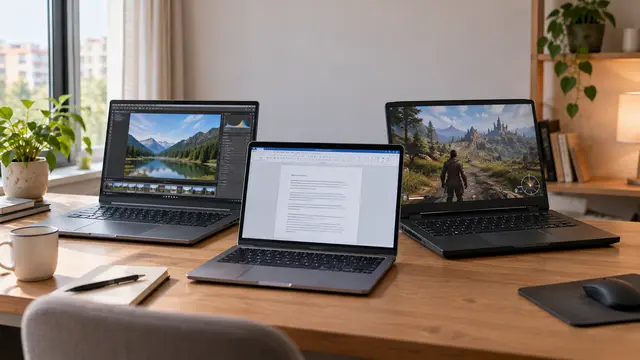
How to choose a laptop: a practical guide to screens, performance and everyday comfort
The browser is open beside a spreadsheet, a video call is about to start, and your laptop is already asking for its charger. Perhaps the computer still feels reasonably fast, but its screen is uncomfortable, the keyboard misses the occasional letter, or carrying it to work has become a daily nuisance.
Read article