

ASUS Vivobook 15 M1502YA Laptop, AMD Ryzen 7 5825U (8C/16T), 16GB DDR4 RAM, 512GB NVMe SSD, 15.6" FHD IPS Non-glare Display, Illuminated Keyboard, Quiet Blue


ASUS Vivobook 15 M1502YA Laptop, AMD Ryzen 7 5825U (8C/16T), 16GB DDR4 RAM, 512GB NVMe SSD, 15.6" FHD IPS Non-glare Display, Illuminated Keyboard, Quiet Blue
- 14 Days Return
- 100% Secure Payments
- Invoice Included
Description
The ASUS Vivobook 15 M1502YA is a versatile laptop designed for those who need a reliable machine for daily productivity and multitasking. It is powered by an AMD Ryzen 7 5825U processor with 8 cores and 16 threads, reaching speeds up to 4.5 GHz, which allows you to handle demanding applications smoothly. This performance is supported by 16GB of DDR4 memory and a fast 512GB PCIe NVMe SSD for quick boot times and efficient file access. You can view your work on a 15.6-inch Full HD IPS-level display with a non-glare surface, making it comfortable to use in brightly lit rooms without distracting reflections. The Quiet Blue plastic chassis is lightweight at 1.7 kg and slim enough to fit easily into a bag, while the 180° lay-flat hinge lets you open the screen completely flat on a table for easier collaboration with others. To help you work in dim environments, the keyboard features integrated illumination. Connectivity is handled through a modern selection of ports including USB-C, three USB-A ports, and HDMI for external monitors, alongside Wi-Fi 6 and Bluetooth 5.3 for stable wireless connections. An HD webcam is included for video calls, all powered by a 42Wh battery. Since this model comes without a pre-installed operating system, you have the freedom to install the software that best fits your specific needs.
Features
Battery & Dimensions
Connectivity & Ports
Display
General Information
Multimedia & Features
Processor & Memory
Storage & Graphics
Reviews
Guides and advice
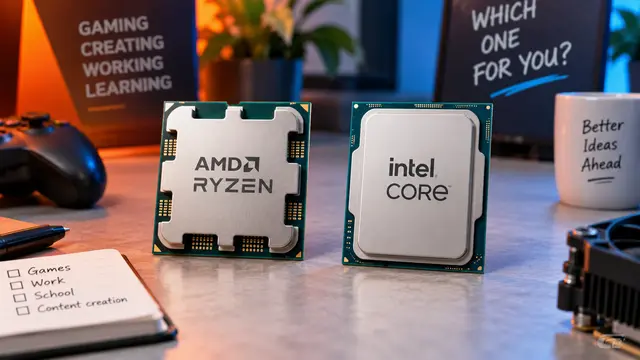
AMD or Intel? How to choose the right processor for your next computer
Your laptop’s fan becomes louder as you join a video call. A spreadsheet is open, several browser tabs are waiting, and switching between them no longer feels effortless. You start looking for a replacement and find two computers with similar screens, memory and prices. One has an AMD Ryzen processor. The other has an Intel Core.
Read article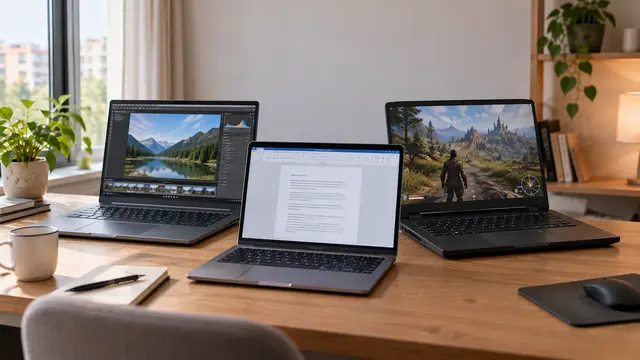
How to choose a laptop: a practical guide to screens, performance and everyday comfort
The browser is open beside a spreadsheet, a video call is about to start, and your laptop is already asking for its charger. Perhaps the computer still feels reasonably fast, but its screen is uncomfortable, the keyboard misses the occasional letter, or carrying it to work has become a daily nuisance.
Read article