

ASUS Vivobook 15 M1502XA Laptop, AMD Ryzen 9 7940HS, 16GB DDR5 RAM, 1TB SSD NVMe, 15.6" FHD IPS Anti-Glare, Radeon 780M, Windows 11 Home, Quiet Blue













ASUS Vivobook 15 M1502XA Laptop, AMD Ryzen 9 7940HS, 16GB DDR5 RAM, 1TB SSD NVMe, 15.6" FHD IPS Anti-Glare, Radeon 780M, Windows 11 Home, Quiet Blue
Description
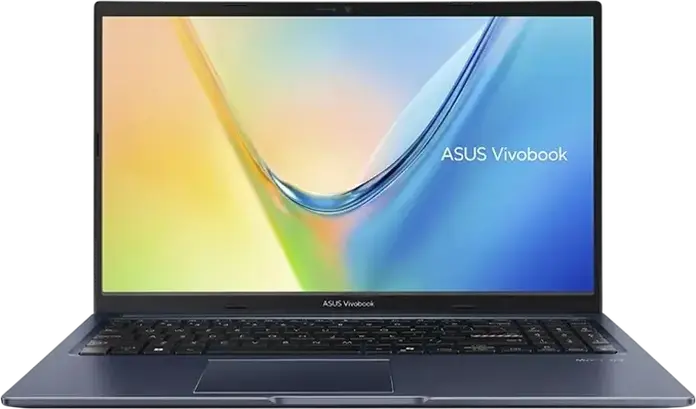
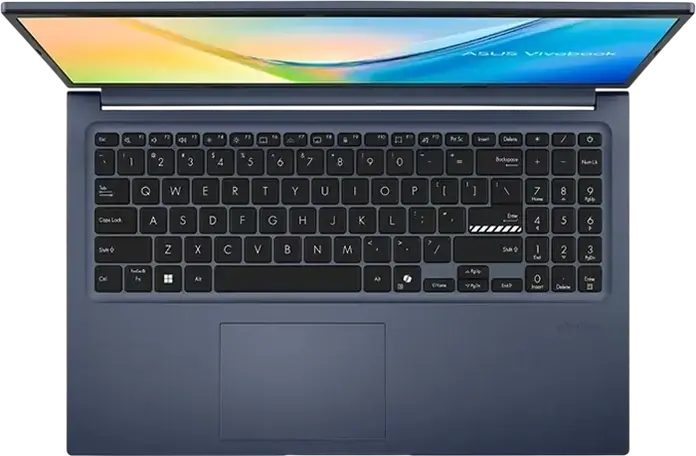
The ASUS Vivobook 15 M1502XA is a versatile laptop designed for home and office use, finished in a Quiet Blue plastic chassis. It is powered by an AMD Ryzen 9 7940HS processor with 8 cores and 16 threads, reaching a turbo frequency of 5.2 GHz to handle demanding tasks efficiently. This performance is supported by 16GB of DDR5 RAM and a fast 1TB PCIe NVMe SSD, providing ample space for your files and a responsive experience when multitasking. Visuals are handled by a 15.6-inch FHD IPS-level display with an anti-glare surface, which helps reduce reflections during long work sessions. The integrated AMD Radeon 780M graphics ensure smooth playback and basic creative work. For connectivity, you have access to two USB 3.2 Type-C ports, two USB 3.2 Type-A ports, a USB 2.0 port, and an HDMI 1.4 output for external monitors. Weighing 1.7 kg and measuring 2 cm in height, this laptop is easy to move between rooms or carry in a bag. It features a backlit keyboard with a numeric keypad for easier data entry, a 720p HD camera with dual microphones for video calls, and Windows 11 Home pre-installed. A 42 Wh battery and a 68W AC adapter keep you powered throughout your day.
Features
Display & Graphics
Processor & Performance
Storage & Connectivity
General Specifications
Battery & Portability
Reviews
Guides and advice
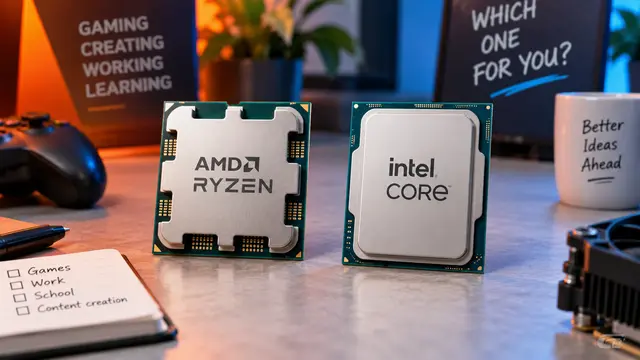
AMD or Intel? How to choose the right processor for your next computer
Your laptop’s fan becomes louder as you join a video call. A spreadsheet is open, several browser tabs are waiting, and switching between them no longer feels effortless. You start looking for a replacement and find two computers with similar screens, memory and prices. One has an AMD Ryzen processor. The other has an Intel Core.
Read article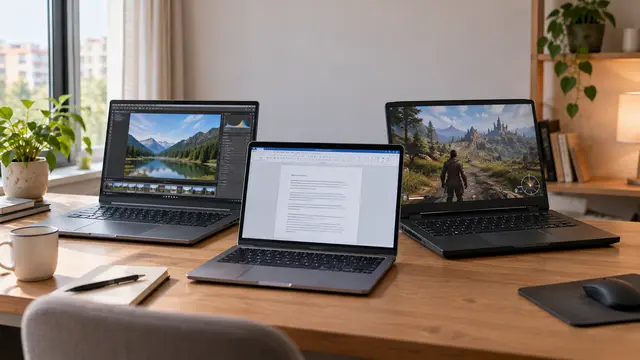
How to choose a laptop: a practical guide to screens, performance and everyday comfort
The browser is open beside a spreadsheet, a video call is about to start, and your laptop is already asking for its charger. Perhaps the computer still feels reasonably fast, but its screen is uncomfortable, the keyboard misses the occasional letter, or carrying it to work has become a daily nuisance.
Read article