

Asus Vivobook 15 Laptop, Intel Core 5 320, 8GB DDR5 RAM, 512GB NVMe PCIe 4.0 SSD, 15.6" Full HD IPS Anti-glare Display, Wi-Fi 6, Bluetooth 5.3, No OS
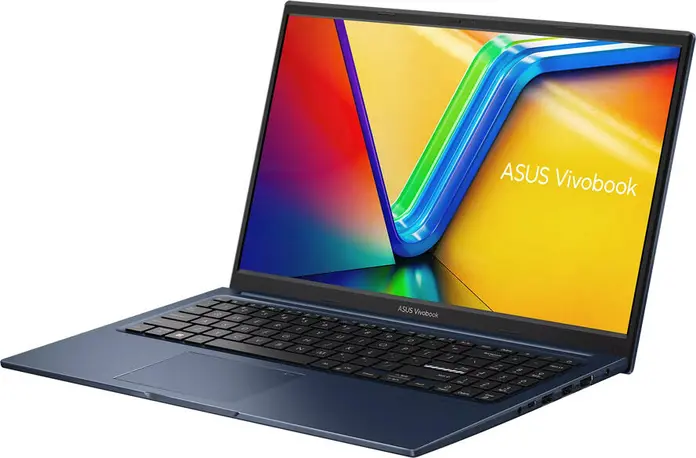
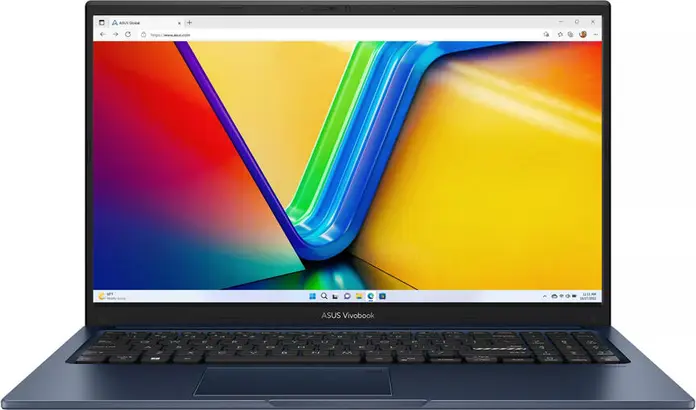

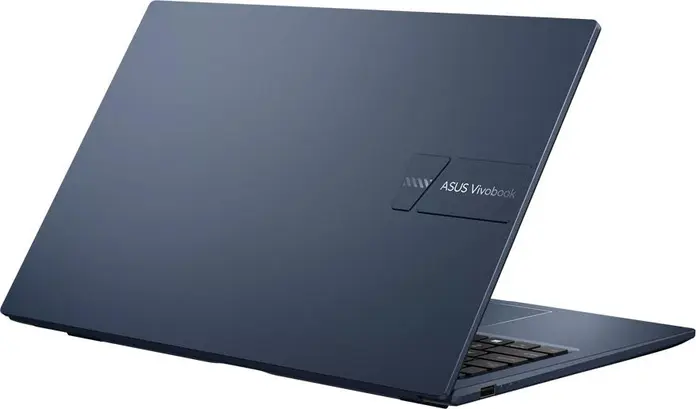
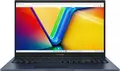

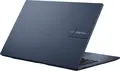

Asus Vivobook 15 Laptop, Intel Core 5 320, 8GB DDR5 RAM, 512GB NVMe PCIe 4.0 SSD, 15.6" Full HD IPS Anti-glare Display, Wi-Fi 6, Bluetooth 5.3, No OS
- 14 Days Return
- 100% Secure Payments
- Invoice Included
Description
The Asus Vivobook 15 is a versatile laptop designed for daily productivity, powered by an Intel Core 5 320 processor with five cores that can reach a turbo frequency of 4.3 GHz. It handles multitasking through 8 GB of DDR5 RAM and provides fast boot times and ample space for your files with a 512 GB M.2 NVMe PCIe 4.0 SSD. Visuals are presented on a 15.6-inch Full HD IPS-level screen with an anti-glare finish and 250 nits of brightness, making it comfortable to work in various lighting conditions without distracting reflections. Finished in Quiet Blue, the chassis measures 359.7 x 232.5 x 17.9 mm and weighs 1.7 kg, which allows you to carry it easily between meetings or classes. The backlit Chiclet keyboard includes a numeric keypad for easier data entry and a dedicated Copilot key for quick AI assistance. For connectivity, you have a USB Type-C port with Power Delivery, USB 3.2 Gen 1 and USB 2.0 Type-A ports, and an HDMI 1.4 output for external monitors. Staying connected is simple with Wi-Fi 6 and Bluetooth 5.3, while the HD 720p webcam features a physical privacy shutter to give you control over your security during video calls. The system is rounded out by SonicMaster audio and a 42 Wh 3-cell battery that charges via a 48 W USB Type-C adapter. Since it comes without a pre-installed operating system, you can choose the software environment that best fits your specific needs.
Features
Battery & Dimensions
Display
General Information
Multimedia & Features
Storage & Graphics
Connectivity & Ports
Processor & Memory
Reviews
Guides and advice
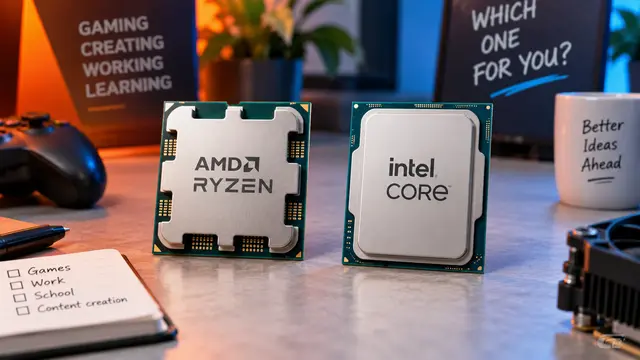
AMD or Intel? How to choose the right processor for your next computer
Your laptop’s fan becomes louder as you join a video call. A spreadsheet is open, several browser tabs are waiting, and switching between them no longer feels effortless. You start looking for a replacement and find two computers with similar screens, memory and prices. One has an AMD Ryzen processor. The other has an Intel Core.
Read article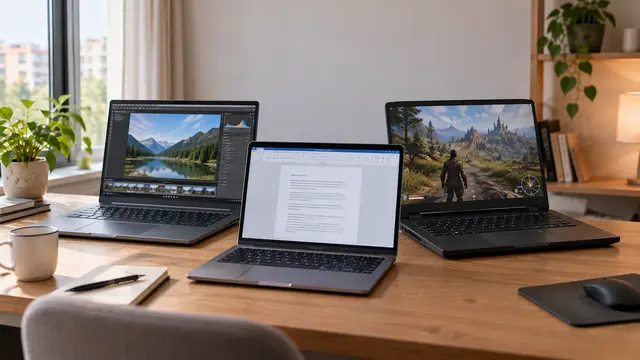
How to choose a laptop: a practical guide to screens, performance and everyday comfort
The browser is open beside a spreadsheet, a video call is about to start, and your laptop is already asking for its charger. Perhaps the computer still feels reasonably fast, but its screen is uncomfortable, the keyboard misses the occasional letter, or carrying it to work has become a daily nuisance.
Read article