

ASUS TUF Gaming F16 FX608JHI Laptop 16" FHD+ 144Hz, Intel Core i7-14650HX, 16GB DDR5, 512GB SSD, NVIDIA GeForce RTX 5050 8GB GDDR7, RGB Keyboard, No OS


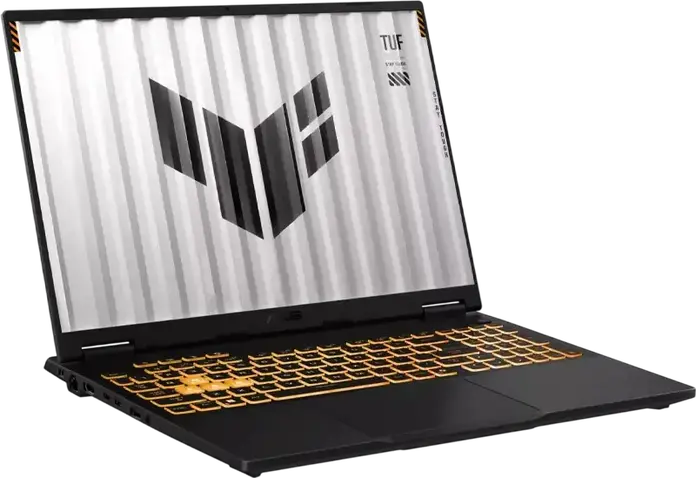

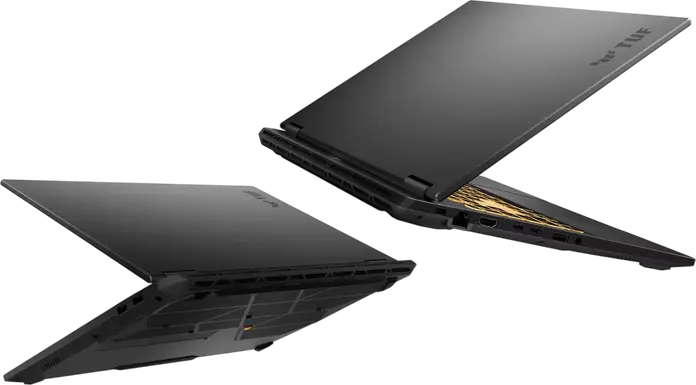
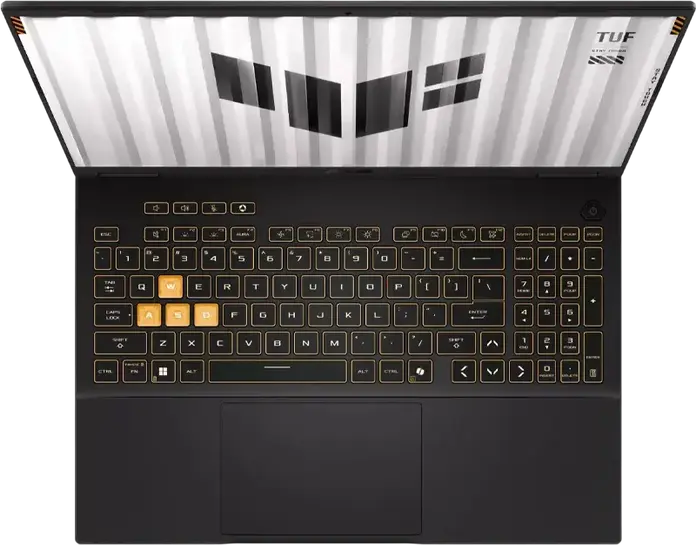


ASUS TUF Gaming F16 FX608JHI Laptop 16" FHD+ 144Hz, Intel Core i7-14650HX, 16GB DDR5, 512GB SSD, NVIDIA GeForce RTX 5050 8GB GDDR7, RGB Keyboard, No OS
- 14 Days Return
- 100% Secure Payments
- Invoice Included
Description
The ASUS TUF Gaming F16 FX608JHI is a versatile laptop designed for gaming, office work, and home use, finished in a professional Jaeger Gray. It is powered by an Intel Core i7-14650HX processor with 16 cores and a turbo frequency of up to 5.2GHz, paired with an NVIDIA GeForce RTX 5050 graphics card featuring 8GB of GDDR7 memory to handle modern titles and demanding applications. The 16-inch FHD+ IPS-level display offers a 16:10 aspect ratio and a 144Hz refresh rate, providing a wider field of view and smooth visuals on a non-glare surface with 300 cd/m2 brightness. Inside the chassis, which combines ABS plastic and metal for durability, you will find 16GB of DDR5-5600 MHz RAM and a 512GB PCIe NVMe SSD. Since the system includes two SO-DIMM slots and two M.2 slots, you can expand the memory up to 64GB and add more storage as your library grows. The device weighs 2.2kg and includes a 70Wh battery, making it manageable for those who move between different workspaces. An illuminated RGB keyboard adds a personalized touch to your setup, while the FHD webcam ensures clear video calls. Connectivity is comprehensive, featuring a USB-C port that supports Power Delivery and DisplayPort, alongside three USB-A ports, HDMI 2.1, and a Gbit Ethernet port for stable wired internet. Wireless tasks are handled by Wi-Fi 6, ensuring fast connections for online gaming or streaming. This laptop arrives without a pre-installed operating system, allowing you to choose the software environment that best fits your needs.
Features
Connectivity & Ports
Display
Graphics Card
Memory & Storage
Multimedia & Features
Physical Characteristics
Processor
Reviews
Guides and advice
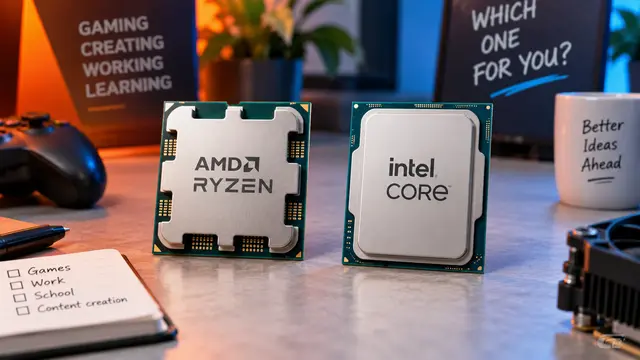
AMD or Intel? How to choose the right processor for your next computer
Your laptop’s fan becomes louder as you join a video call. A spreadsheet is open, several browser tabs are waiting, and switching between them no longer feels effortless. You start looking for a replacement and find two computers with similar screens, memory and prices. One has an AMD Ryzen processor. The other has an Intel Core.
Read article
How to choose a laptop: a practical guide to screens, performance and everyday comfort
The browser is open beside a spreadsheet, a video call is about to start, and your laptop is already asking for its charger. Perhaps the computer still feels reasonably fast, but its screen is uncomfortable, the keyboard misses the occasional letter, or carrying it to work has become a daily nuisance.
Read article