

ASUS ROG Zephyrus Duo 16 GX651AX Dual Screen Laptop, Intel Core Ultra 9 386H, 32GB RAM, 1TB SSD, NVIDIA GeForce RTX 5090 24GB, 16" OLED 3K 120Hz, Aluminum, Stellar Grey


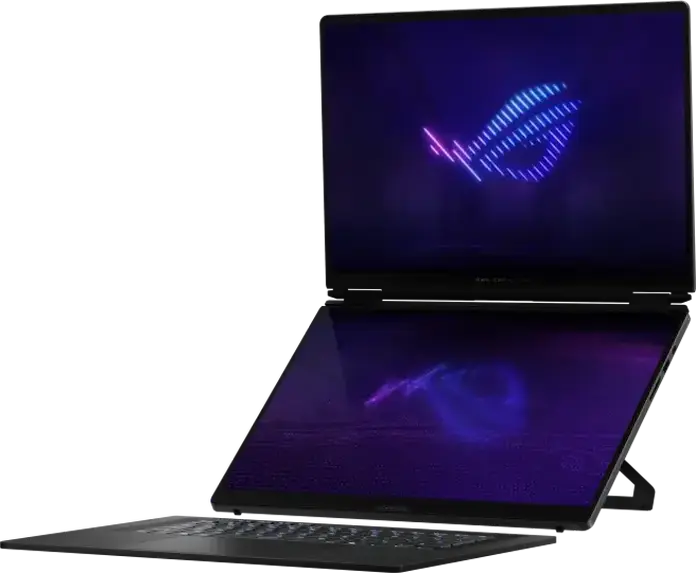


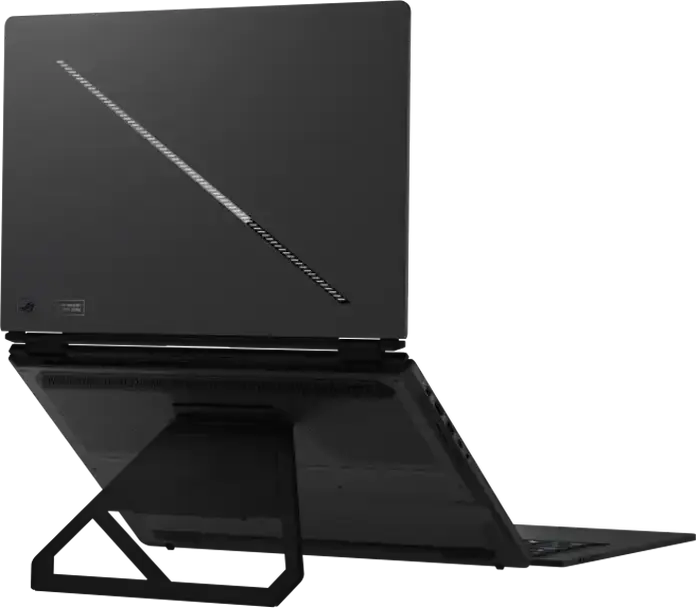


















ASUS ROG Zephyrus Duo 16 GX651AX Dual Screen Laptop, Intel Core Ultra 9 386H, 32GB RAM, 1TB SSD, NVIDIA GeForce RTX 5090 24GB, 16" OLED 3K 120Hz, Aluminum, Stellar Grey
Description
The ASUS ROG Zephyrus Duo 16 GX651AX is a dual-screen convertible laptop designed for power users and creators who need a versatile workspace. Its centerpiece is a 16-inch OLED 3K touchscreen with a 120 Hz refresh rate and a brightness of 1100 cd/m2, featuring an anti-reflection surface that keeps the image clear in various lighting conditions. Under the hood, it runs on an Intel Core Ultra 9 386H processor with 16 cores and 32GB of fast LPDDR5X-8533 memory, paired with an NVIDIA GeForce RTX 5090 GPU and 24GB of GDDR7 video memory for demanding graphical tasks. Wrapped in a Stellar Grey aluminum chassis, the device weighs 2.82 kg and measures 35.5 by 24.7 cm with a thickness of 2.5 cm. It includes a 1TB PCIe NVMe SSD for storage and a 90 Wh battery supported by a 250W adapter. For connectivity, you have access to two Thunderbolt 4 ports, two USB 3.2 Type-A ports, HDMI 2.1, and a MicroSD card reader, alongside modern Wi-Fi 7 and Bluetooth 6.0 standards. The laptop is equipped with an RGB illuminated keyboard and a 1080p FHD IR camera for clear video calls, while a four-speaker system provides immersive audio. To help you get started, it comes with an ASUS Pen and a backpack, making it a complete package for those who move between a professional studio and a gaming setup.
Features
Connectivity & Ports
Display
Graphics Card
Memory & Storage
Multimedia & Features
Processor
Physical Characteristics
Reviews
Guides and advice
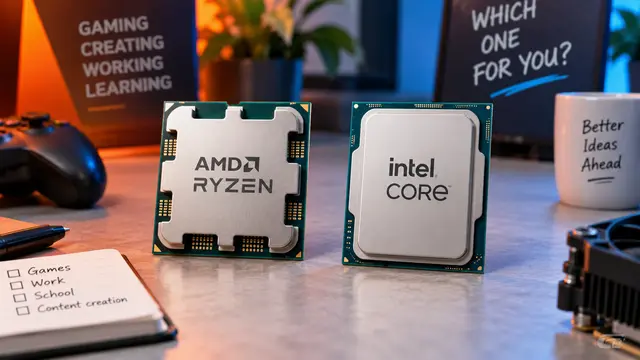
AMD or Intel? How to choose the right processor for your next computer
Your laptop’s fan becomes louder as you join a video call. A spreadsheet is open, several browser tabs are waiting, and switching between them no longer feels effortless. You start looking for a replacement and find two computers with similar screens, memory and prices. One has an AMD Ryzen processor. The other has an Intel Core.
Read article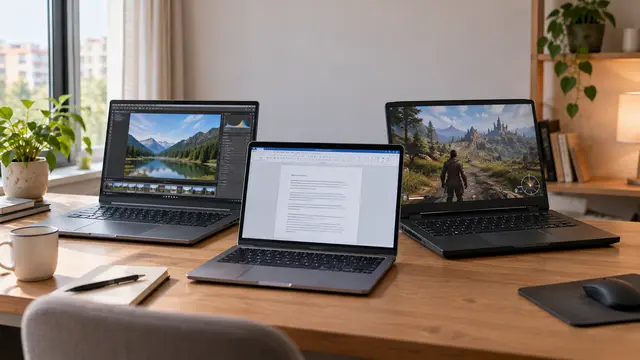
How to choose a laptop: a practical guide to screens, performance and everyday comfort
The browser is open beside a spreadsheet, a video call is about to start, and your laptop is already asking for its charger. Perhaps the computer still feels reasonably fast, but its screen is uncomfortable, the keyboard misses the occasional letter, or carrying it to work has become a daily nuisance.
Read article