

ASUS ExpertBook Ultra B9406CAA 14" Tandem OLED WQXGA+ Touch Laptop, Intel Core Ultra 7 356H, 32GB LPDDR5X, 1TB SSD, Windows 11 Pro, Wi-Fi 7, Jet Fog


ASUS ExpertBook Ultra B9406CAA 14" Tandem OLED WQXGA+ Touch Laptop, Intel Core Ultra 7 356H, 32GB LPDDR5X, 1TB SSD, Windows 11 Pro, Wi-Fi 7, Jet Fog
- 14 Days Return
- 100% Secure Payments
- Invoice Included
Description
The ASUS ExpertBook Ultra B9406CAA is a lightweight professional laptop designed for high-mobility work. It is powered by the Intel Core Ultra 7 356H processor with 16 cores and an integrated AI Boost NPU capable of up to 50 TOPS, which helps manage AI-driven tasks more efficiently. This performance is supported by 32GB of LPDDR5X memory and a fast 1TB NVMe PCIe 4.0 SSD, all running on Windows 11 Pro. You will find your work easier to view on the 14-inch Tandem OLED touch screen, which offers a WQXGA+ resolution of 2880 x 1800 and a smooth 120Hz refresh rate. The display is protected by Corning Gorilla Glass Victus and Gorilla Matte to reduce glare, while its Pantone validation and HDR True Black 1000 certification ensure color accuracy for visual projects. For connectivity, the device includes two Thunderbolt 4 ports, two USB 3.2 Gen 2 Type-A ports, and an HDMI 2.1 output. Constructed from a magnesium alloy and recycled aluminum in a Jet Fog finish, the chassis is remarkably light, starting at just 0.99 kg. It meets US MIL STD 810H military standards for durability, making it reliable for frequent travel. The interior features a backlit Chiclet keyboard with 1.5mm of travel, a haptic touchpad, and a 1080p FHD camera with an IR sensor for secure Windows Hello logins. Security is further strengthened by a fingerprint sensor, TPM 2.0, and the Microsoft Pluton security processor.
Features
Display & Graphics
General Specifications
Processor & Performance
Storage & Connectivity
Battery & Portability
Reviews
Guides and advice
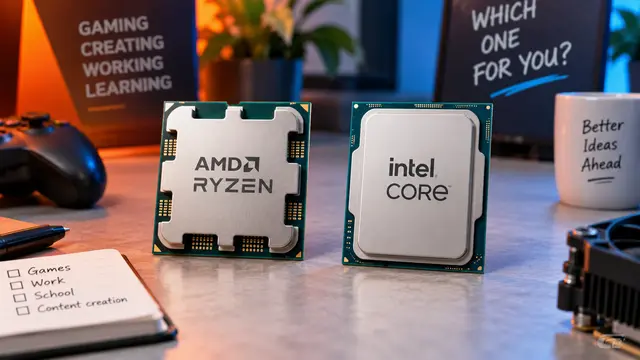
AMD or Intel? How to choose the right processor for your next computer
Your laptop’s fan becomes louder as you join a video call. A spreadsheet is open, several browser tabs are waiting, and switching between them no longer feels effortless. You start looking for a replacement and find two computers with similar screens, memory and prices. One has an AMD Ryzen processor. The other has an Intel Core.
Read article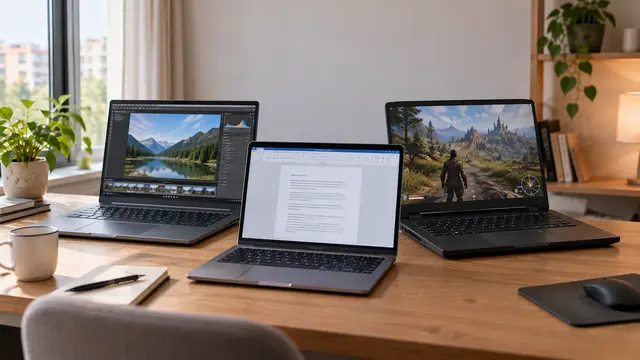
How to choose a laptop: a practical guide to screens, performance and everyday comfort
The browser is open beside a spreadsheet, a video call is about to start, and your laptop is already asking for its charger. Perhaps the computer still feels reasonably fast, but its screen is uncomfortable, the keyboard misses the occasional letter, or carrying it to work has become a daily nuisance.
Read article