

Acer TravelMate P2 16 (TMP216-51) Laptop, 16" WUXGA IPS, Intel Core i3-1315U, 8GB RAM, 256GB SSD, Windows 11 Pro, MIL-STD-810H, Gray




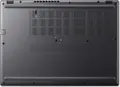
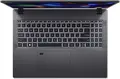

Acer TravelMate P2 16 (TMP216-51) Laptop, 16" WUXGA IPS, Intel Core i3-1315U, 8GB RAM, 256GB SSD, Windows 11 Pro, MIL-STD-810H, Gray
- 14 Days Return
- 100% Secure Payments
- Invoice Included
Description
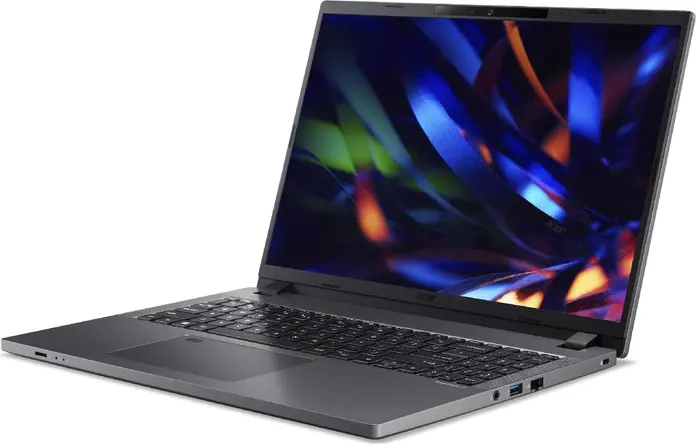
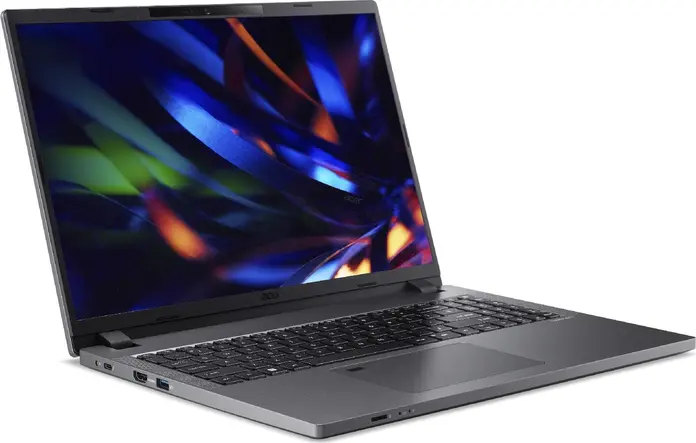
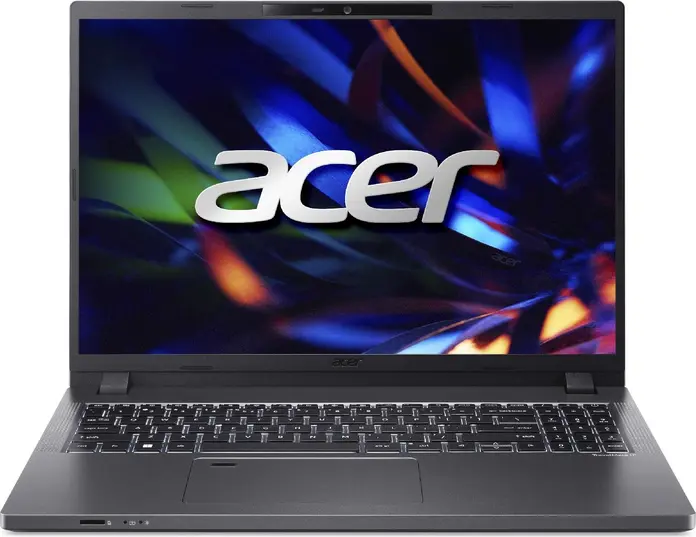
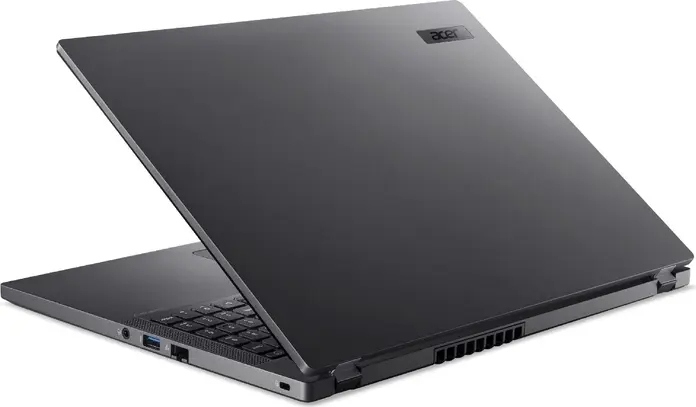
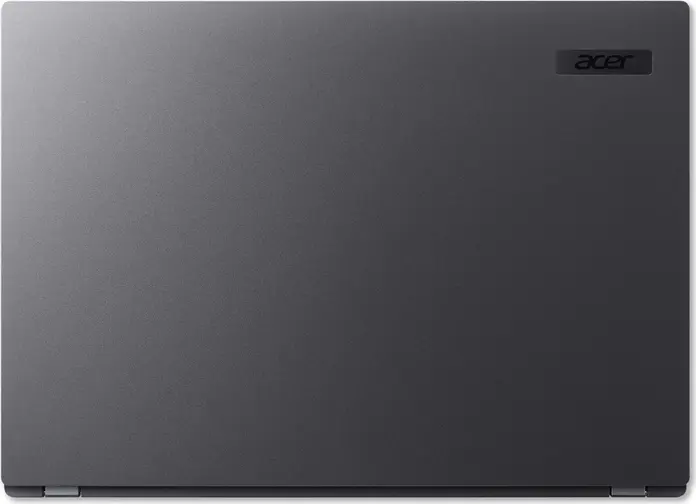
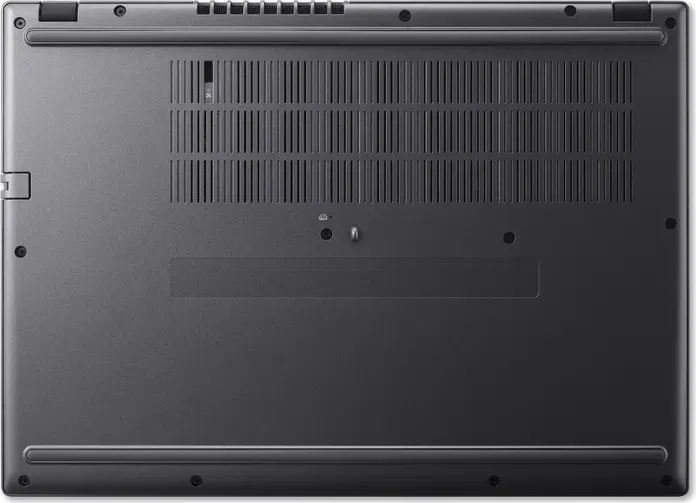
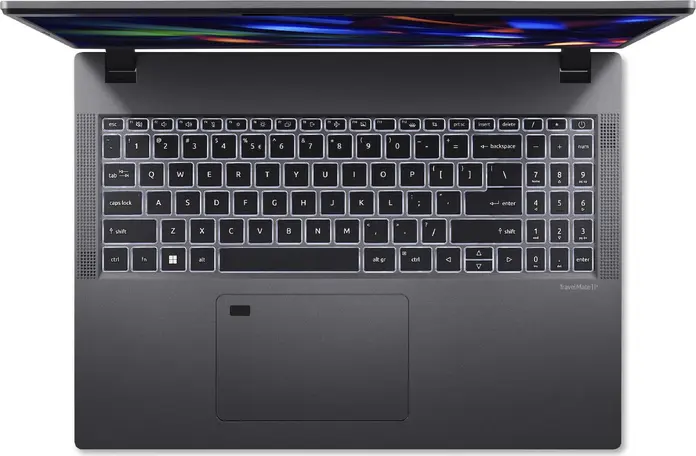
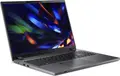
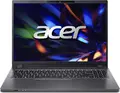
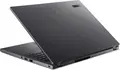
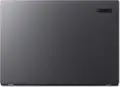
The Acer TravelMate P2 16 (TMP216-51) is a professional laptop designed for reliable daily productivity in a gray polycarbonate and ABS plastic chassis. It features a 16-inch WUXGA IPS display with a 16:10 aspect ratio and matte ComfyView coating, which provides more vertical screen space for documents while reducing glare. Under the hood, it runs on an Intel Core i3-1315U processor paired with 8GB of DDR4 RAM and a 256GB NVMe SSD, though you can expand the memory up to 32GB and add more storage via a second slot if your workload grows. Connectivity is comprehensive, featuring a Thunderbolt 4 port for fast data transfer and charging, alongside HDMI and Gigabit Ethernet for stable office networking. The backlit keyboard includes a numeric keypad with 1.55mm travel for comfortable typing, while the OceanGlass precision touchpad supports multi-gesture navigation. For security, it integrates a fingerprint reader, a smart card reader, and a physical privacy shutter for the HD camera. Built to withstand the rigors of travel, this model is MIL-STD-810H tested and includes a 180-degree hinge that allows the screen to lay flat. It weighs 1.87kg and comes with Windows 11 Pro, making it a practical choice for business users who need a durable machine with a full-sized keyboard and professional security features.
Features
Display & Graphics
General Specifications
Battery & Portability
Processor & Performance
Storage & Connectivity
Reviews
Guides and advice
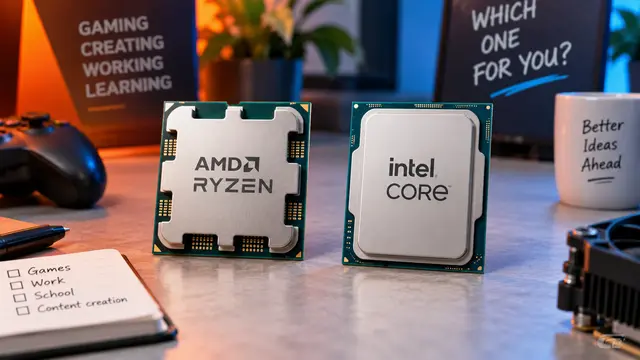
AMD or Intel? How to choose the right processor for your next computer
Your laptop’s fan becomes louder as you join a video call. A spreadsheet is open, several browser tabs are waiting, and switching between them no longer feels effortless. You start looking for a replacement and find two computers with similar screens, memory and prices. One has an AMD Ryzen processor. The other has an Intel Core.
Read article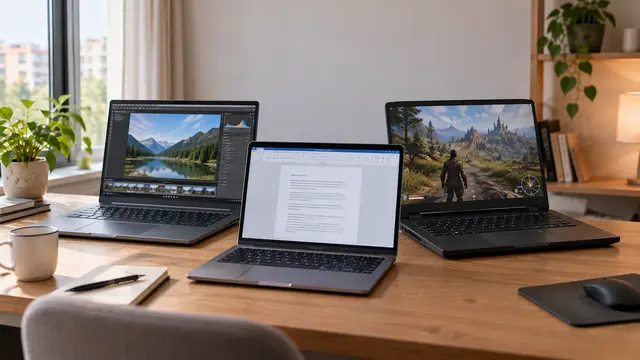
How to choose a laptop: a practical guide to screens, performance and everyday comfort
The browser is open beside a spreadsheet, a video call is about to start, and your laptop is already asking for its charger. Perhaps the computer still feels reasonably fast, but its screen is uncomfortable, the keyboard misses the occasional letter, or carrying it to work has become a daily nuisance.
Read article