

Acer Nitro 18 AI AN18-61 Gaming Laptop, 18" WQXGA 165Hz IPS, AMD Ryzen AI 7 350, 16GB DDR5, 512GB SSD, NVIDIA GeForce RTX 5050 8GB GDDR7, RGB Keyboard


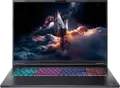


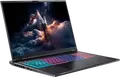

Acer Nitro 18 AI AN18-61 Gaming Laptop, 18" WQXGA 165Hz IPS, AMD Ryzen AI 7 350, 16GB DDR5, 512GB SSD, NVIDIA GeForce RTX 5050 8GB GDDR7, RGB Keyboard
- 14 Days Return
- 100% Secure Payments
- Invoice Included
Description
The Acer Nitro 18 AI AN18-61 is a powerful laptop designed for gaming and demanding creative tasks, featuring an expansive 18-inch WQXGA display. Its screen offers a resolution of 2560x1600 with a 16:10 aspect ratio and a 165Hz refresh rate, which ensures smooth visuals and more vertical workspace for your projects. Under the hood, it runs on an AMD Ryzen AI 7 350 processor with 8 cores and 16 threads, paired with an NVIDIA GeForce RTX 5050 graphics card equipped with 8GB of GDDR7 memory to handle modern titles and AI-driven workloads. To keep things running efficiently, the system includes 16GB of DDR5 RAM and a 512GB NVMe SSD for fast boot times. If you find yourself needing more space or speed, there is an available M.2 2280 slot for additional storage and a second SO-DIMM slot to expand memory up to 32GB. The chassis combines aluminum and plastic in an Obsidian Black finish, weighing 3.02 kg, while the RGB illuminated keyboard adds a personalized touch to your setup. Connectivity is comprehensive, providing a USB4 Type-C port alongside three USB-A ports, HDMI 2.1 for external monitors, and a Gbit Ethernet port for stable online gaming. A 90Wh battery supports you during mobile use with roughly 8 hours of runtime, and the FHD webcam makes it suitable for video calls or streaming. This machine is well-suited for users who want a desktop-like screen experience in a portable form factor without sacrificing performance.
Features
Connectivity & Ports
Display
Graphics Card
Memory & Storage
Multimedia & Features
Physical Characteristics
Processor
Reviews
Guides and advice
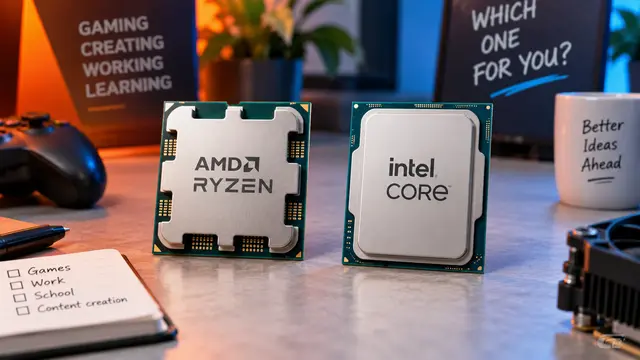
AMD or Intel? How to choose the right processor for your next computer
Your laptop’s fan becomes louder as you join a video call. A spreadsheet is open, several browser tabs are waiting, and switching between them no longer feels effortless. You start looking for a replacement and find two computers with similar screens, memory and prices. One has an AMD Ryzen processor. The other has an Intel Core.
Read article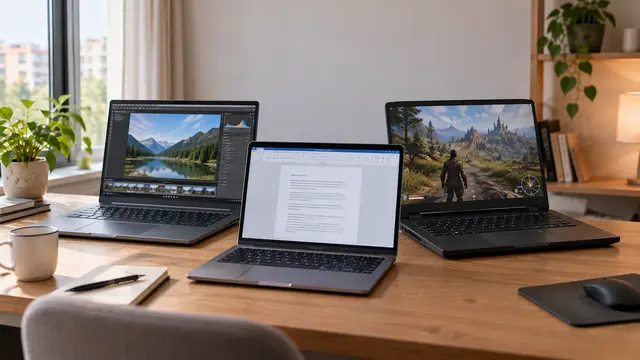
How to choose a laptop: a practical guide to screens, performance and everyday comfort
The browser is open beside a spreadsheet, a video call is about to start, and your laptop is already asking for its charger. Perhaps the computer still feels reasonably fast, but its screen is uncomfortable, the keyboard misses the occasional letter, or carrying it to work has become a daily nuisance.
Read article