

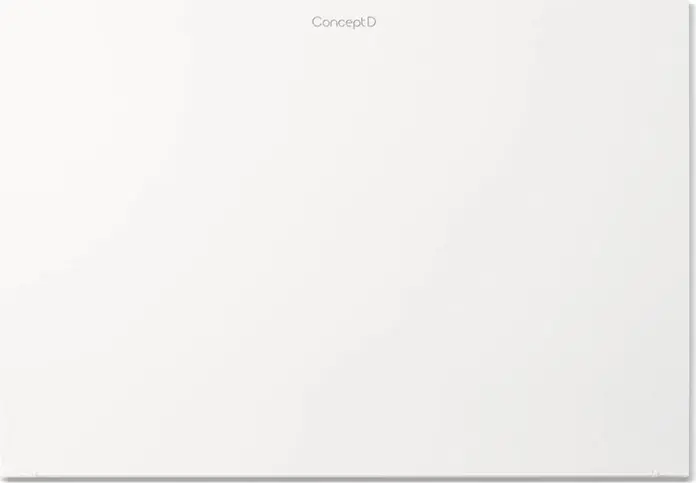
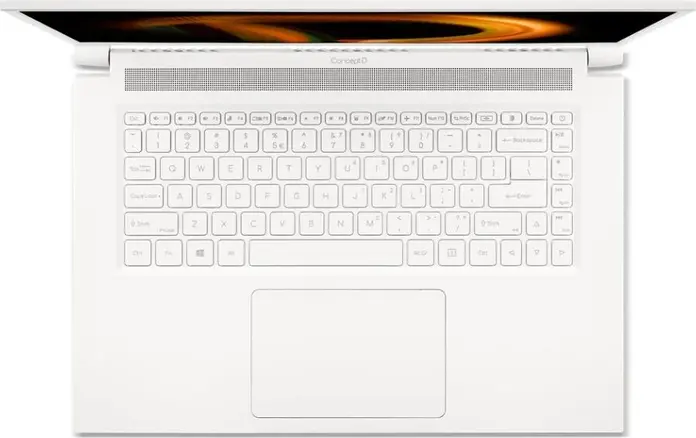
Acer ConceptD 3 Pro Laptop 16" WUXGA IPS 400nits sRGB 100%, Intel Core i7-11800H, 16GB RAM, 1TB PCIe NVMe SSD, NVIDIA Quadro T1200 4GB, Win 11 Pro, White









Acer ConceptD 3 Pro Laptop 16" WUXGA IPS 400nits sRGB 100%, Intel Core i7-11800H, 16GB RAM, 1TB PCIe NVMe SSD, NVIDIA Quadro T1200 4GB, Win 11 Pro, White
- 14 Days Return
- 100% Secure Payments
- Invoice Included
Description
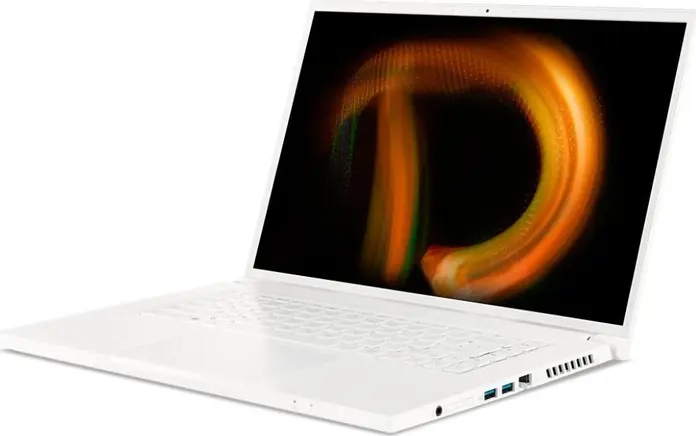
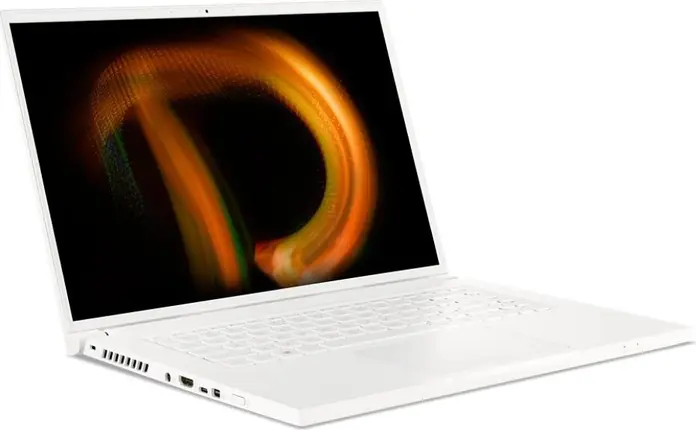
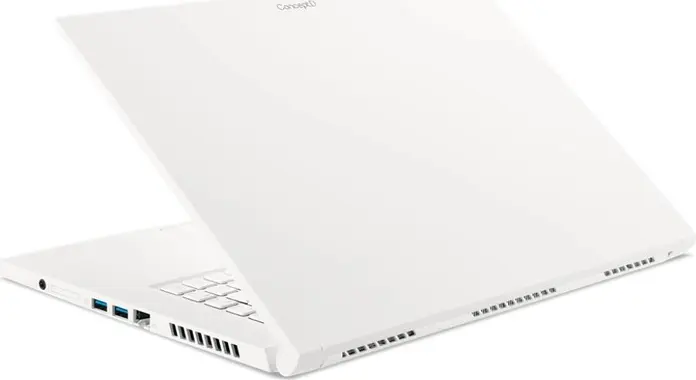
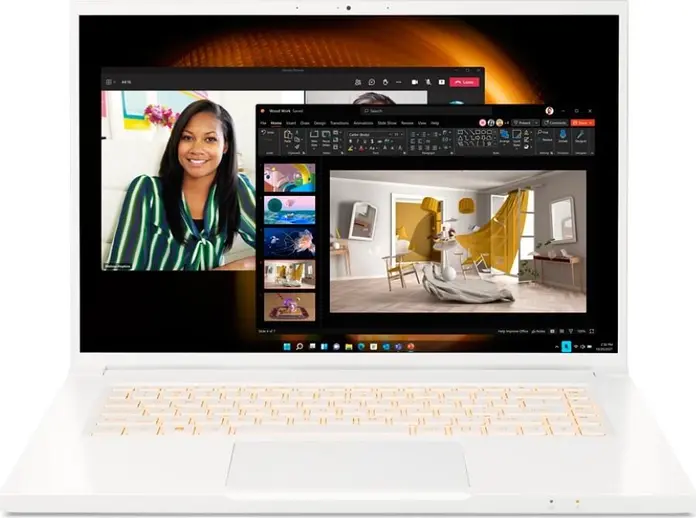
The Acer ConceptD 3 Pro is a specialized laptop designed for creators and designers who need a balance of power and portability. It features a 16-inch IPS WUXGA display with 400 nits of brightness and 100% sRGB color gamut, ensuring that your visual work is represented with accurate colors and clarity. Under the hood, it is powered by an Intel Core i7-11800H processor with eight cores and speeds up to 4.6GHz, paired with 16GB of DDR4 RAM and a 1TB PCIe NVMe SSD for fast boot times and ample storage for large project files. To handle demanding graphical tasks, the system utilizes an NVIDIA Quadro T1200 GPU with 4GB of GDDR6 memory, making it suitable for 3D modeling and professional rendering. The chassis comes in a clean white finish and weighs 1.7kg, which makes it easy to carry between a studio and a client meeting. You will find a backlit keyboard with an EN/RU/UA layout, an HD camera for video calls, and a fingerprint sensor for secure, quick access to Windows 11 Pro. Connectivity is handled by WiFi 6 and Bluetooth 5.1, while a built-in card reader allows you to transfer media directly from your camera. This combination of a high-fidelity screen and professional-grade hardware makes it a reliable tool for digital artists and architects who require a mobile workstation that doesn't compromise on color precision.
Features
Display & Graphics
General Specifications
Storage & Connectivity
Processor & Performance
Battery & Portability
Reviews
Guides and advice
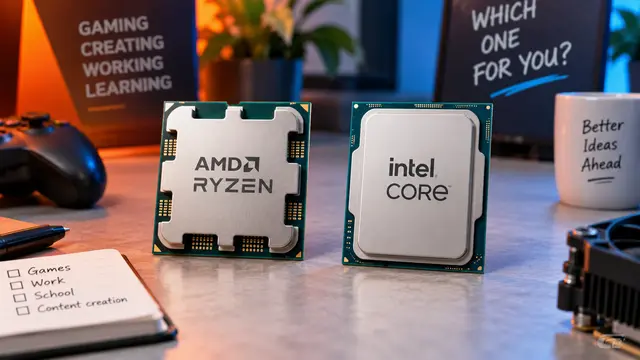
AMD or Intel? How to choose the right processor for your next computer
Your laptop’s fan becomes louder as you join a video call. A spreadsheet is open, several browser tabs are waiting, and switching between them no longer feels effortless. You start looking for a replacement and find two computers with similar screens, memory and prices. One has an AMD Ryzen processor. The other has an Intel Core.
Read article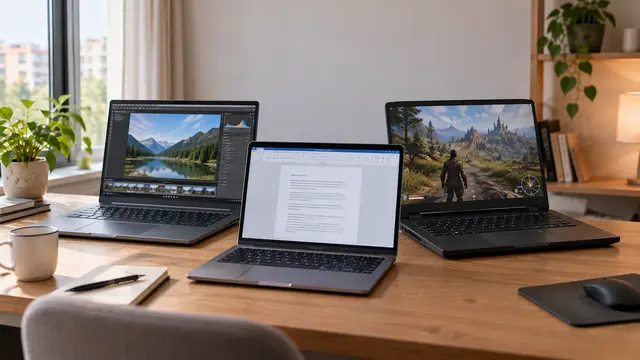
How to choose a laptop: a practical guide to screens, performance and everyday comfort
The browser is open beside a spreadsheet, a video call is about to start, and your laptop is already asking for its charger. Perhaps the computer still feels reasonably fast, but its screen is uncomfortable, the keyboard misses the occasional letter, or carrying it to work has become a daily nuisance.
Read article