

Acer Aspire 16 AI A16-61M Laptop, 16" OLED WUXGA+ 120Hz, AMD Ryzen AI 5 330, 16GB LPDDR5X, 1TB PCIe SSD, AMD Radeon Graphics, Linux eShell, Steel Gray


Acer Aspire 16 AI A16-61M Laptop, 16" OLED WUXGA+ 120Hz, AMD Ryzen AI 5 330, 16GB LPDDR5X, 1TB PCIe SSD, AMD Radeon Graphics, Linux eShell, Steel Gray
- 14 Days Return
- 100% Secure Payments
- Invoice Included
Description
The Acer Aspire 16 AI A16-61M is a versatile laptop designed for productivity and modern workloads, featuring a 16-inch OLED screen with a 16:10 aspect ratio. Its WUXGA+ resolution and 120 Hz refresh rate ensure smooth visuals, while the non-glare surface and 400 cd/m2 brightness make it comfortable to use in various lighting conditions. Under the hood, it runs on an AMD Ryzen AI 5 330 processor with 4 cores and 8 threads, supported by 16GB of LPDDR5X memory and a spacious 1TB PCIe SSD for fast data access and ample storage. Constructed with an aluminum top and a plastic body, the chassis weighs 1.55 kg and maintains a slim profile of 15.9 mm, making it easy to carry between meetings or classes. You have access to a wide range of connectivity options, including two USB4 ports, two USB-A ports, and an HDMI 2.1 output, alongside a MicroSD card reader. The Steel Gray finish houses a backlit keyboard with a numeric keypad and a 1080p FHD webcam for clear video calls. Power is supplied by a 65Wh battery, and the system stays connected via Wi-Fi 6E and Bluetooth 5.3, all running on Linux eShell.
Features
Display & Graphics
Storage & Connectivity
General Specifications
Processor & Performance
Battery & Portability
Reviews
Guides and advice
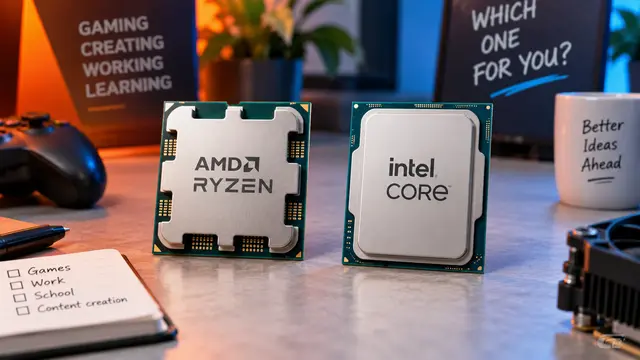
AMD or Intel? How to choose the right processor for your next computer
Your laptop’s fan becomes louder as you join a video call. A spreadsheet is open, several browser tabs are waiting, and switching between them no longer feels effortless. You start looking for a replacement and find two computers with similar screens, memory and prices. One has an AMD Ryzen processor. The other has an Intel Core.
Read article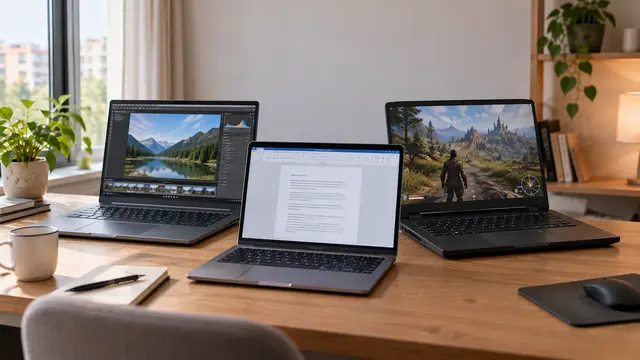
How to choose a laptop: a practical guide to screens, performance and everyday comfort
The browser is open beside a spreadsheet, a video call is about to start, and your laptop is already asking for its charger. Perhaps the computer still feels reasonably fast, but its screen is uncomfortable, the keyboard misses the occasional letter, or carrying it to work has become a daily nuisance.
Read article