

HP EliteBook 8 G1i 16" Laptop - Intel Core Ultra 7 258V (Lunar Lake) - 32GB DDR5 RAM - 1TB SSD - 16" WUXGA IPS Anti-Glare Display - Windows 11 Pro - Glacier Silver


HP EliteBook 8 G1i 16" Laptop - Intel Core Ultra 7 258V (Lunar Lake) - 32GB DDR5 RAM - 1TB SSD - 16" WUXGA IPS Anti-Glare Display - Windows 11 Pro - Glacier Silver
Description
The HP EliteBook 8 G1i 16 is a professional laptop designed for high-performance business tasks, featuring the Intel Core Ultra 7 258V processor from the Lunar Lake series. This chip utilizes 8 cores and 8 threads with a turbo frequency of up to 4.8 GHz, paired with 32GB of fast 8533 MHz DDR5 RAM integrated directly on the chip for efficient data handling. You have plenty of space for large projects thanks to the 1024GB PCIe NVMe SSD, while the Intel Arc integrated graphics ensure smooth visual performance across your applications. Its 16-inch IPS display offers a WUXGA resolution of 1920x1200 and a 16:10 aspect ratio, providing more vertical screen real estate for documents. The anti-glare surface and 400 cd/m2 brightness make it comfortable to work in brightly lit offices or near windows. Encased in a Glacier Silver chassis made of aluminum and plastic, the device remains portable at 1.69 kg despite its size, with a thickness of only 1.7 mm. Connectivity is handled by modern standards including Wi-Fi 7 and Bluetooth 5.4, alongside a versatile port selection featuring two Thunderbolt 4 ports, HDMI 2.1, and USB Type-C with Power Delivery. For those who spend long hours typing or attending virtual meetings, the backlit numeric keyboard and 5MP IR camera provide practical utility. The 77Wh battery supports your mobility throughout the workday, making this a reliable tool for executives and power users running Windows 11 Pro.
Features
Battery & Portability
Display & Graphics
General Specifications
Processor & Performance
Storage & Connectivity
Reviews
Guides and advice
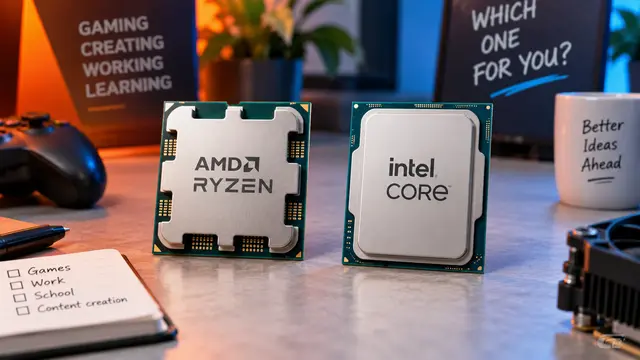
AMD or Intel? How to choose the right processor for your next computer
Your laptop’s fan becomes louder as you join a video call. A spreadsheet is open, several browser tabs are waiting, and switching between them no longer feels effortless. You start looking for a replacement and find two computers with similar screens, memory and prices. One has an AMD Ryzen processor. The other has an Intel Core.
Read article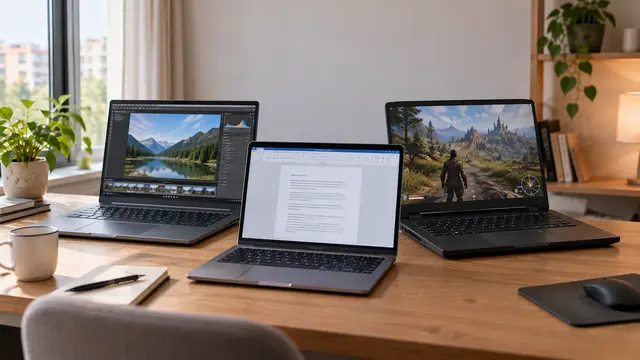
How to choose a laptop: a practical guide to screens, performance and everyday comfort
The browser is open beside a spreadsheet, a video call is about to start, and your laptop is already asking for its charger. Perhaps the computer still feels reasonably fast, but its screen is uncomfortable, the keyboard misses the occasional letter, or carrying it to work has become a daily nuisance.
Read article