

ASUS ExpertBook BM1 BM1403CDA 14" FHD IPS Laptop - AMD Ryzen 5, 16GB DDR5 RAM, 512GB NVMe SSD, Backlit Keyboard, Fingerprint Sensor, MIL-STD 810H, No OS


ASUS ExpertBook BM1 BM1403CDA 14" FHD IPS Laptop - AMD Ryzen 5, 16GB DDR5 RAM, 512GB NVMe SSD, Backlit Keyboard, Fingerprint Sensor, MIL-STD 810H, No OS
Description
The ASUS ExpertBook BM1 BM1403CDA is a professional laptop designed for reliable daily productivity. It is powered by an AMD Ryzen 5 150 processor with 6 cores and 12 threads, reaching boost speeds of up to 4.55GHz, which allows you to handle multitasking efficiently alongside 16GB of DDR5-4800 RAM. For those who need more memory in the future, the two SO-DIMM slots support an upgrade up to 64GB, while a 512GB PCIe NVMe SSD provides fast access to your files and applications. The 14-inch Full HD IPS-level display features an anti-glare coating and 300 nits of brightness, making it comfortable to work in various lighting conditions without distracting reflections. Its chassis is finished in Gentle Grey and incorporates 30% PCR recycled plastic in the cover and inner frame, balancing functionality with environmental consideration. The device weighs 1.4 kg and measures 32.45 x 21.44 x 1.97 cm, making it easy to slip into a bag for commuting. To ensure longevity, it is built to US MIL STD 810H military-grade standards, which means it can withstand the bumps and stresses of frequent travel. You will find a backlit, spill-resistant Chiclet keyboard with 1.35mm key travel for comfortable typing, paired with a touchpad that includes both a fingerprint sensor for secure logins and NumberPad support. Connectivity is comprehensive, featuring two USB-C ports that handle both power delivery and display output, alongside two USB-A ports, HDMI 1.4, and a Gigabit Ethernet port for stable wired internet. Wireless tasks are managed by Wi-Fi 6/6E and Bluetooth 5.4, while audio is handled by Dirac-tuned speakers and an array microphone. Security is integrated through TPM 2.0 and a Kensington Nano slot, ensuring your data remains protected in shared workspaces. This laptop comes without a pre-installed operating system and includes a 65W Type-C power adapter.
Features
Display & Graphics
Processor & Performance
Storage & Connectivity
General Specifications
Battery & Portability
Reviews
Guides and advice
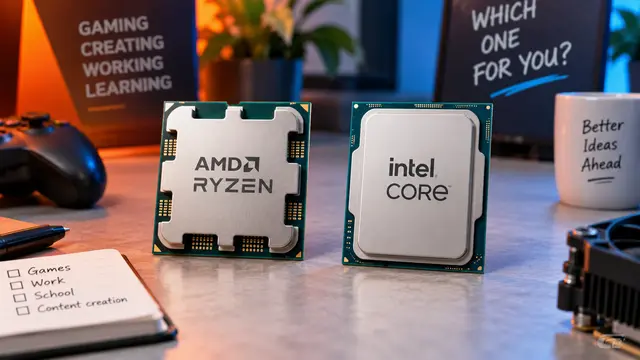
AMD or Intel? How to choose the right processor for your next computer
Your laptop’s fan becomes louder as you join a video call. A spreadsheet is open, several browser tabs are waiting, and switching between them no longer feels effortless. You start looking for a replacement and find two computers with similar screens, memory and prices. One has an AMD Ryzen processor. The other has an Intel Core.
Read article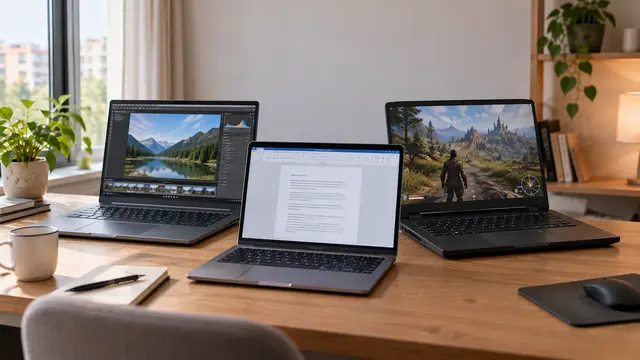
How to choose a laptop: a practical guide to screens, performance and everyday comfort
The browser is open beside a spreadsheet, a video call is about to start, and your laptop is already asking for its charger. Perhaps the computer still feels reasonably fast, but its screen is uncomfortable, the keyboard misses the occasional letter, or carrying it to work has become a daily nuisance.
Read article